Keep workloads placed and available
Rules, DRS, overcommit, fencing, admission control, restart priority and change windows.
Placement & HAVICTOR PRODUCT / PLATFORM
Run your virtual machines with compute, storage and networking managed together. Victor brings provisioning, availability, protection, monitoring and access control into one operating experience, with APIs for the workflows your team automates.
Alpha · Community unless marked · Runtime and topology prerequisites apply01 / PRODUCT AREAS
Select an area to see the real screen and the specifics. Operations, protection, security and automation have their own pages.
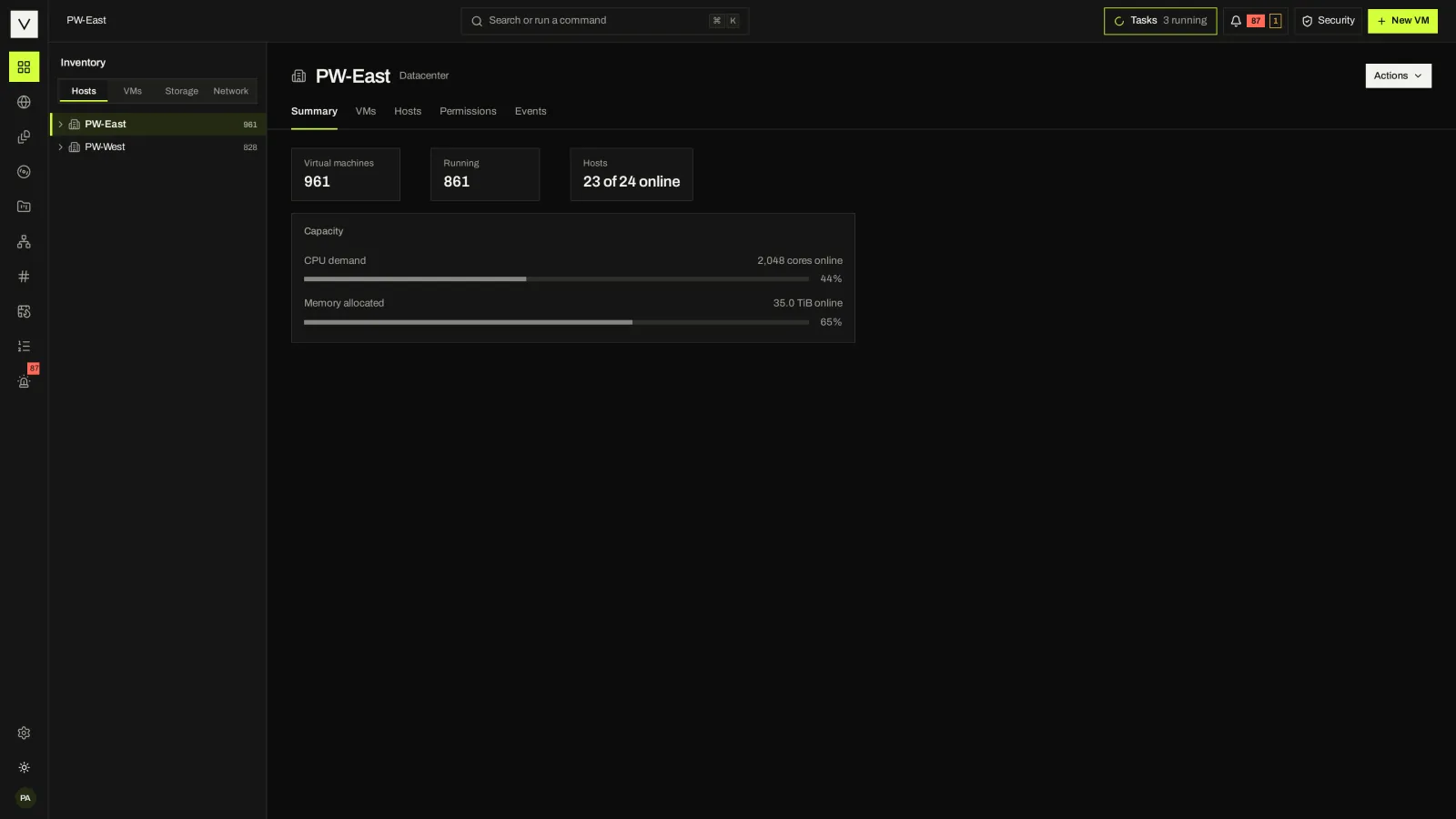
Datacenters, KVM clusters, KubeVirt pools, hosts, VMs, datastores, networks and folders in one tree with four views: hosts and clusters, VMs and templates, storage, and networking.
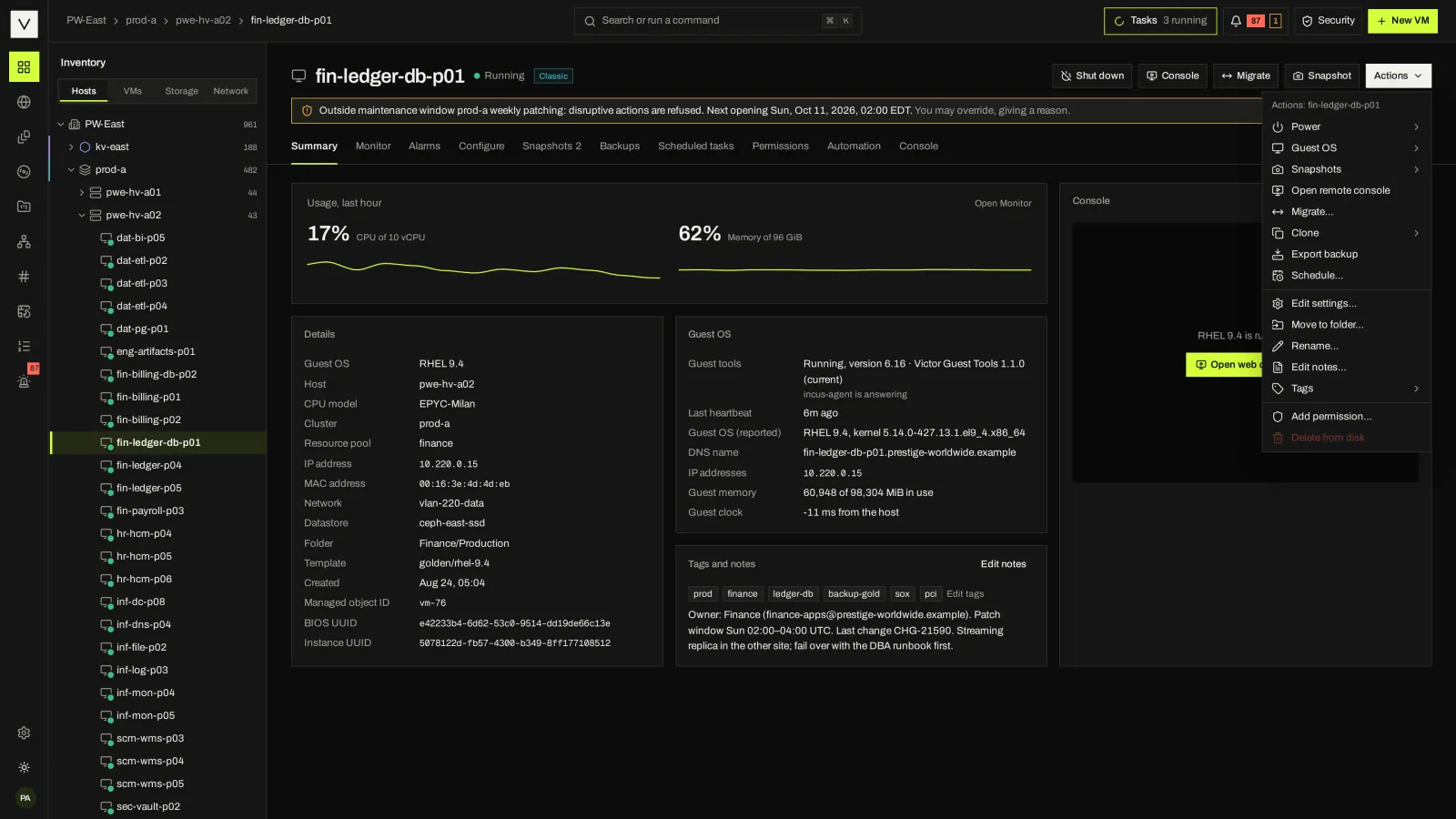
Create from a template or ISO, power, suspend, snapshot, clone, live-migrate, relocate storage, edit hardware, boot once and delete. Every VM operation is a durable task.
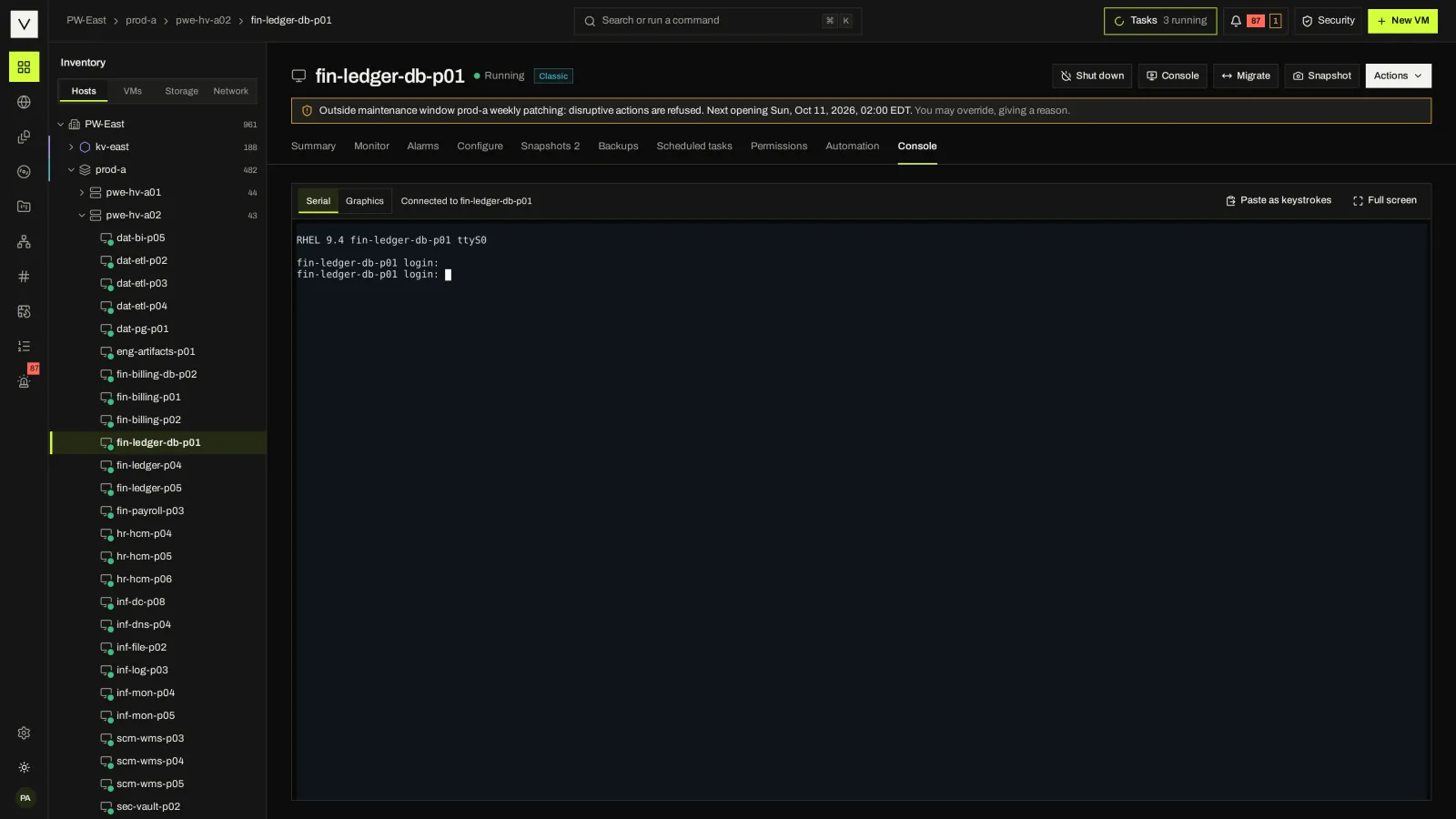
Open a graphical or serial console in the browser. Victor Guest Tools, a signed offline ISO of VirtIO drivers and agents, report the guest OS, addresses and heartbeat.
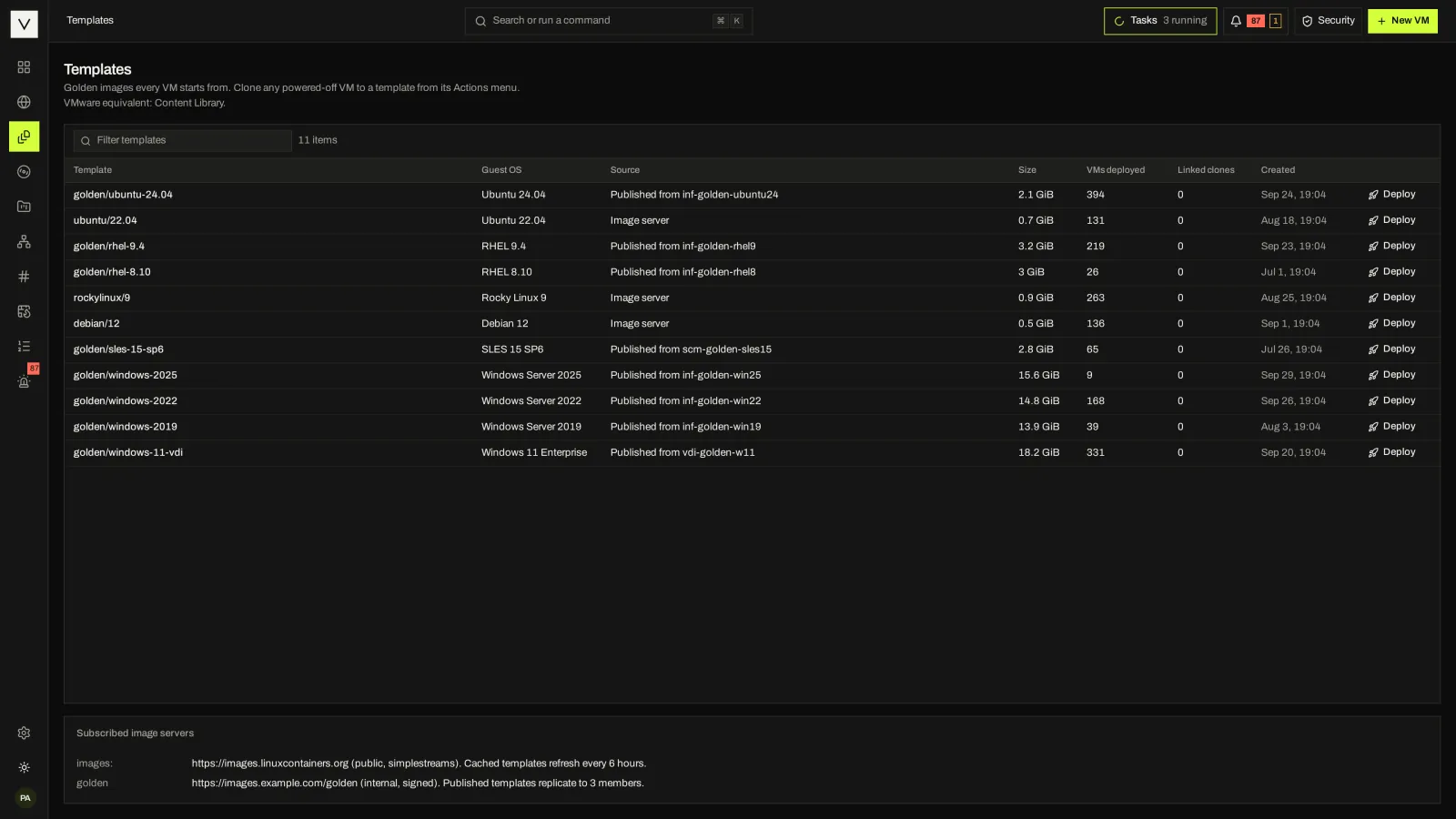
Publish a VM as a template, keep golden images in the library, and upload ISOs with resumable uploads.
Bridge, macvlan (VLAN) and OVN networks on KVM clusters, Multus networks on KubeVirt, IP pools with transactional allocation, and network ACLs as per-VM firewalls.
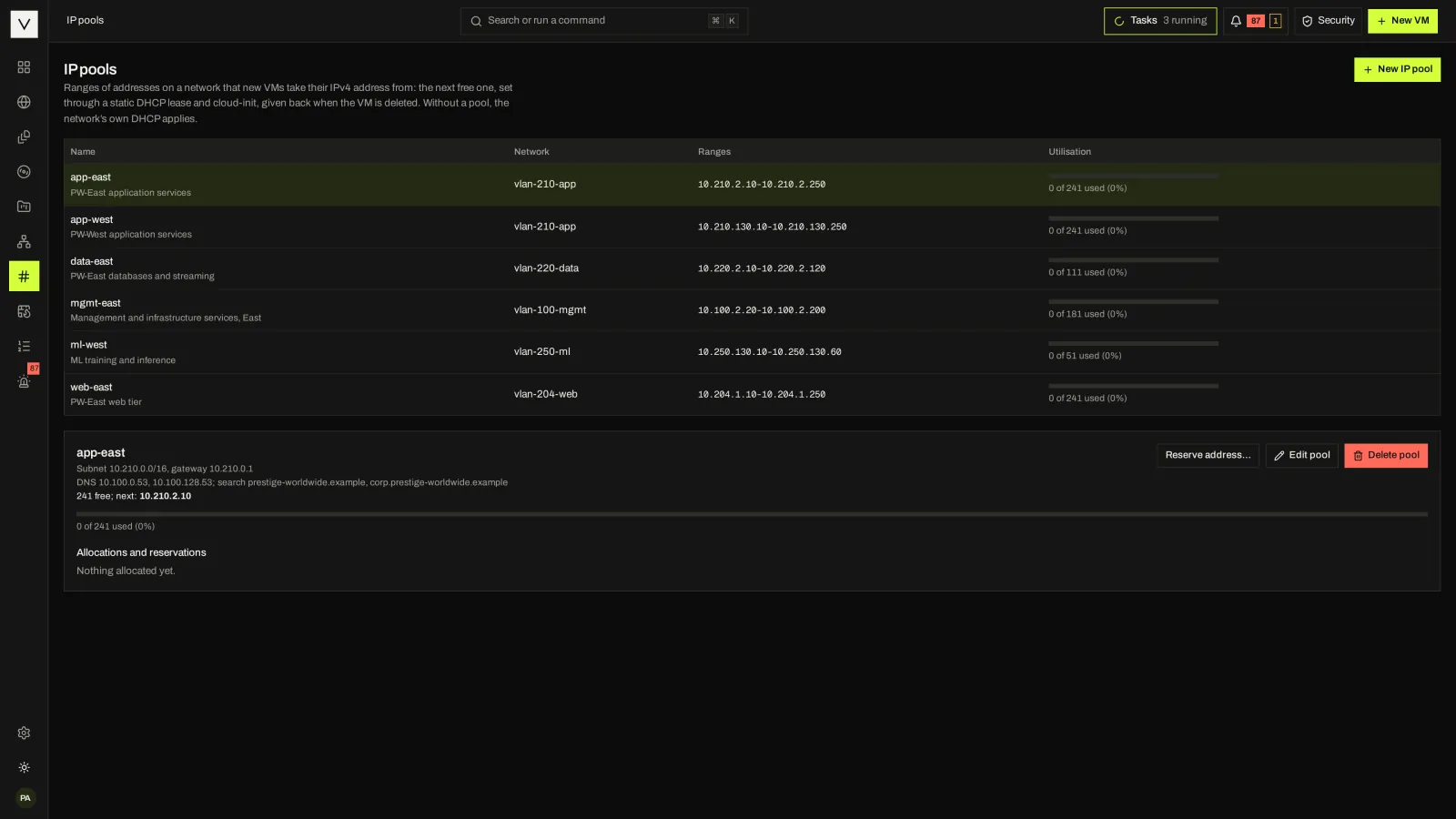
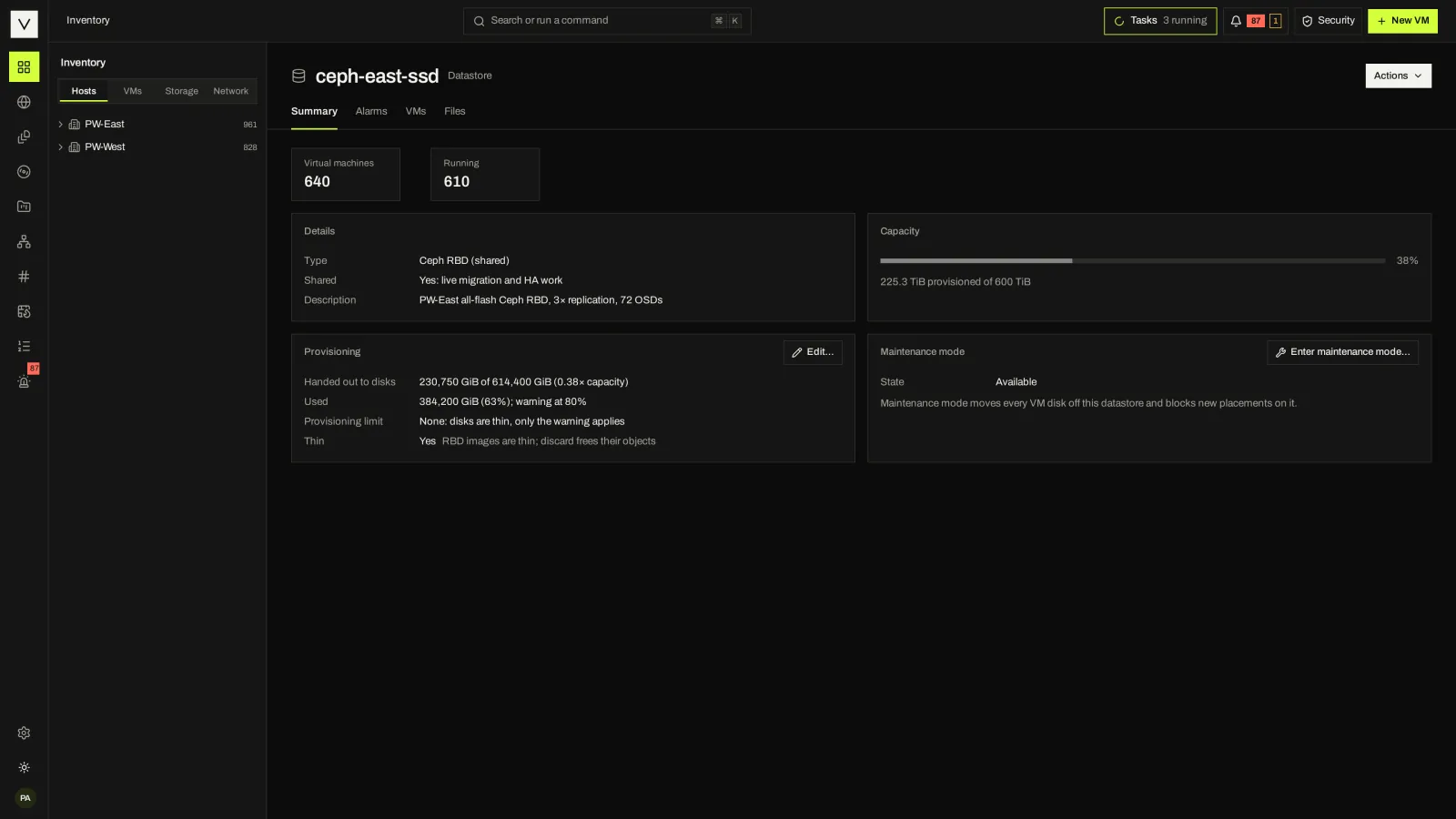
Datastores are storage pools on KVM clusters or Kubernetes storage classes on KubeVirt. Move a VM’s disks between them, live where the engine can.
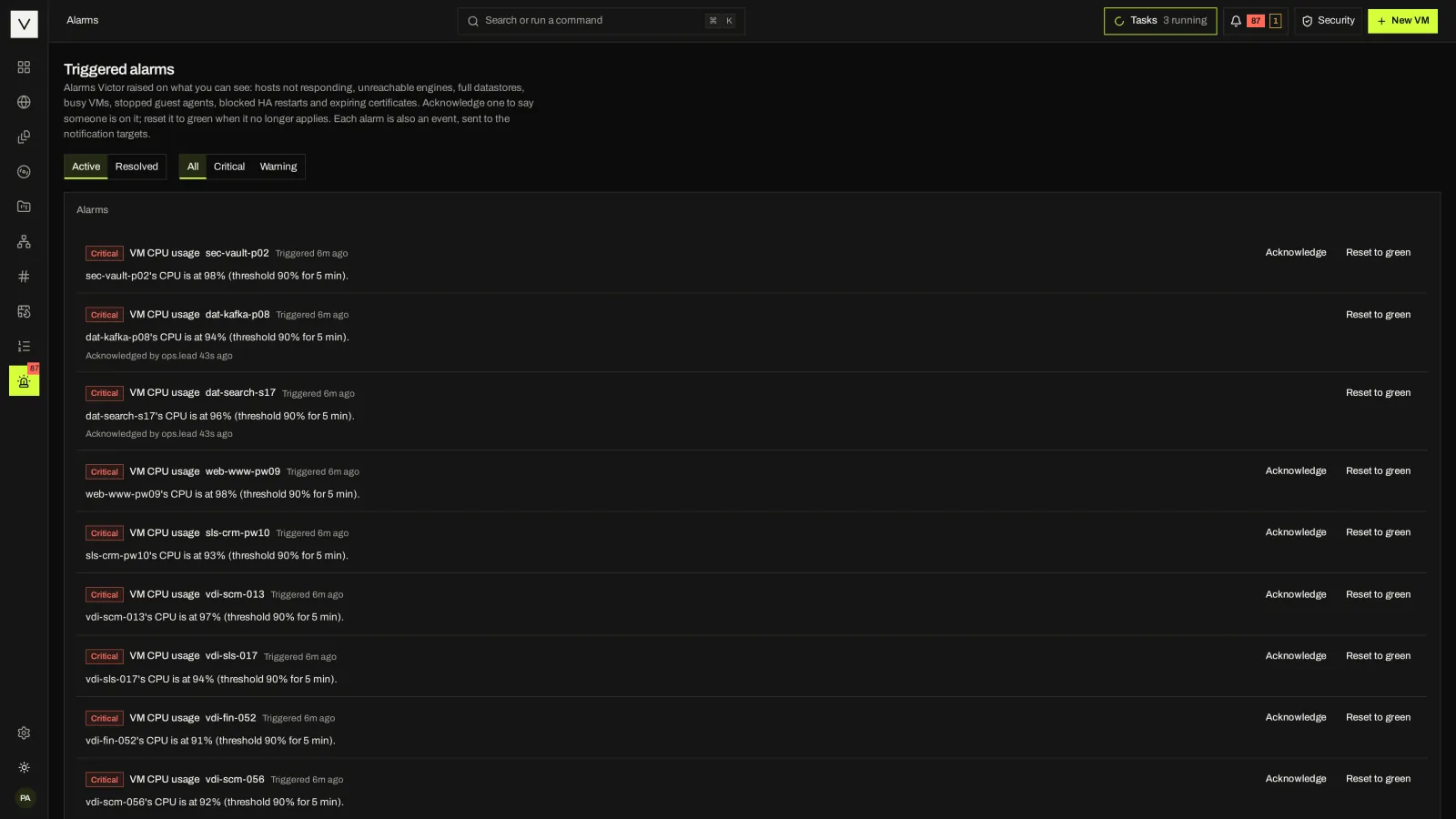
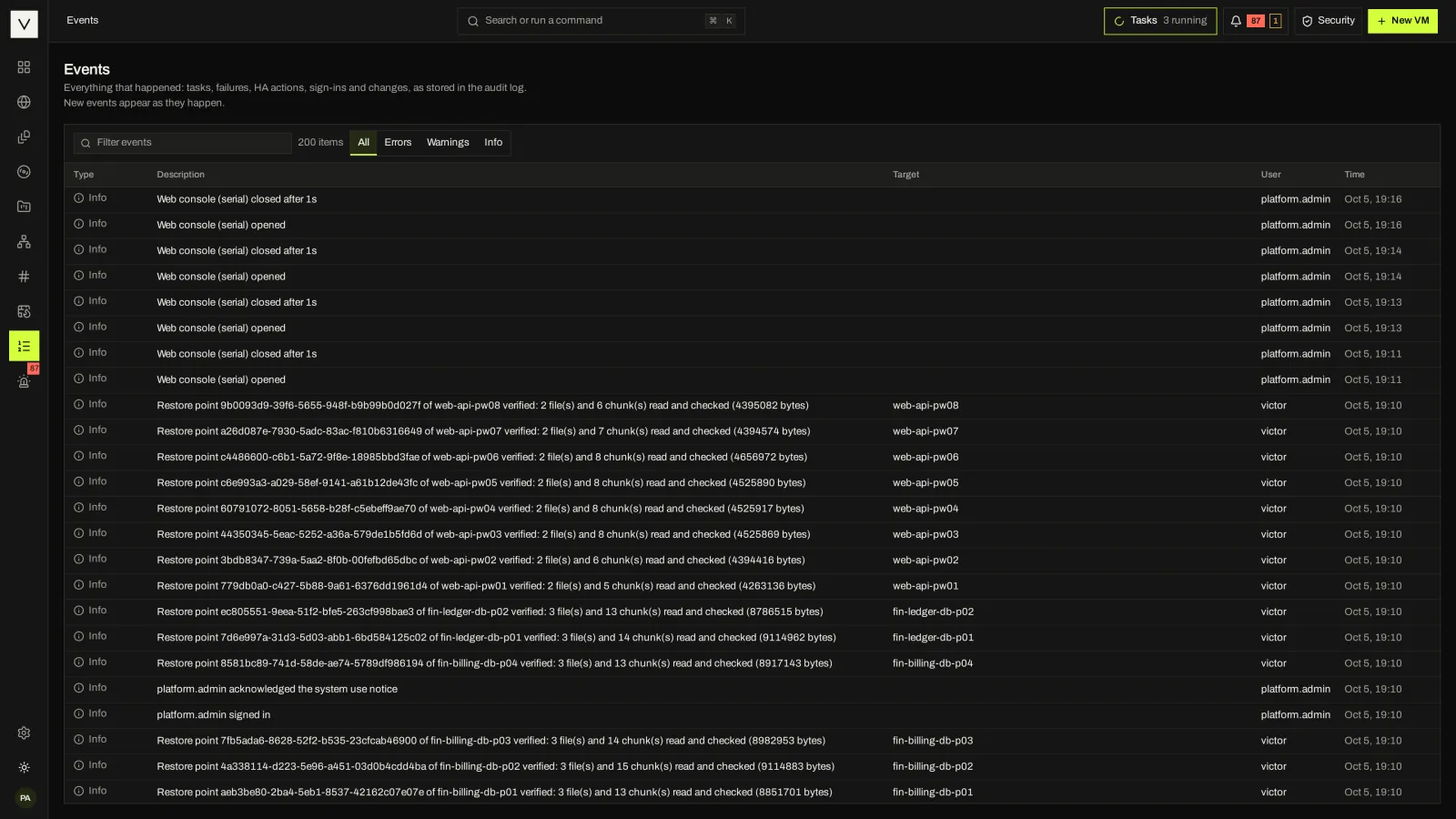
Performance history kept for 13 months (charts cover up to 7 days today), 17 default alarm definitions, events, a health advisor and forwarding to your tools.
02 / TASKS AND REFUSALS
Inventory changes go through one action interface. Each becomes a durable task with steps and progress that survives a control-plane failover, and each is recorded in the audit log.
When an action cannot run, Victor says why: a maintenance window, a placement rule, insufficient headroom or an engine limit. You can override a change window by giving a reason, which is audited too.
03 / GO DEEPER
Rules, DRS, overcommit, fencing, admission control, restart priority and change windows.
Placement & HATargets, jobs and restore points in Community; incremental, encrypted, immutable and instant recovery in Enterprise.
Backup & recoveryRoles, SSO, two-factor, a hash-chained audit log and the Security & Compliance Center.
Security & complianceAPI, victorctl, Terraform, Ansible and MCP, under the same permissions as the console.
API & automationvictord, PostgreSQL, the engines, Victor Host and the appliance.
ArchitectureFilter by area and switch between the Classic and Victor console views.
Product tour04 / FAQ
No, and Victor does not pretend otherwise. Each engine reports its capabilities. Network ACLs, and the Enterprise test boots and instant recovery, work on KVM clusters only today; KubeVirt gets VNC consoles and Multus networks. A refused action names the engine limit. #
Victor has templates and a media library for ISOs. There is no separate Content Library product, and the vSphere bridge maps content-library reads to Victor templates and images. #
You can add vCPUs and memory on both engines where supported. Lowering memory needs a power-off on both. #
No formal list. Any x86-64 or arm64 server that Linux KVM runs on can be a host. Victor Host needs an x86-64-v2 machine with hardware virtualization, 2 cores, 8 GB of memory and a 64 GB disk at minimum. #
NEXT STEP
Tell us what you run today. We will show you the workflows that matter to your team.