Inventory
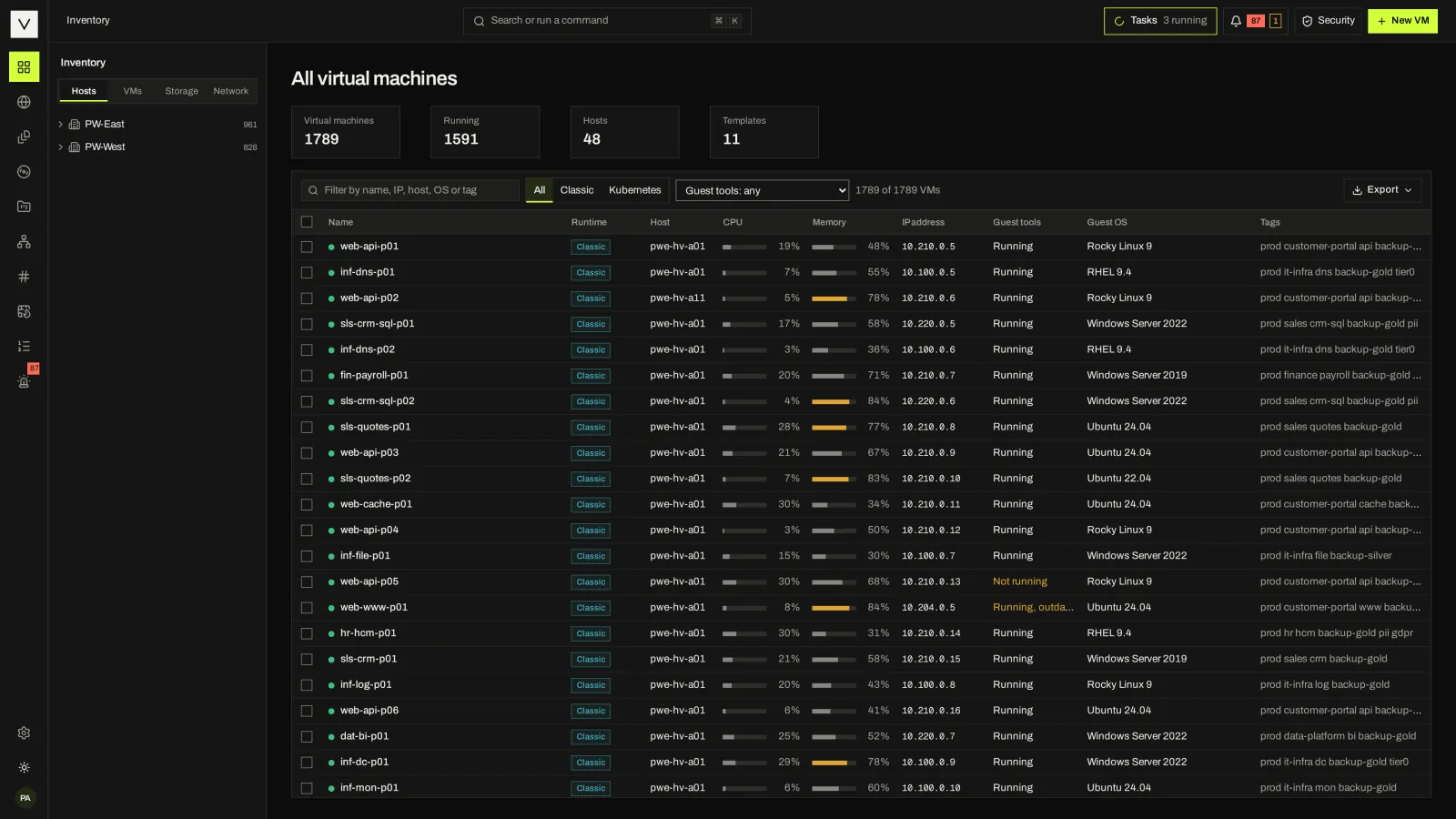
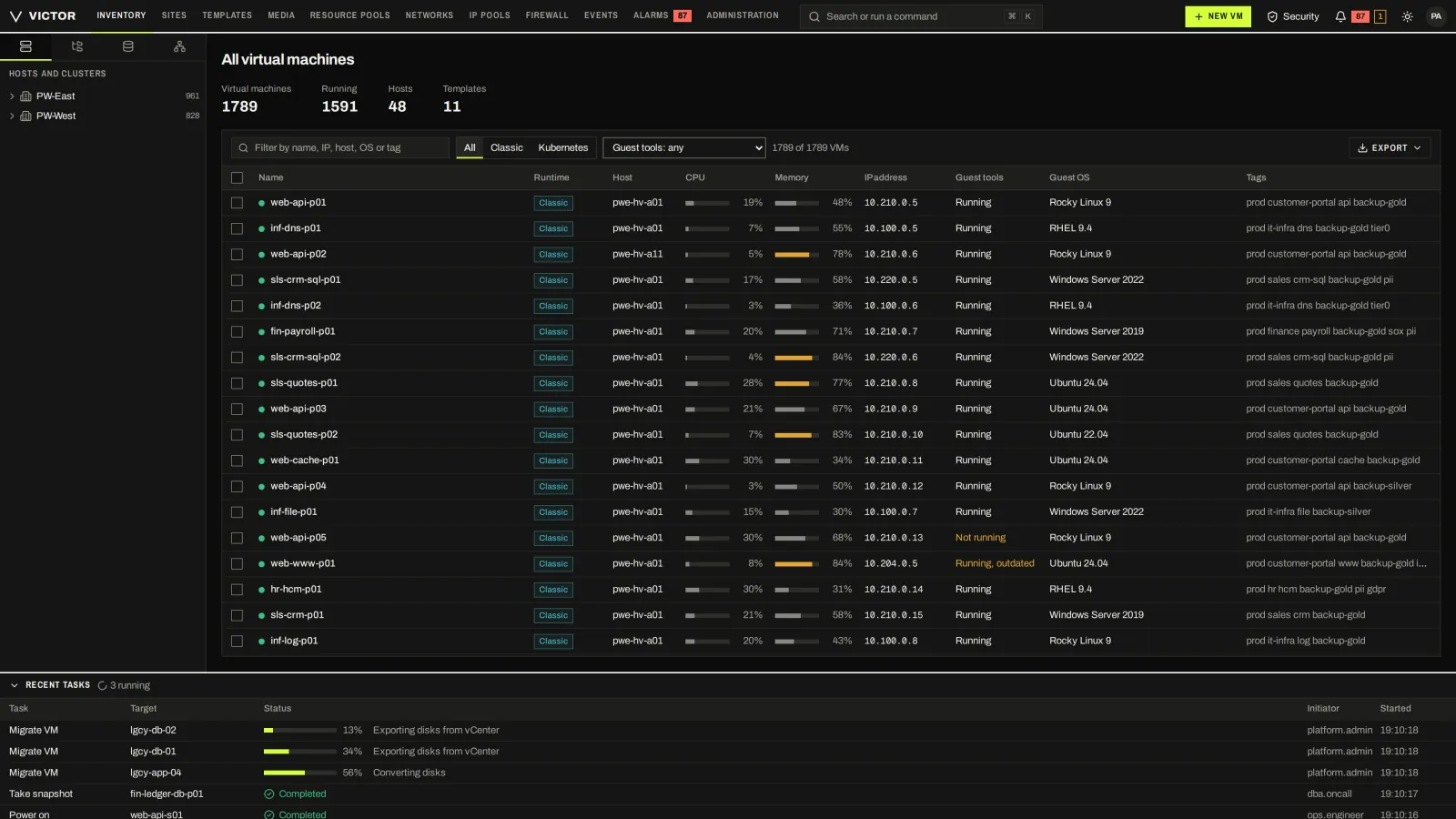
All virtual machines
One inventory across KVM clusters and KubeVirt pools, with runtime, host, resource use and state per VM.
VICTOR PRODUCT / TOUR
46 screens from a simulated Victor Enterprise estate. Filter by area, switch between the Classic and Victor console views, and open any screen full size. The site theme switches the screenshots between light and dark.
Captured 2026-10-05 · simulated estate, not customer data · version stamps are the showcase build’s, not a releaseShowing all 46 screens.
One inventory across KVM clusters and KubeVirt pools, with runtime, host, resource use and state per VM.
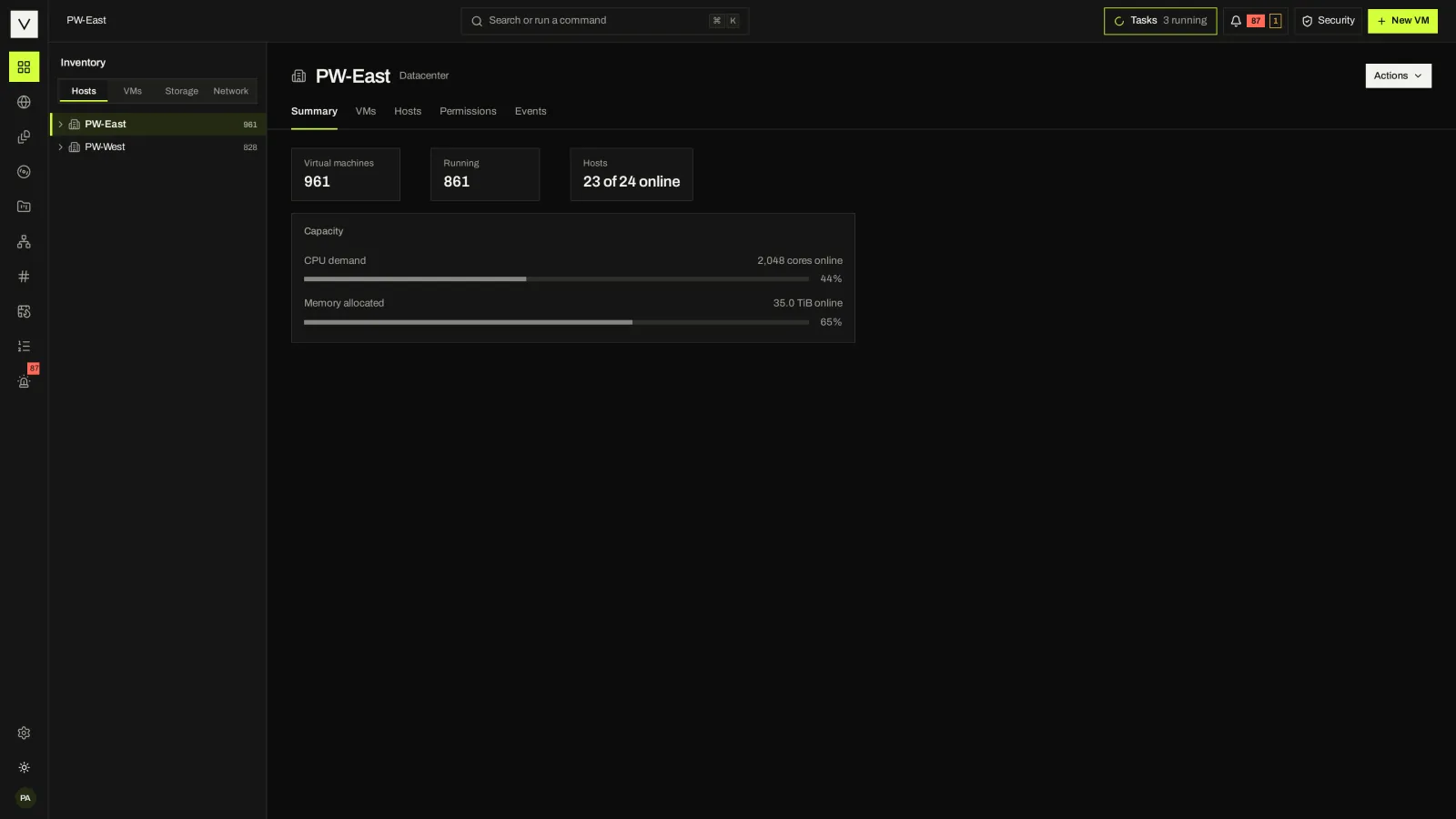
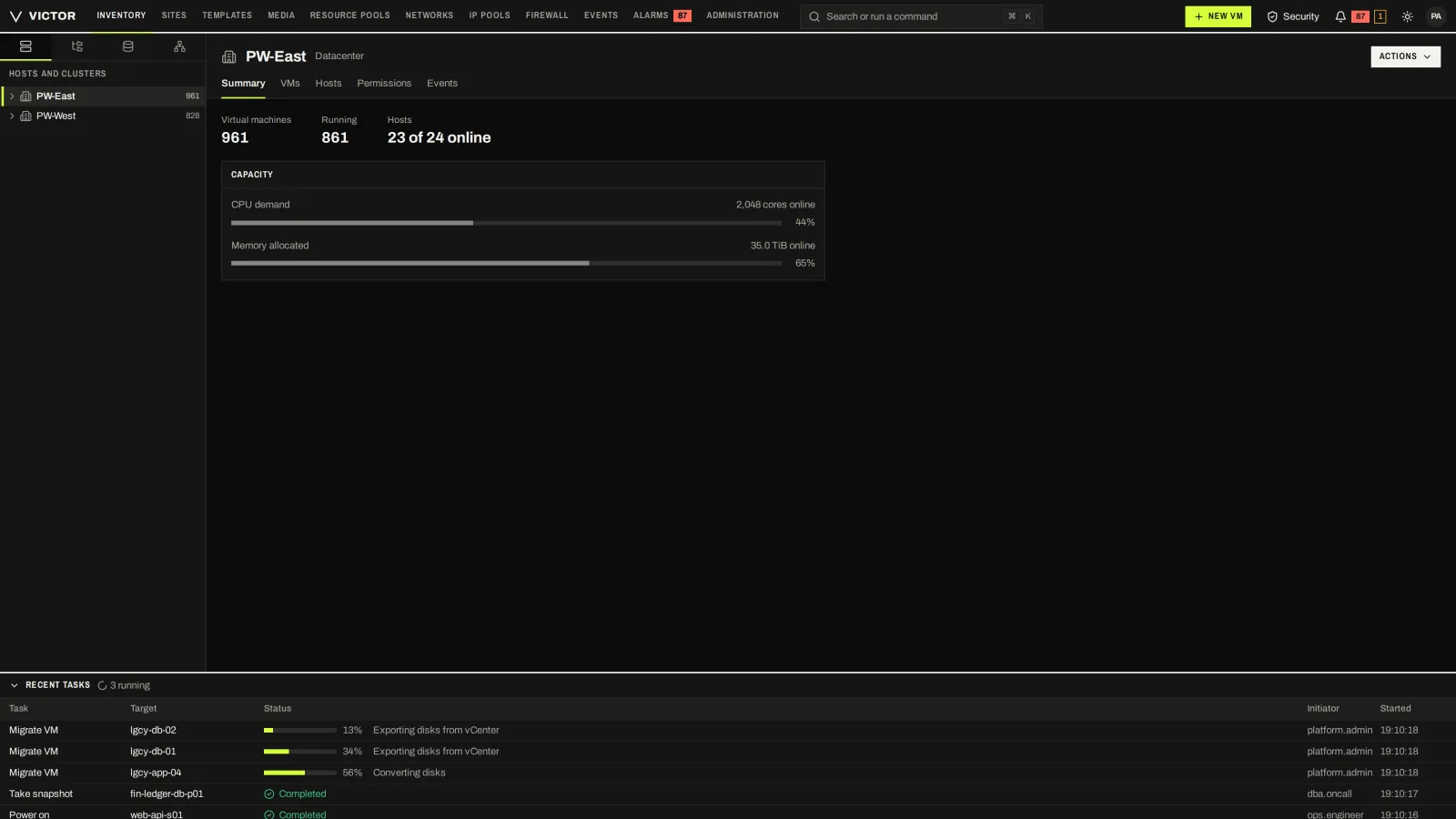
VM and host counts, hosts online and capacity for a datacenter.
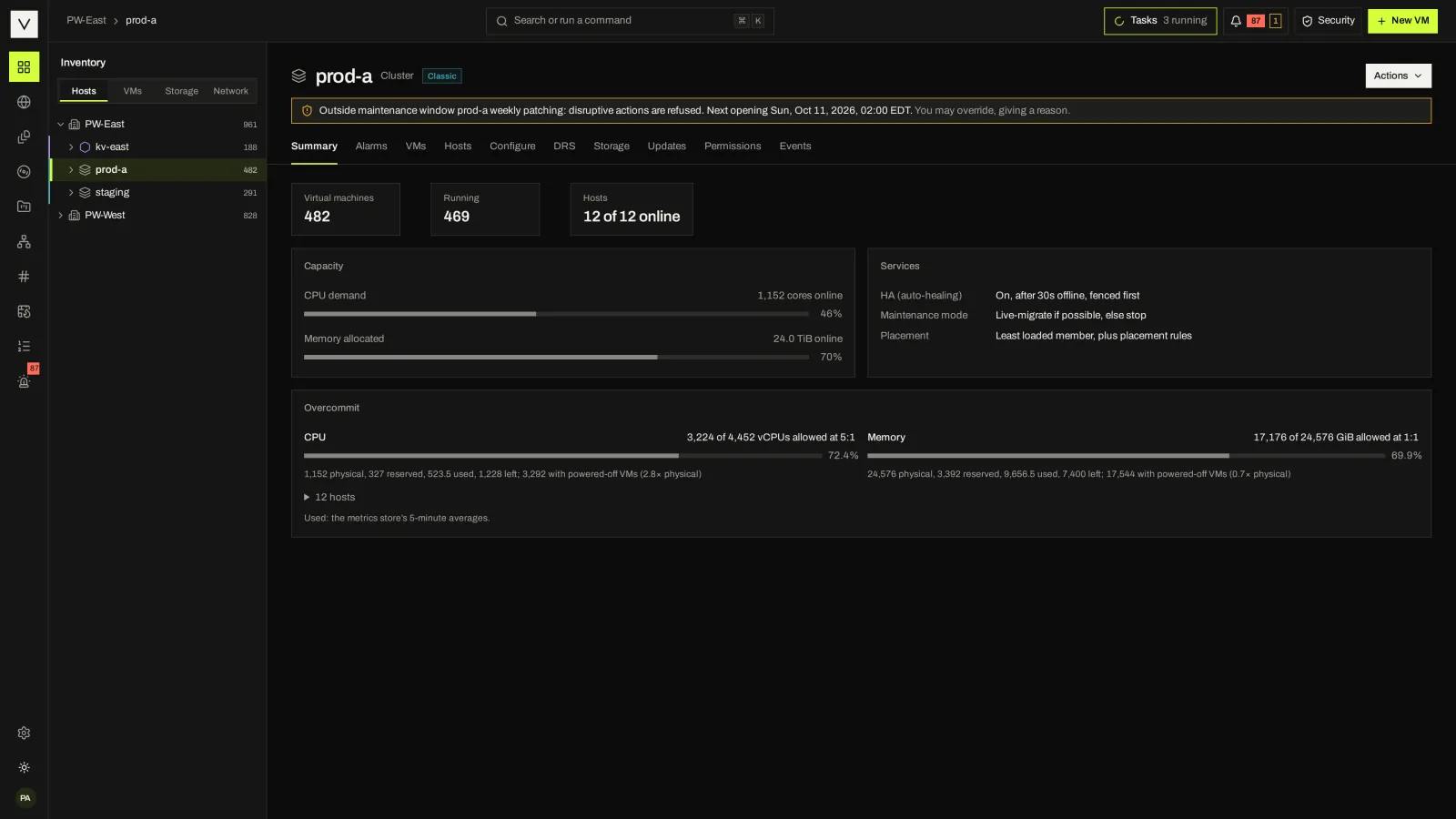
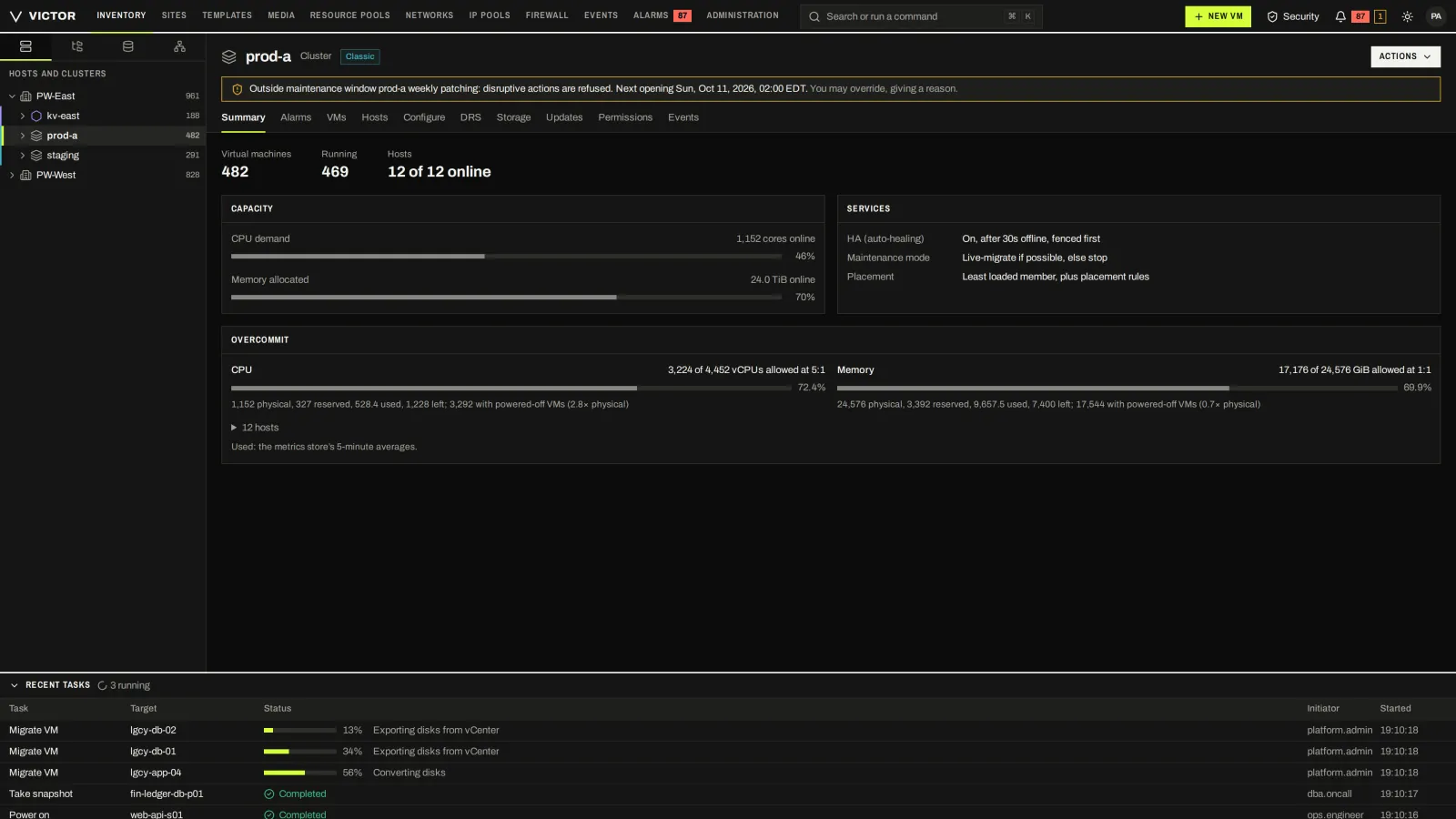
A Victor virtualization cluster with its hosts, capacity and current maintenance window.
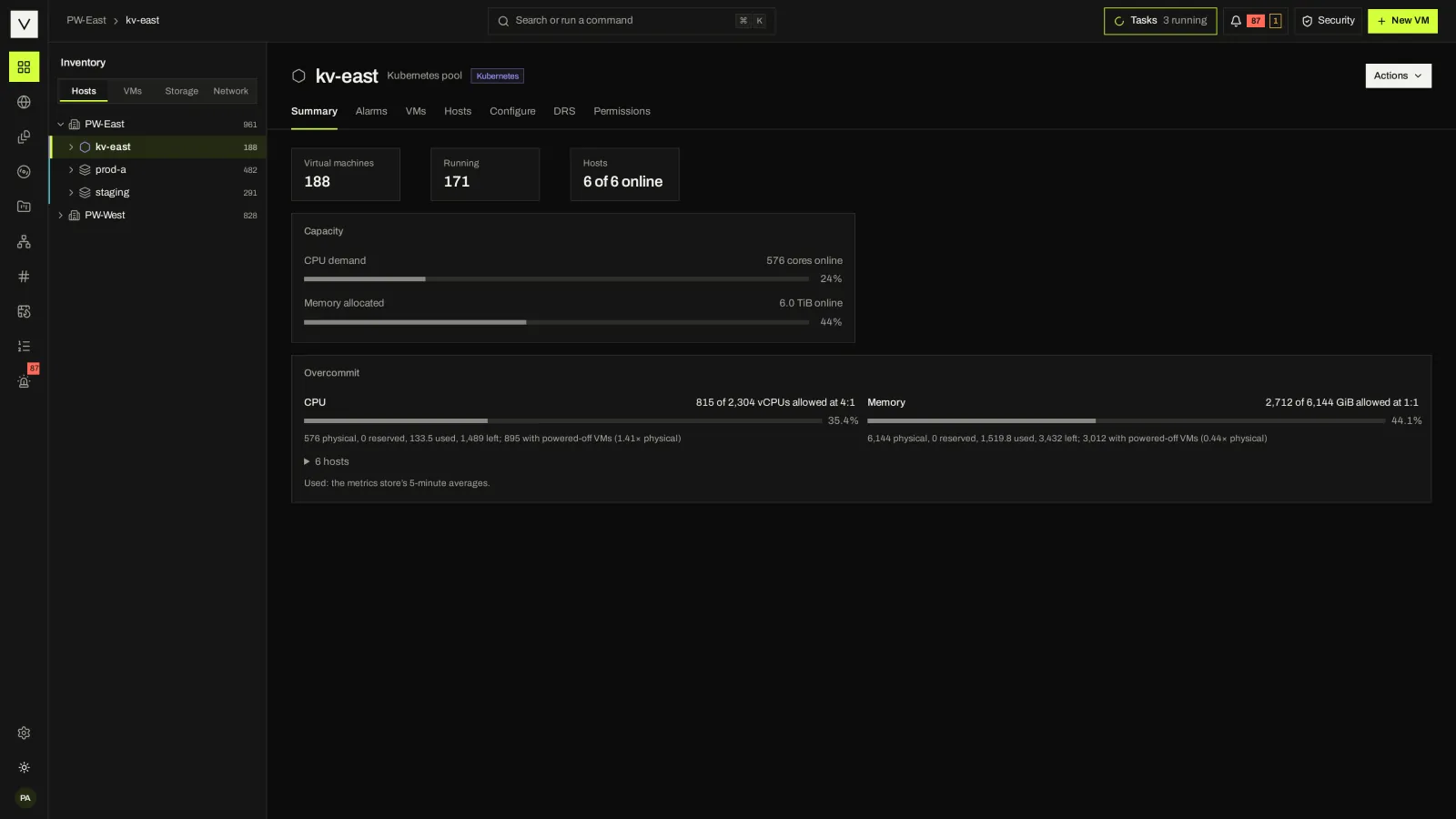
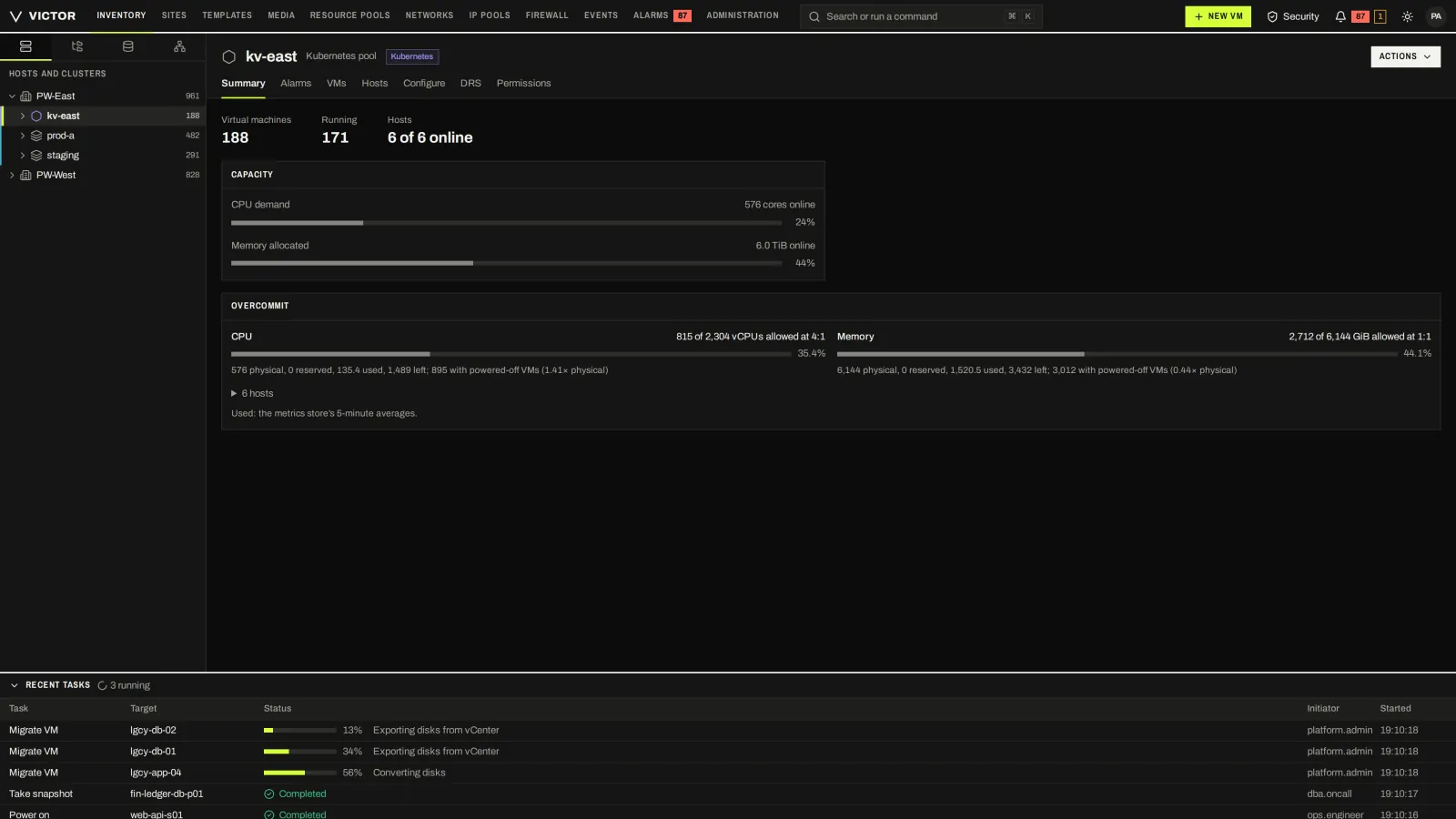
A KubeVirt pool in the same tree, with the same summary layout as a KVM cluster.
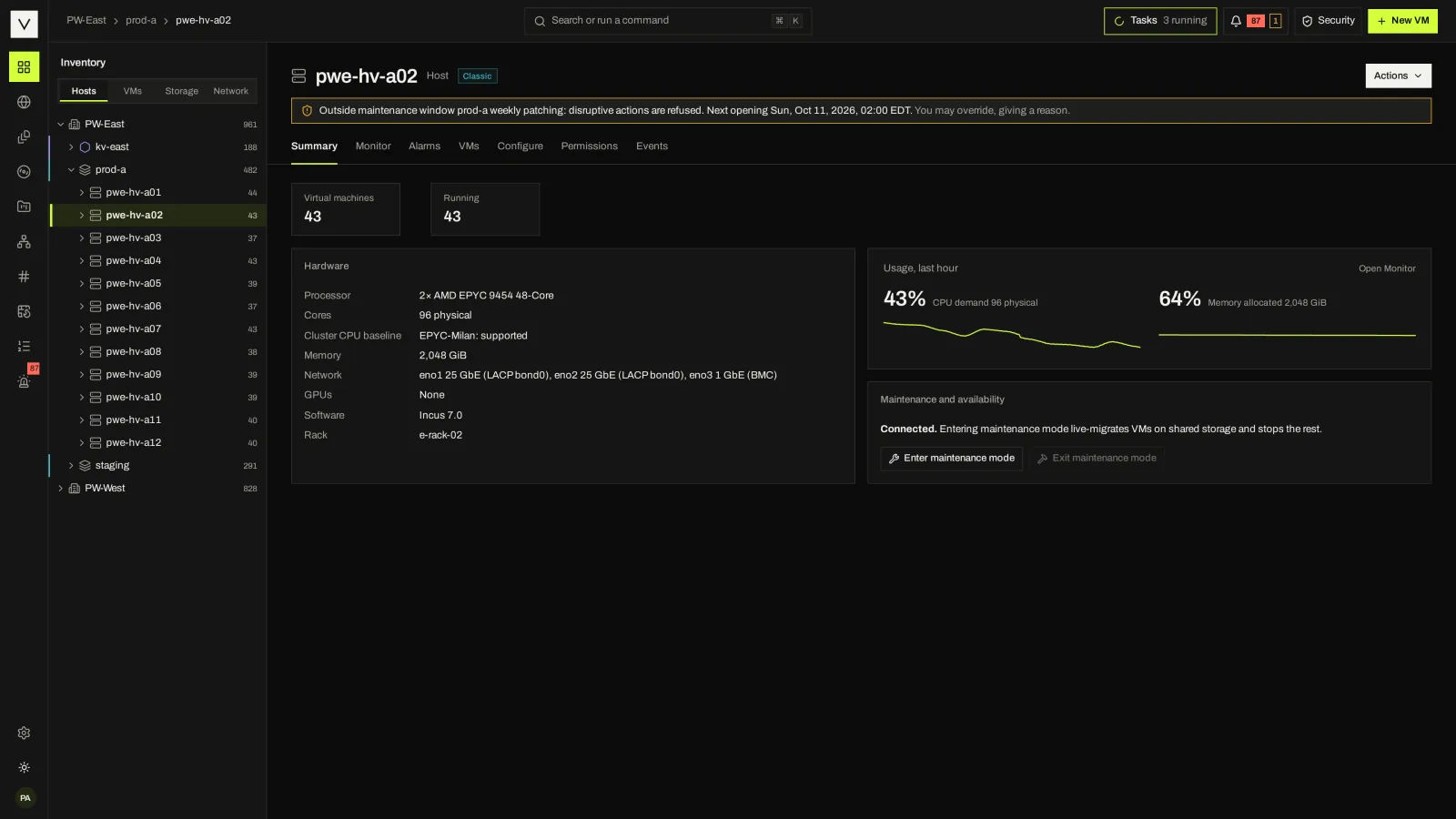
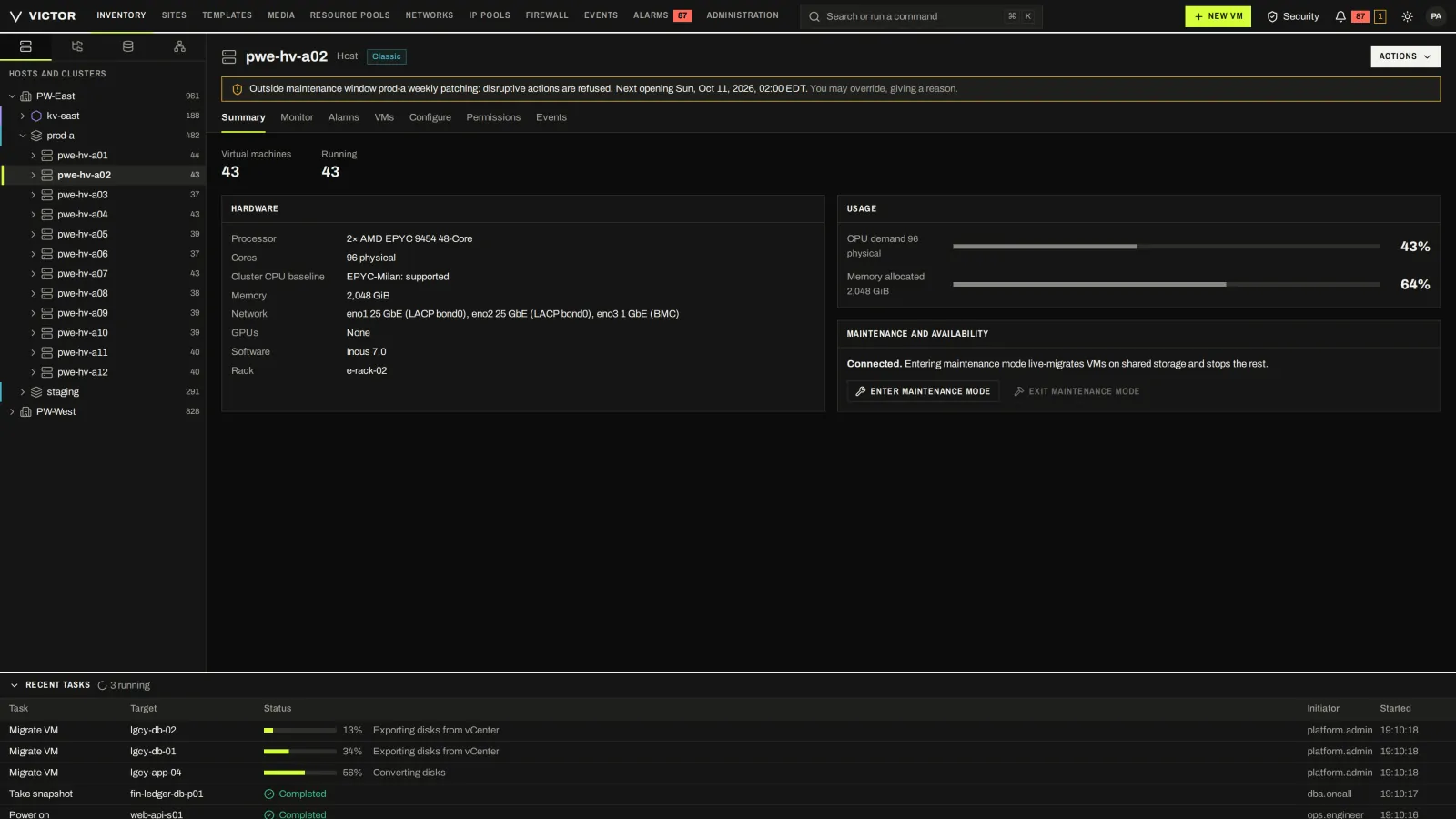
Host hardware, usage, maintenance mode and the VMs it is running.
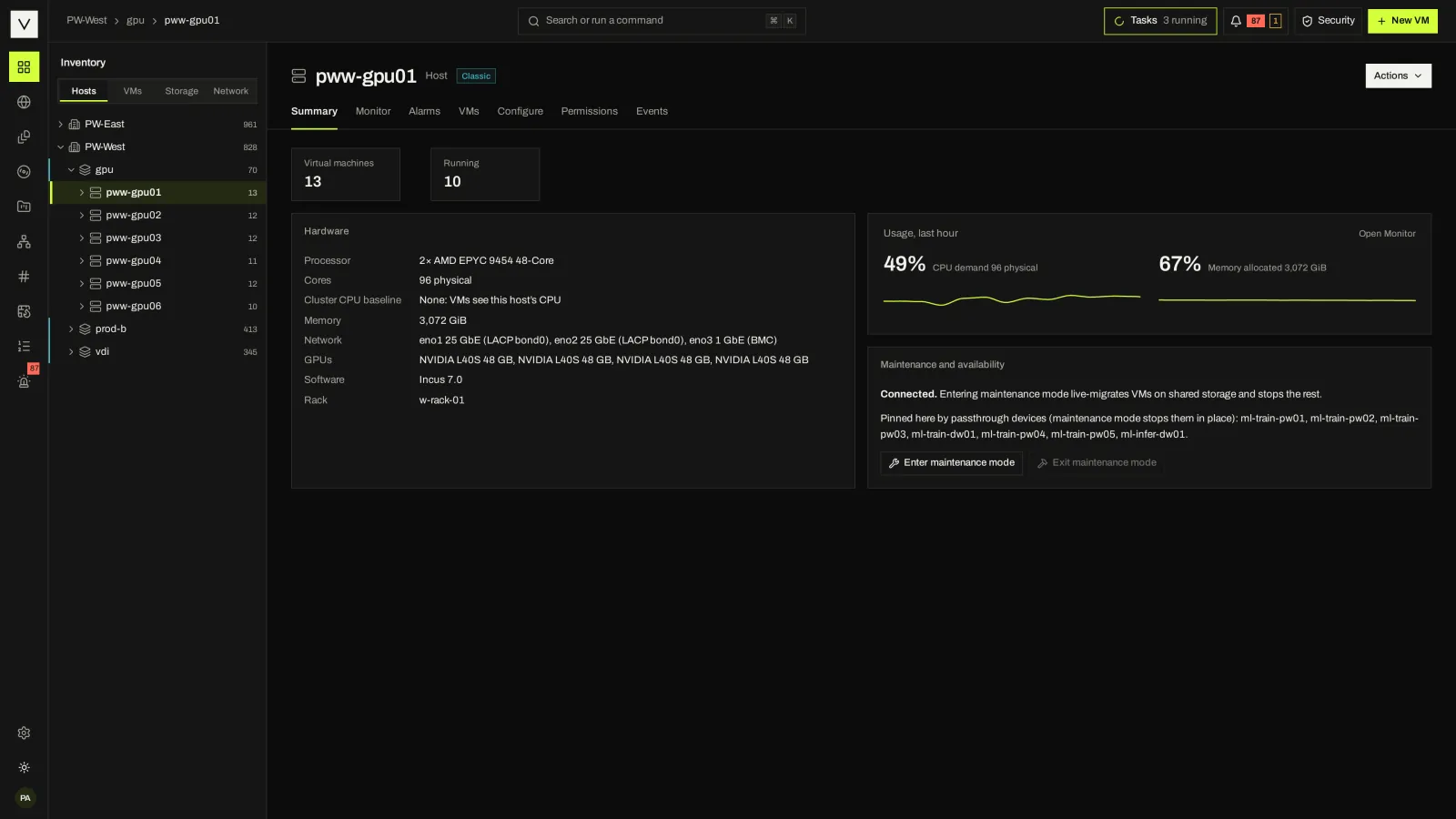
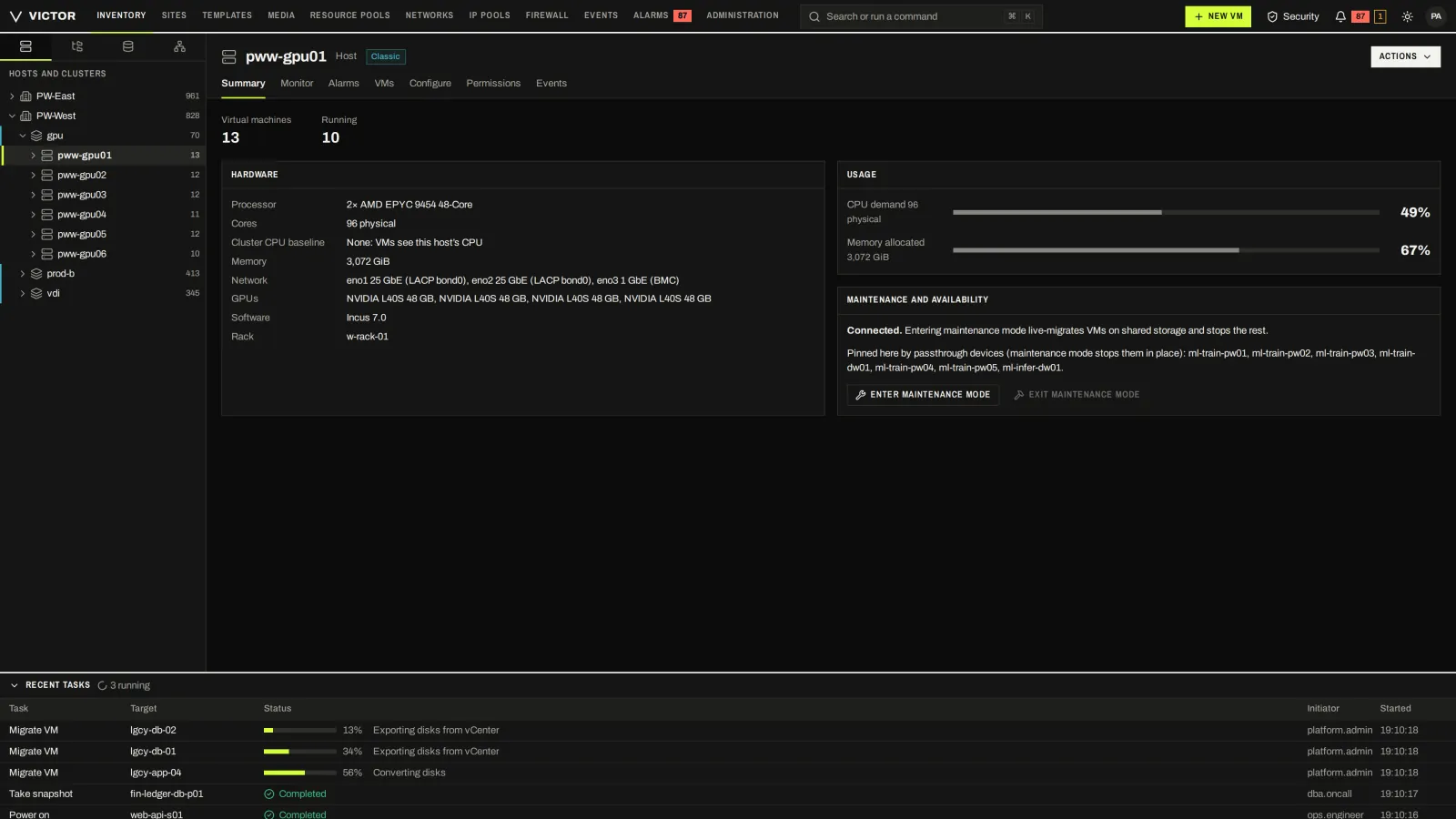
A host with GPU devices available to virtual machines.
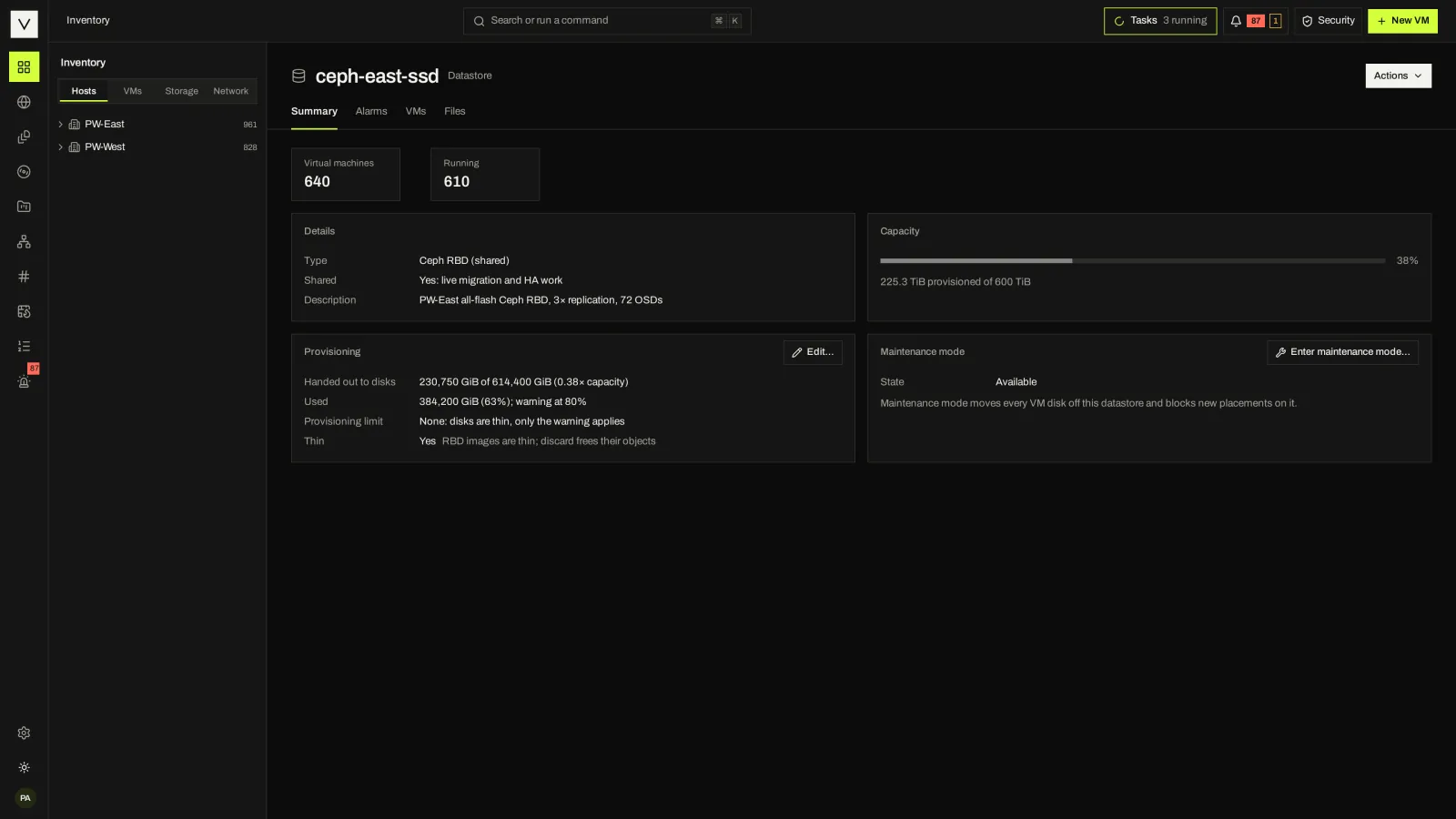
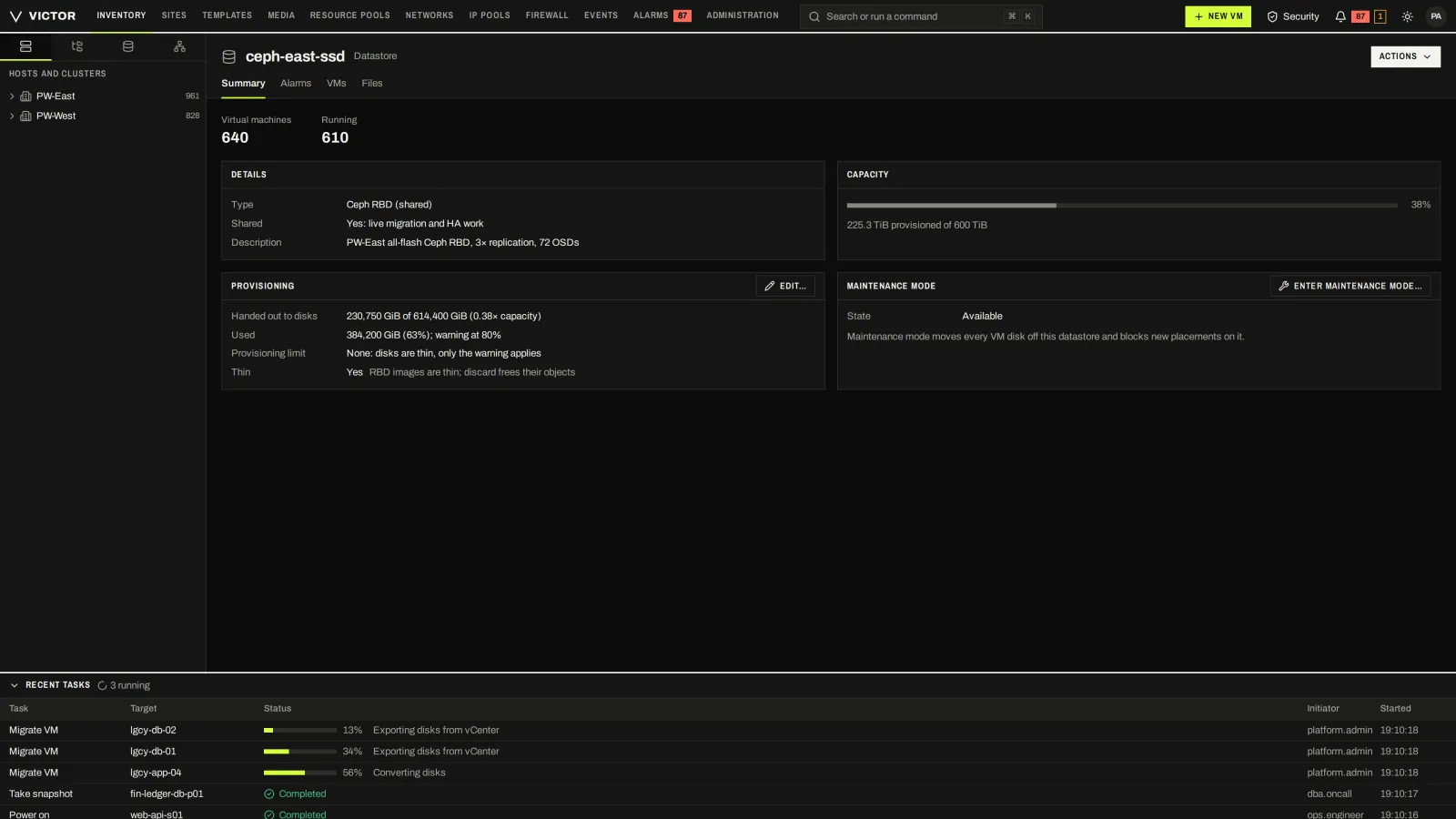
Ceph datastore capacity, provisioning and the VMs placed on it.
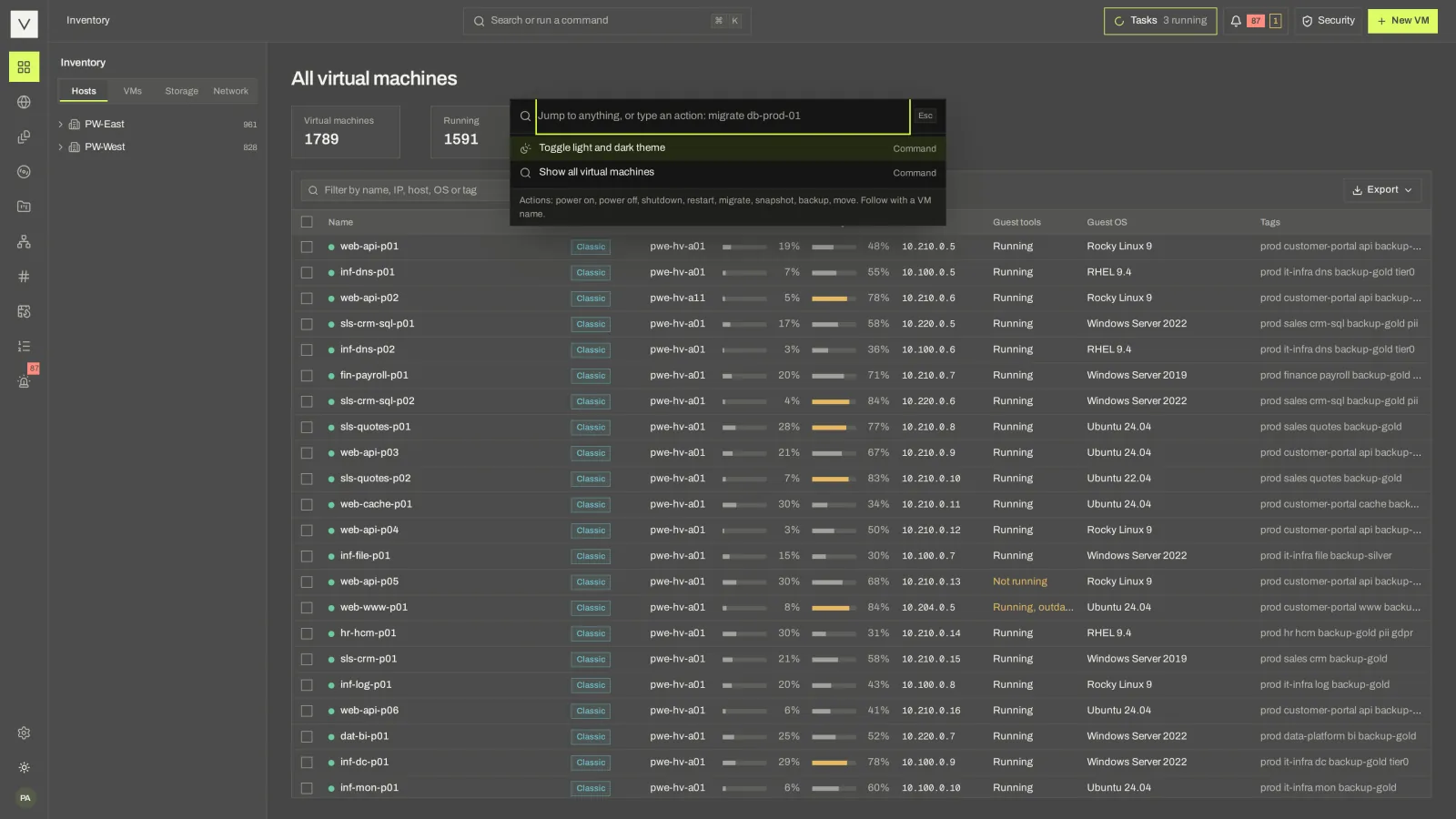
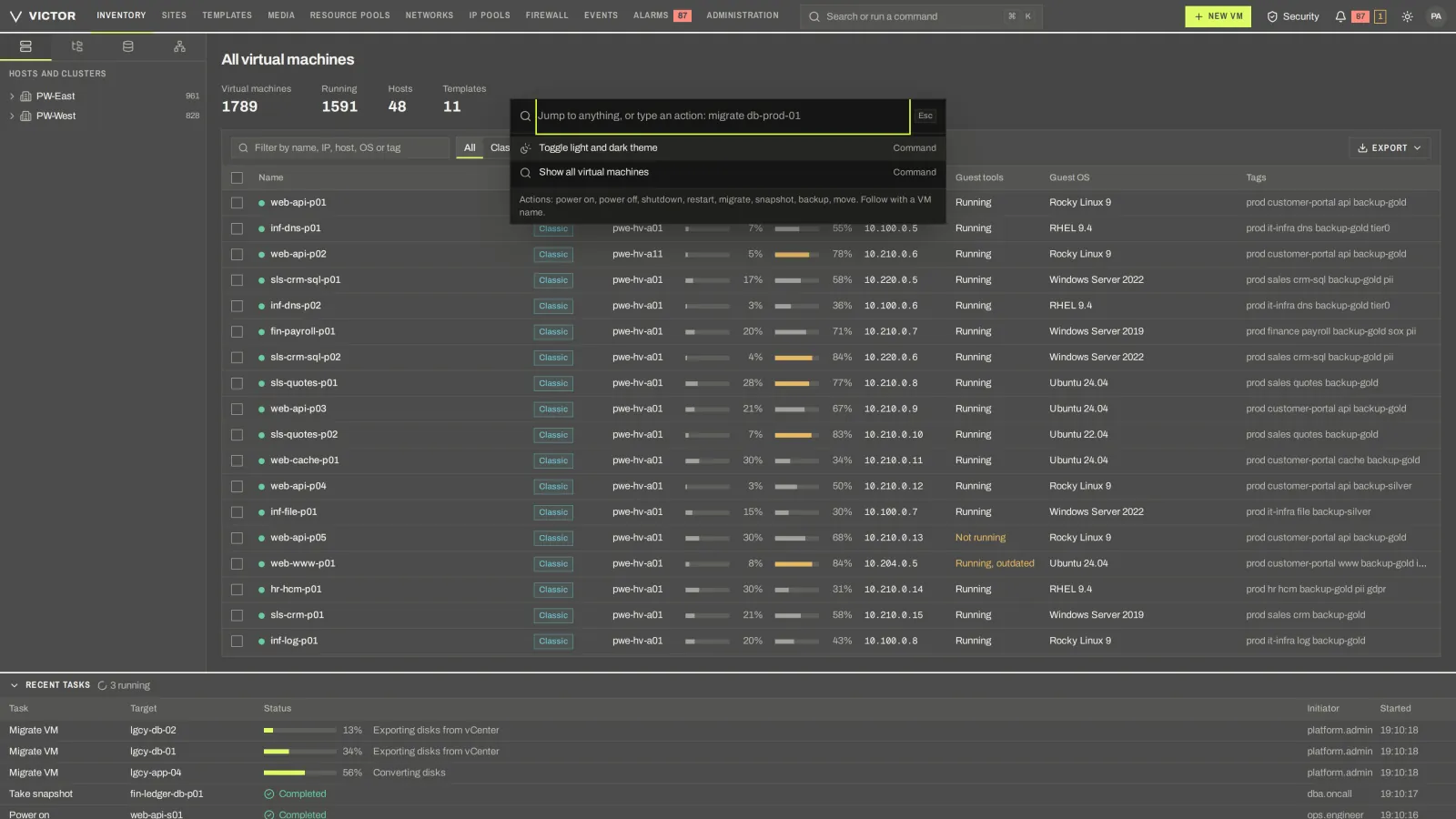
The command palette finds objects and actions from anywhere in the console.
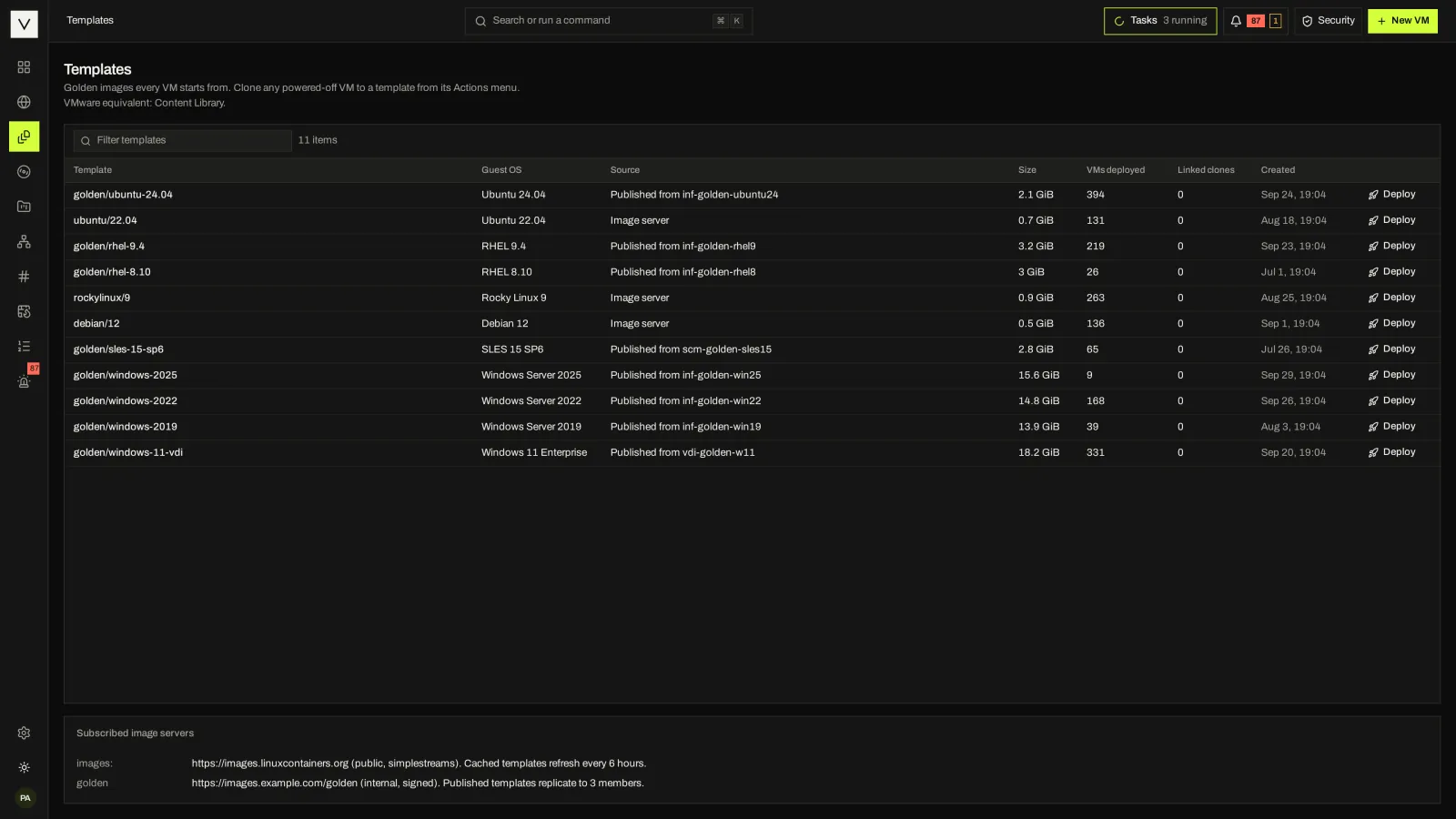
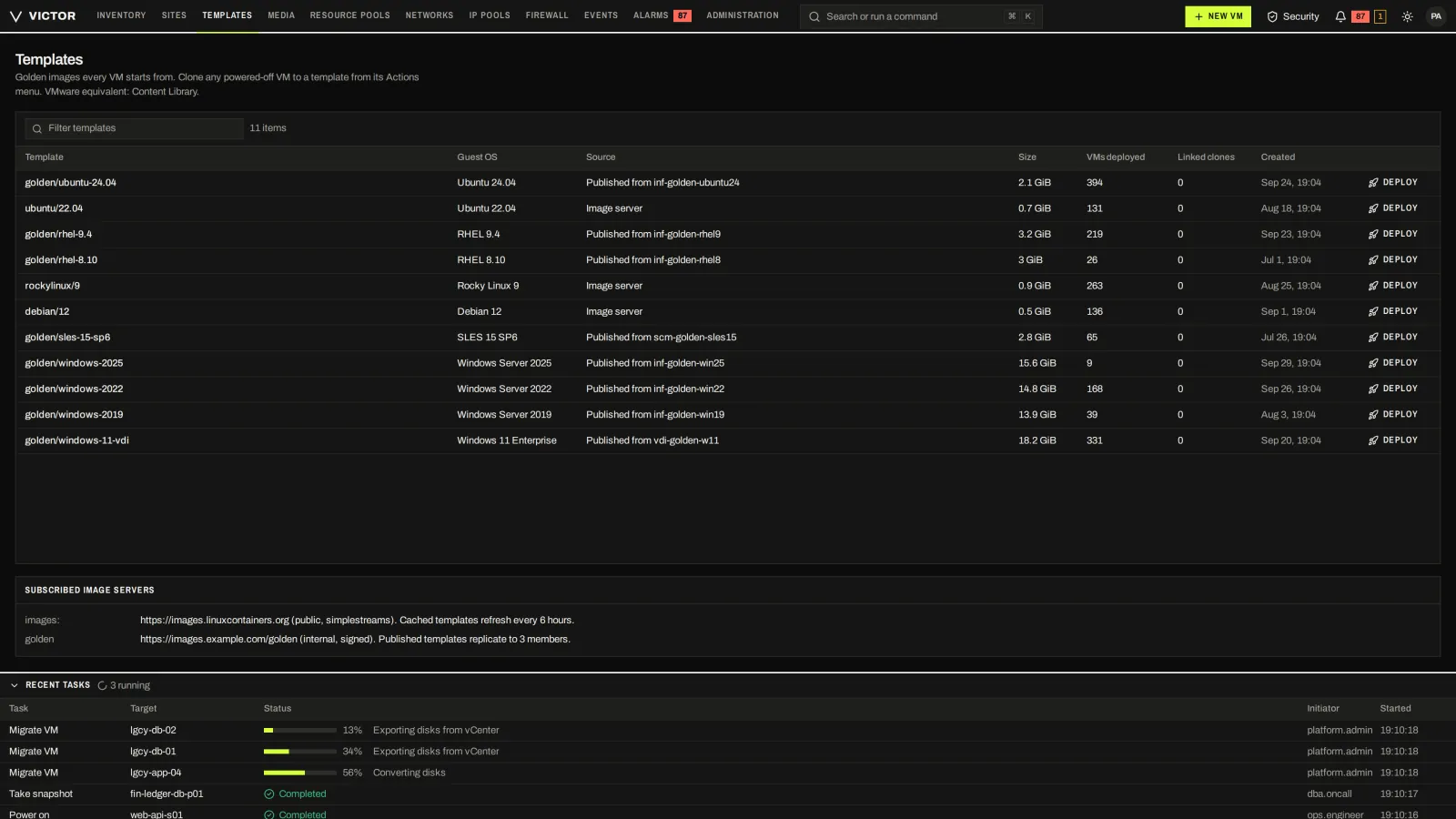
Golden images and templates with guest OS, size and usage.
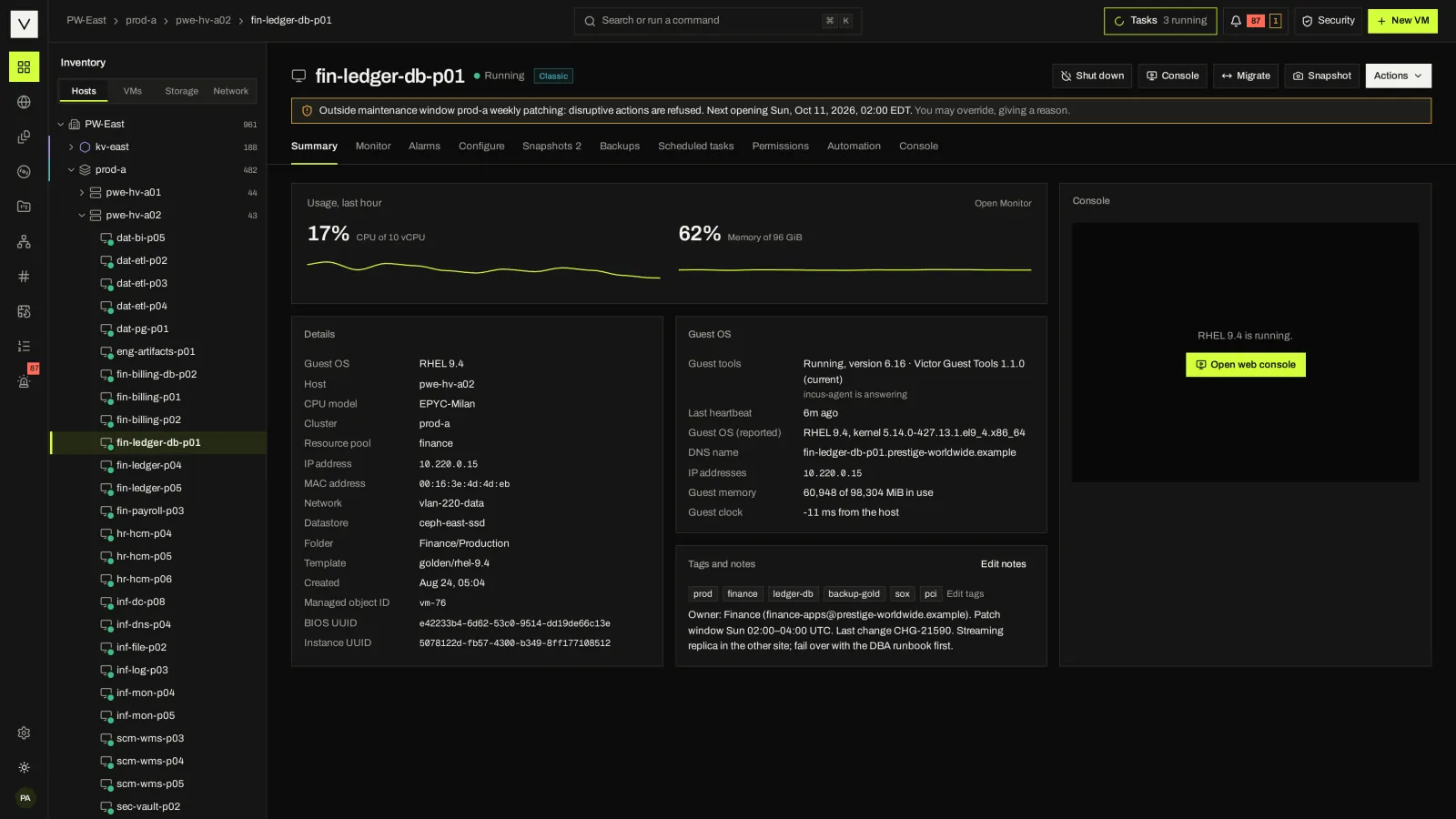
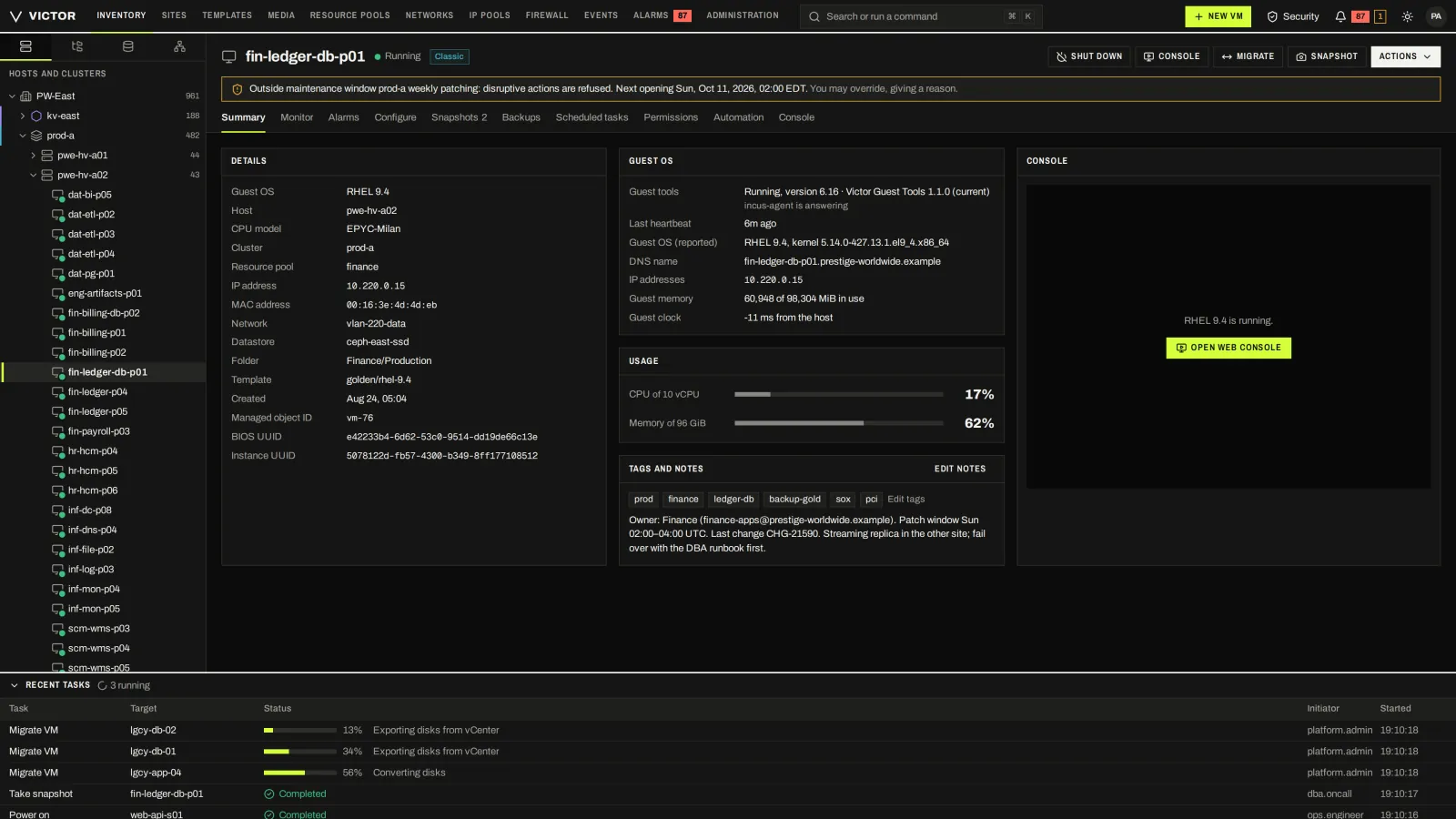
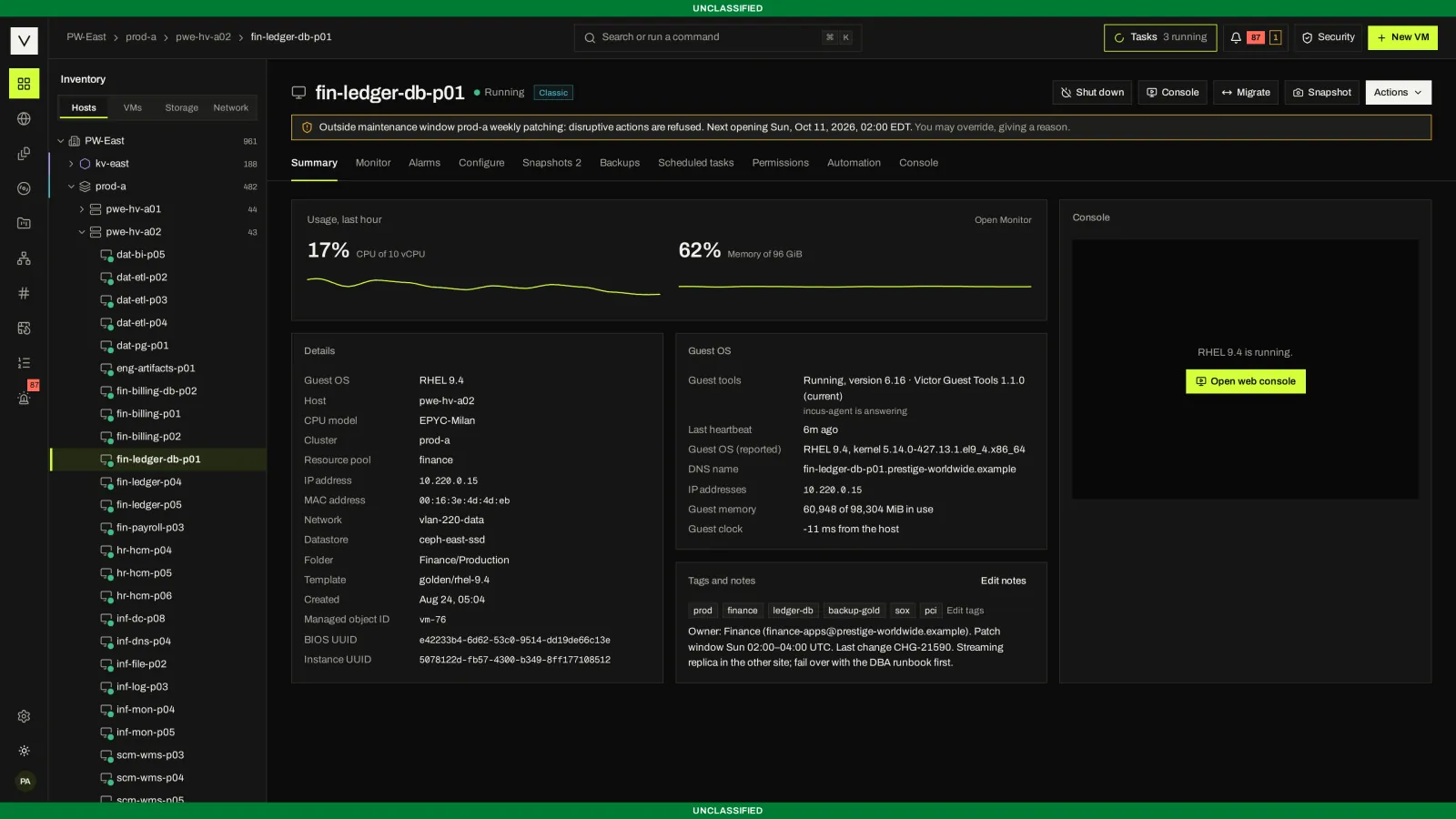
Guest OS, identity, usage, tags, notes and console for one VM.
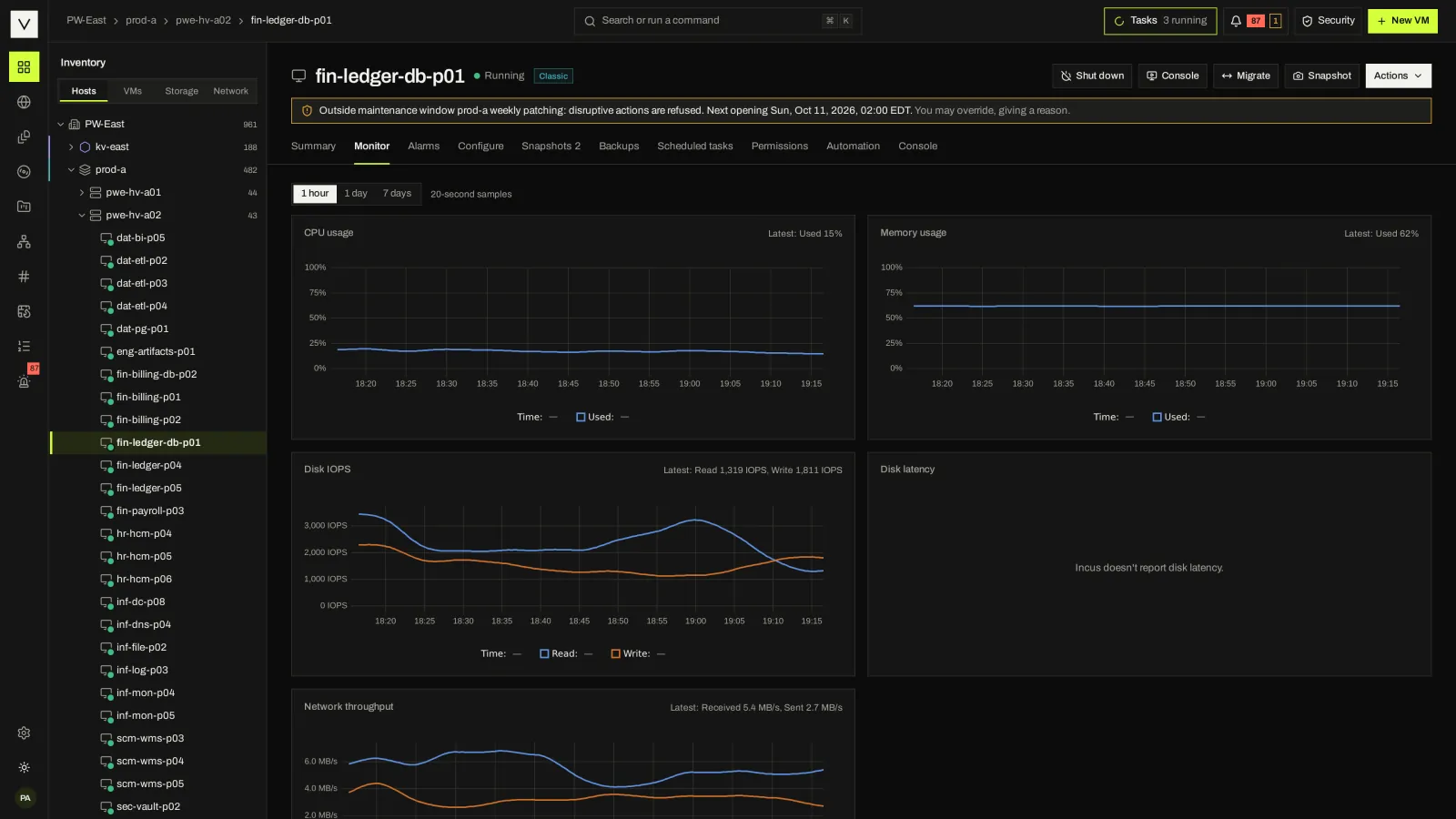
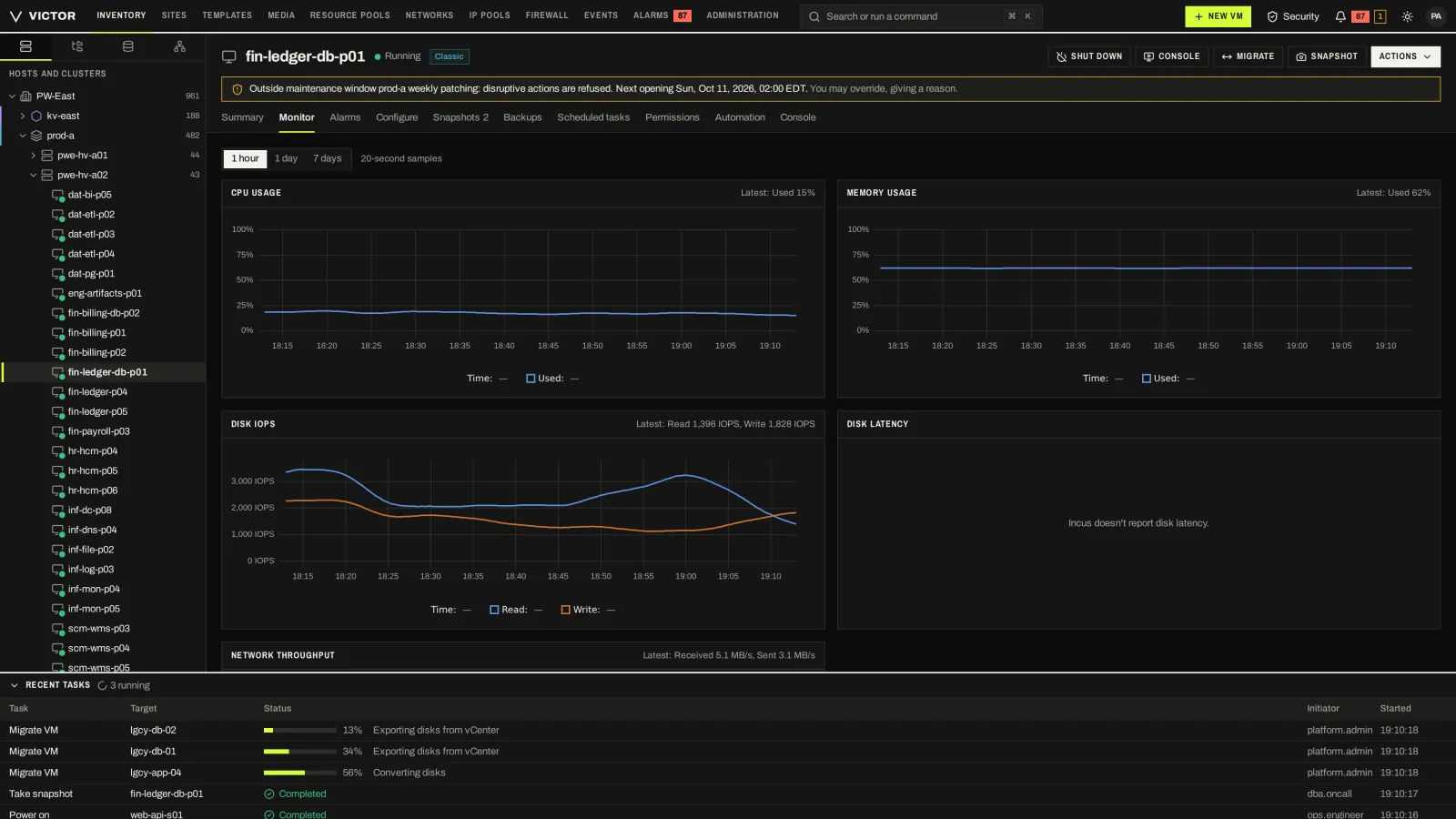
CPU, memory, disk and network history for a running VM.
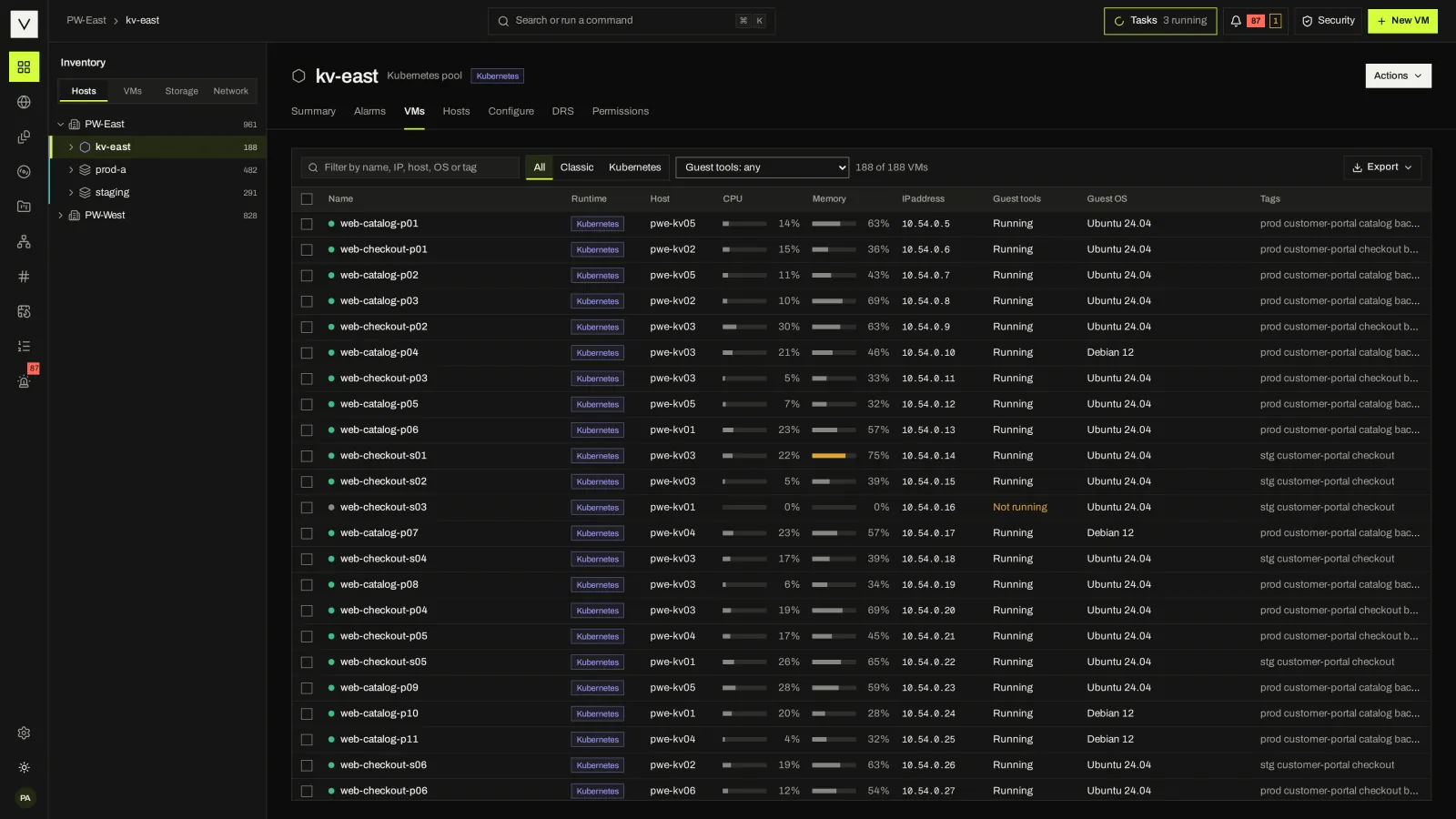
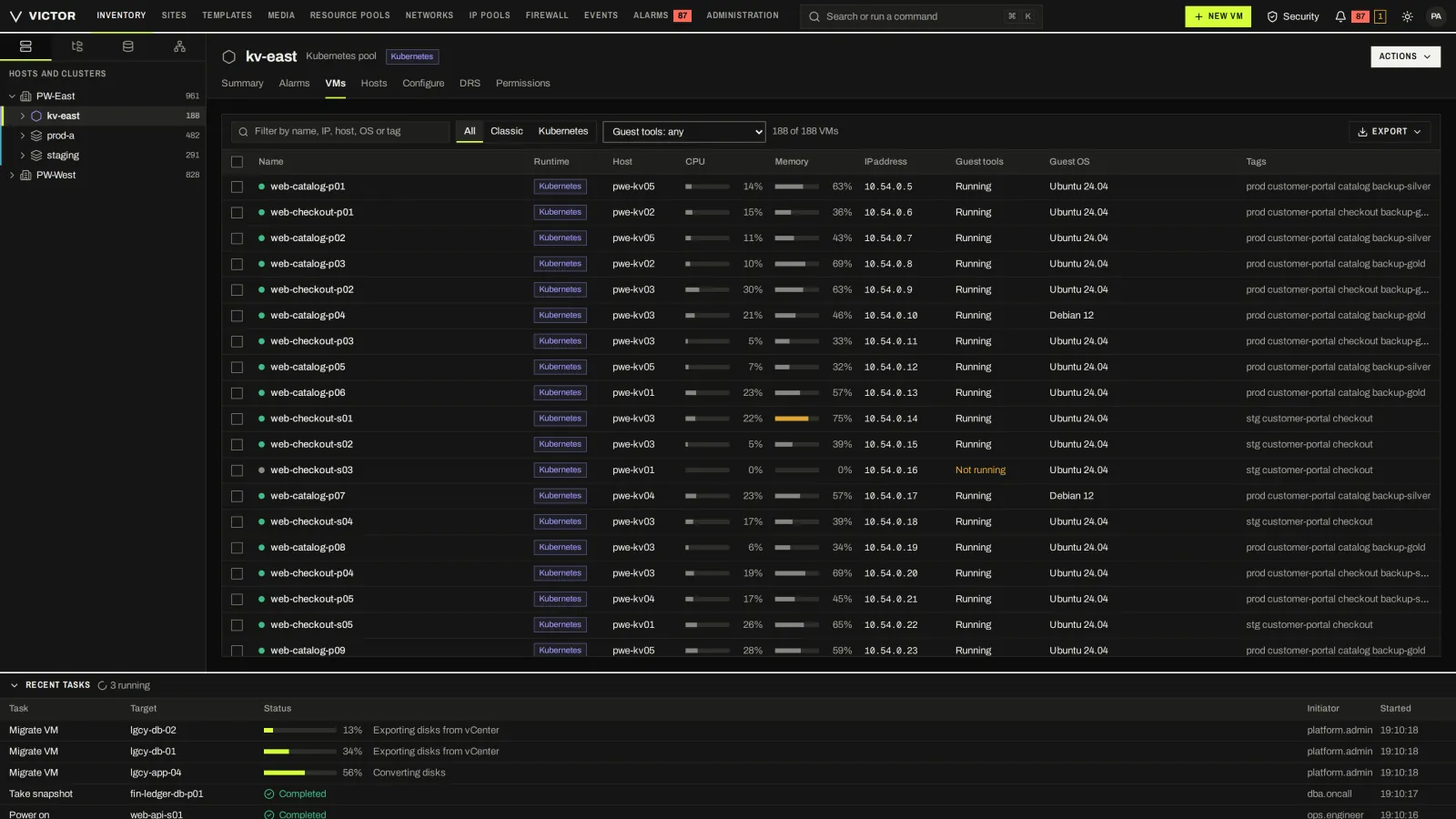
The VMs of a KubeVirt pool, each marked with the Kubernetes runtime, in the same inventory as KVM clusters.
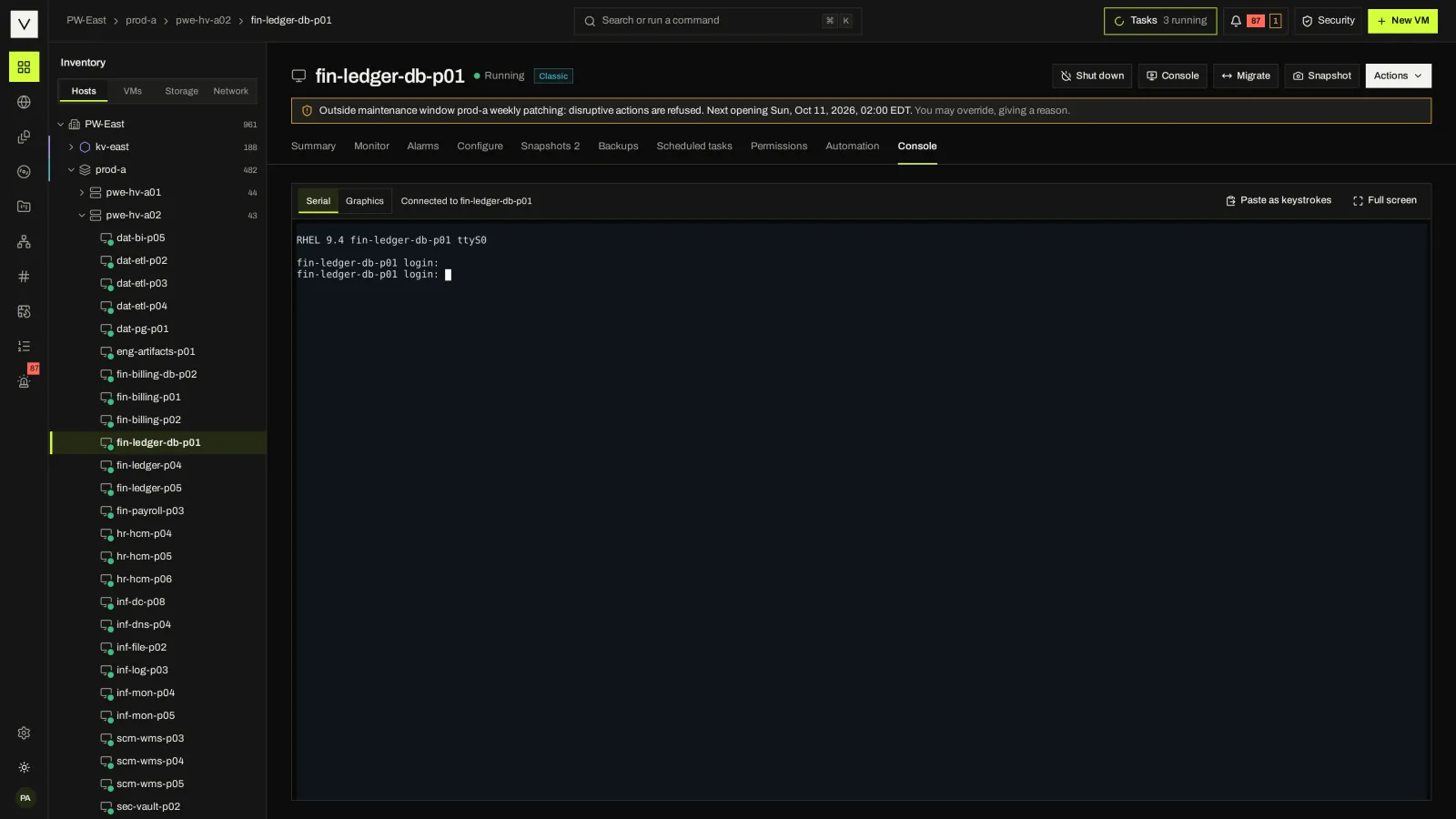
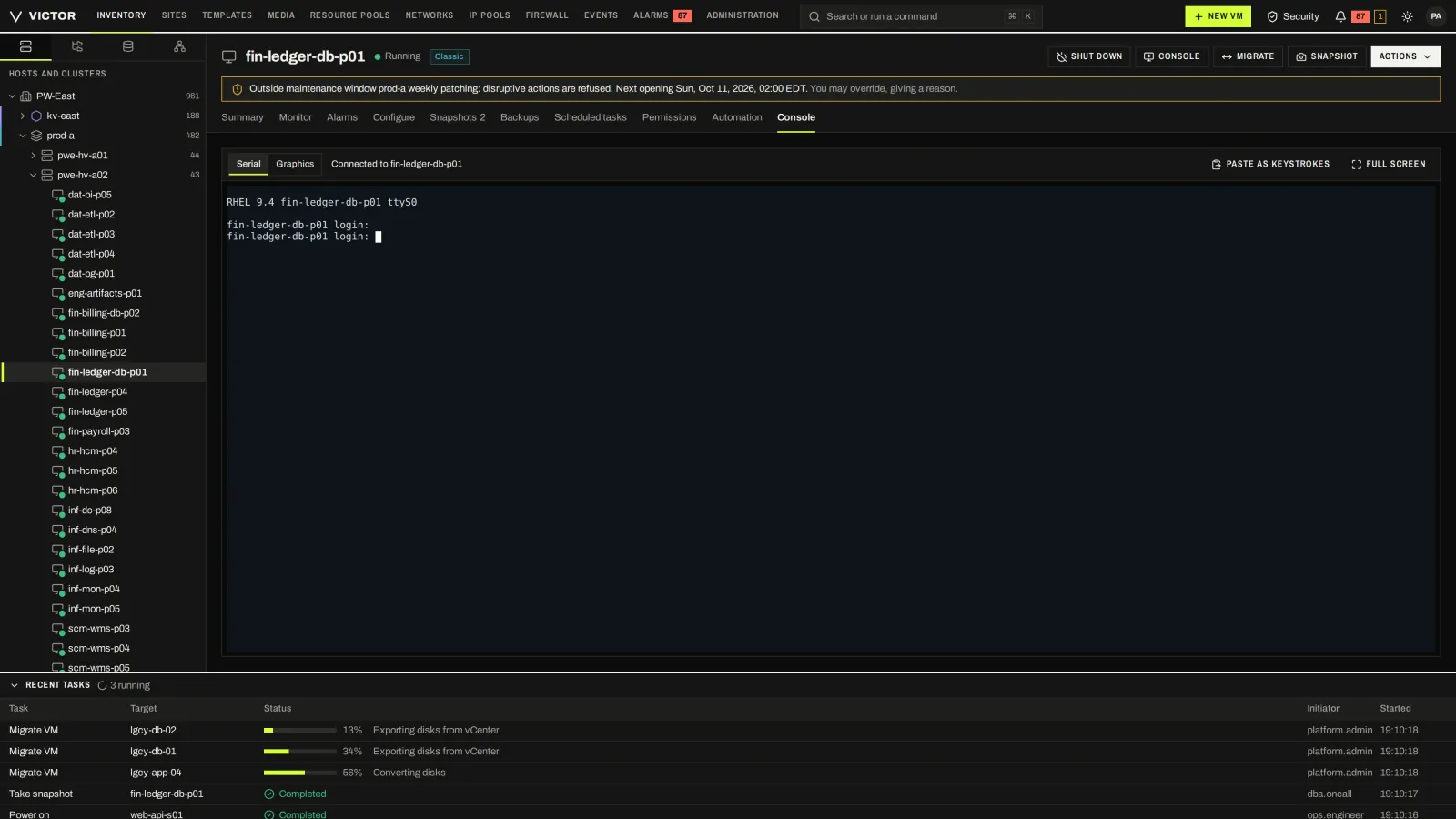
Browser console access to a guest without leaving the VM view.
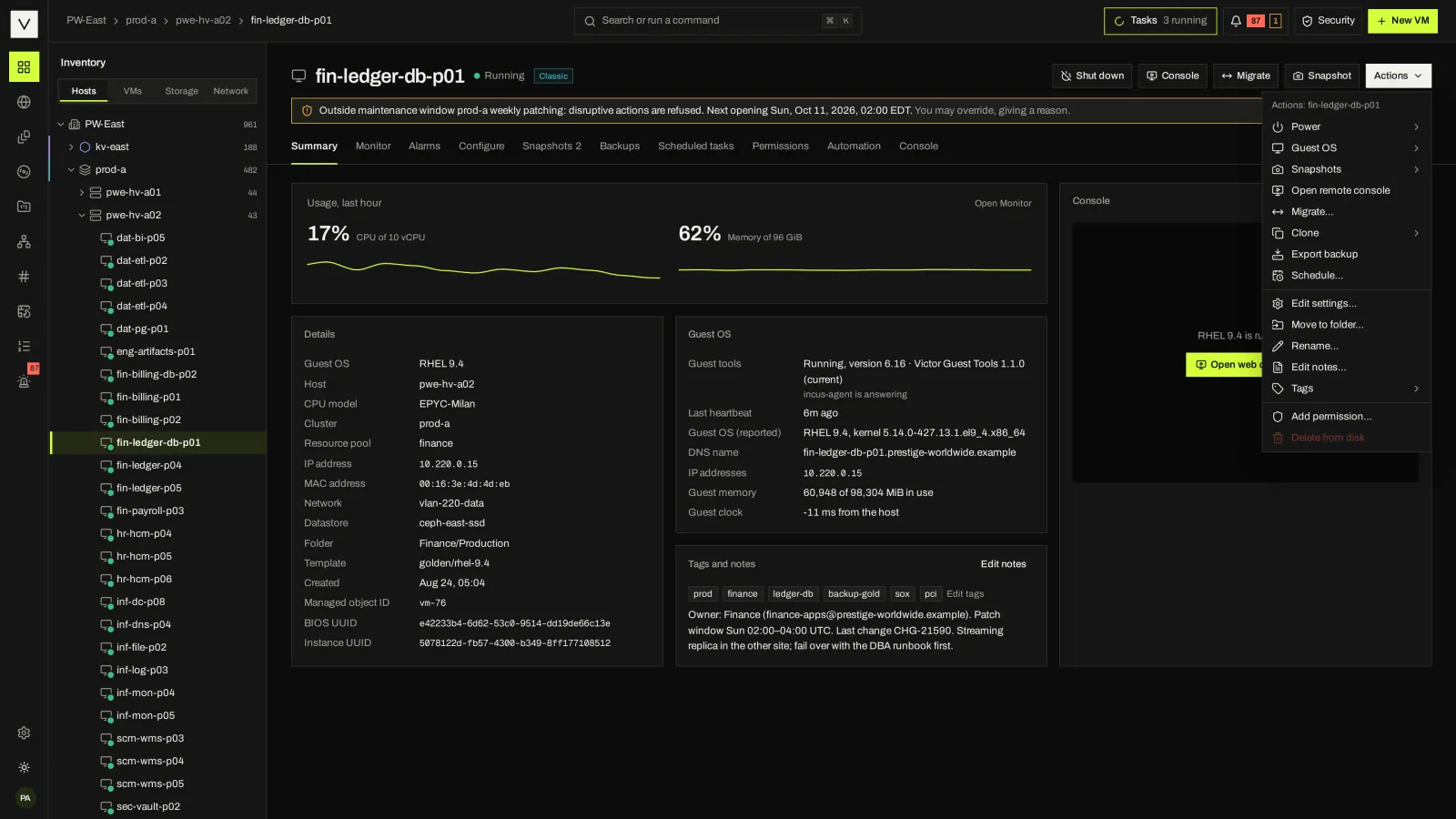
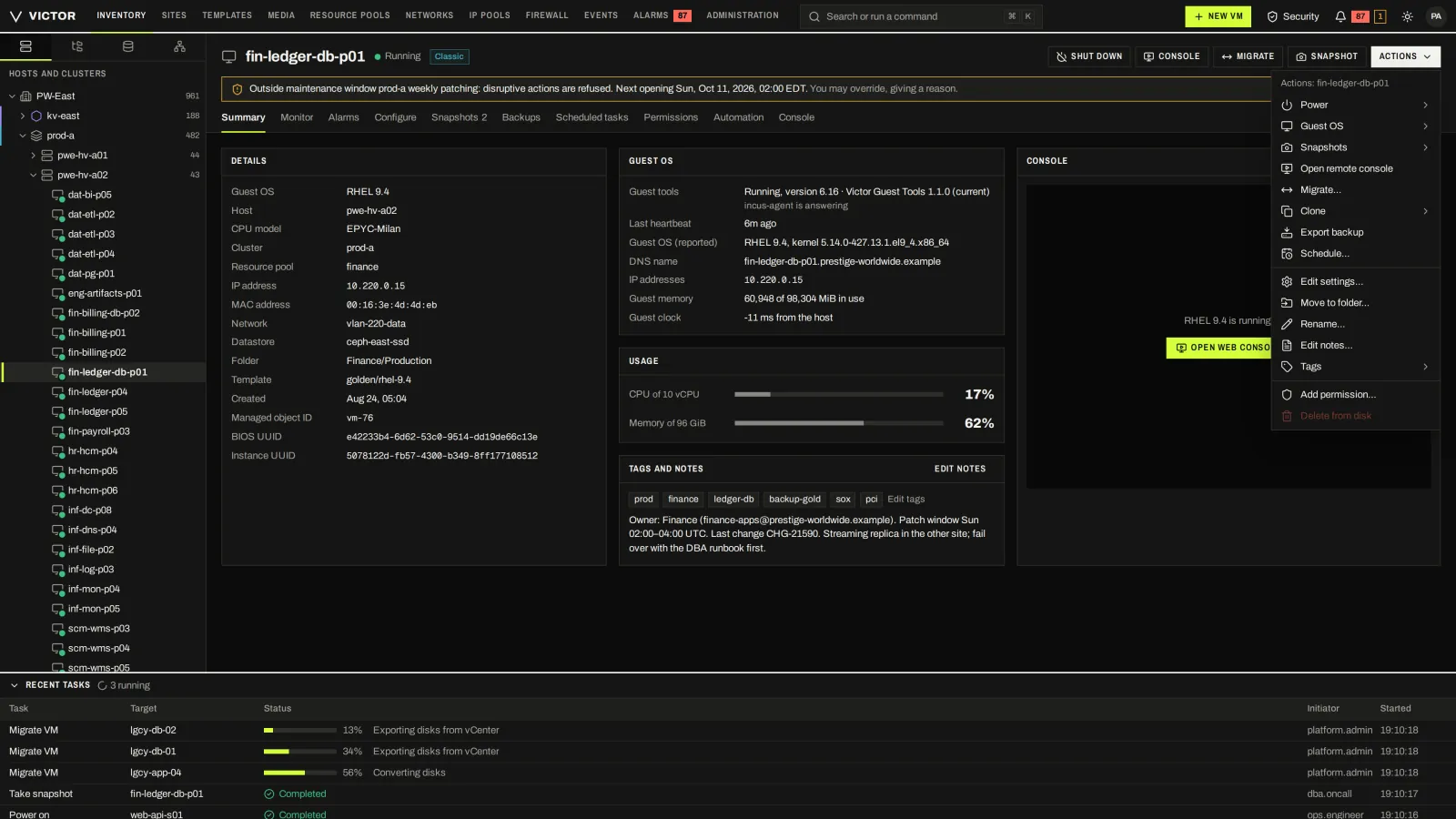
Power, snapshots, migrate, clone, backup, schedules, settings, tags and permissions from one actions menu.
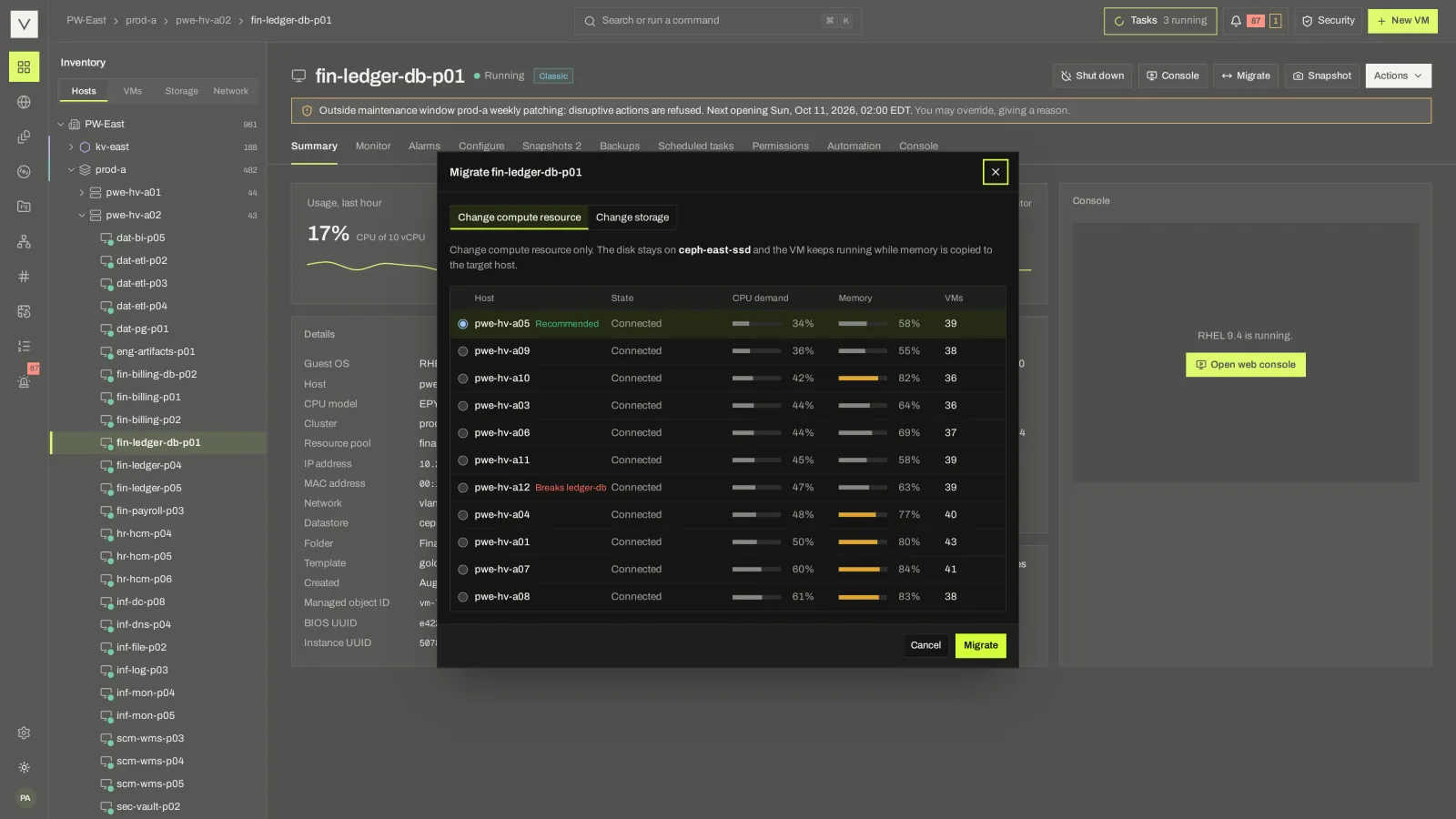
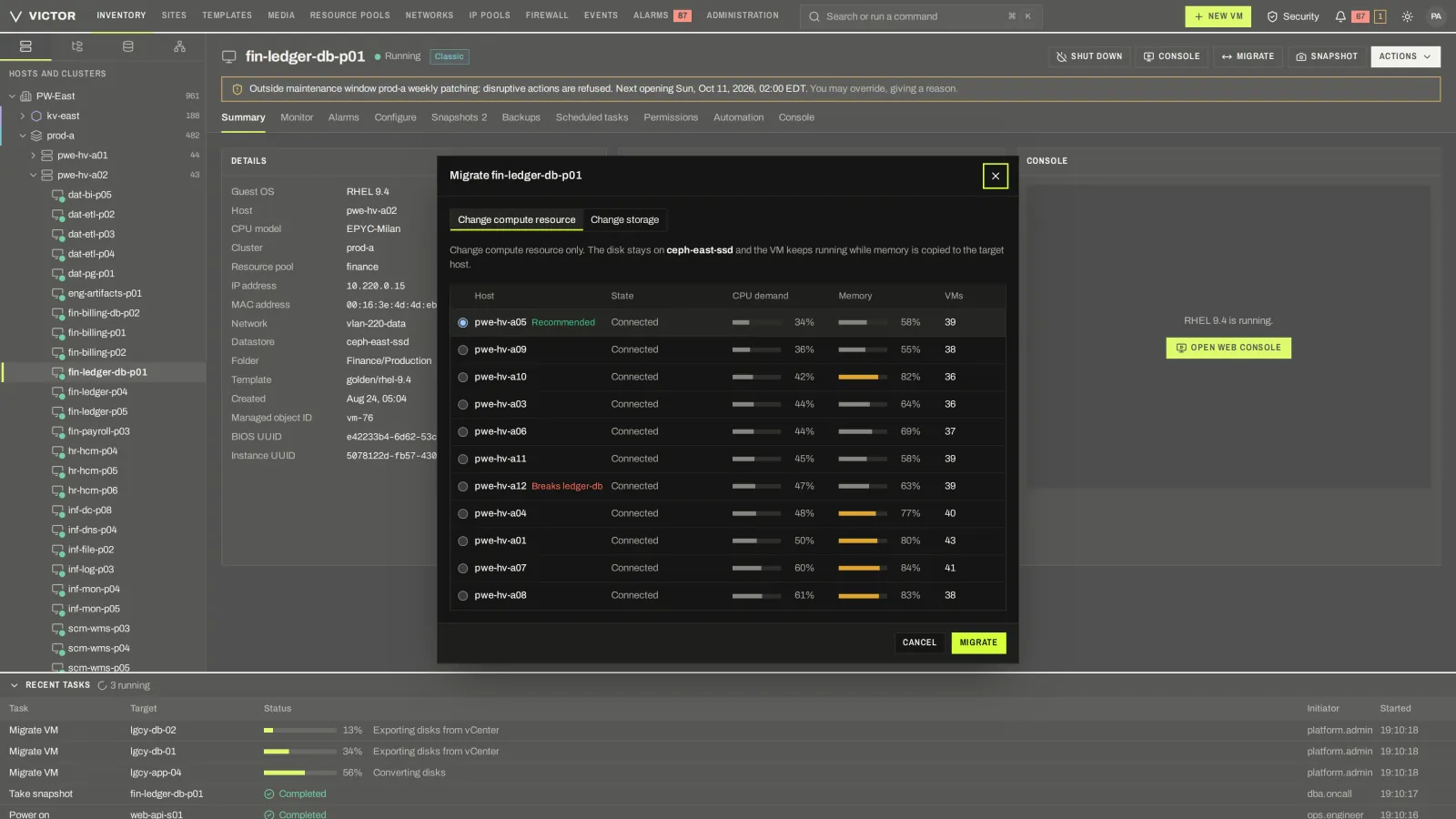
Pick a destination with its CPU demand, memory and placement-rule conflicts shown first.
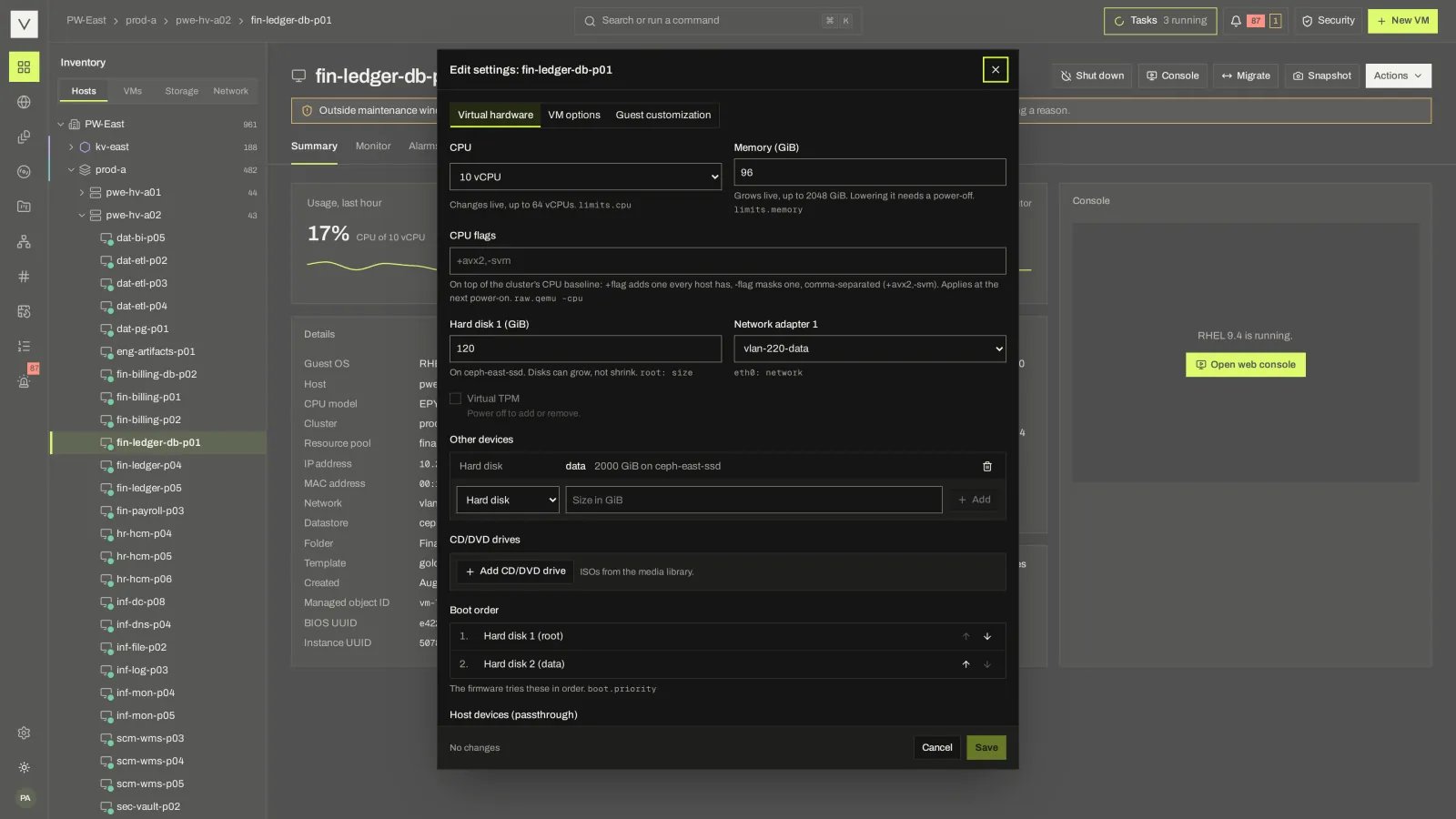
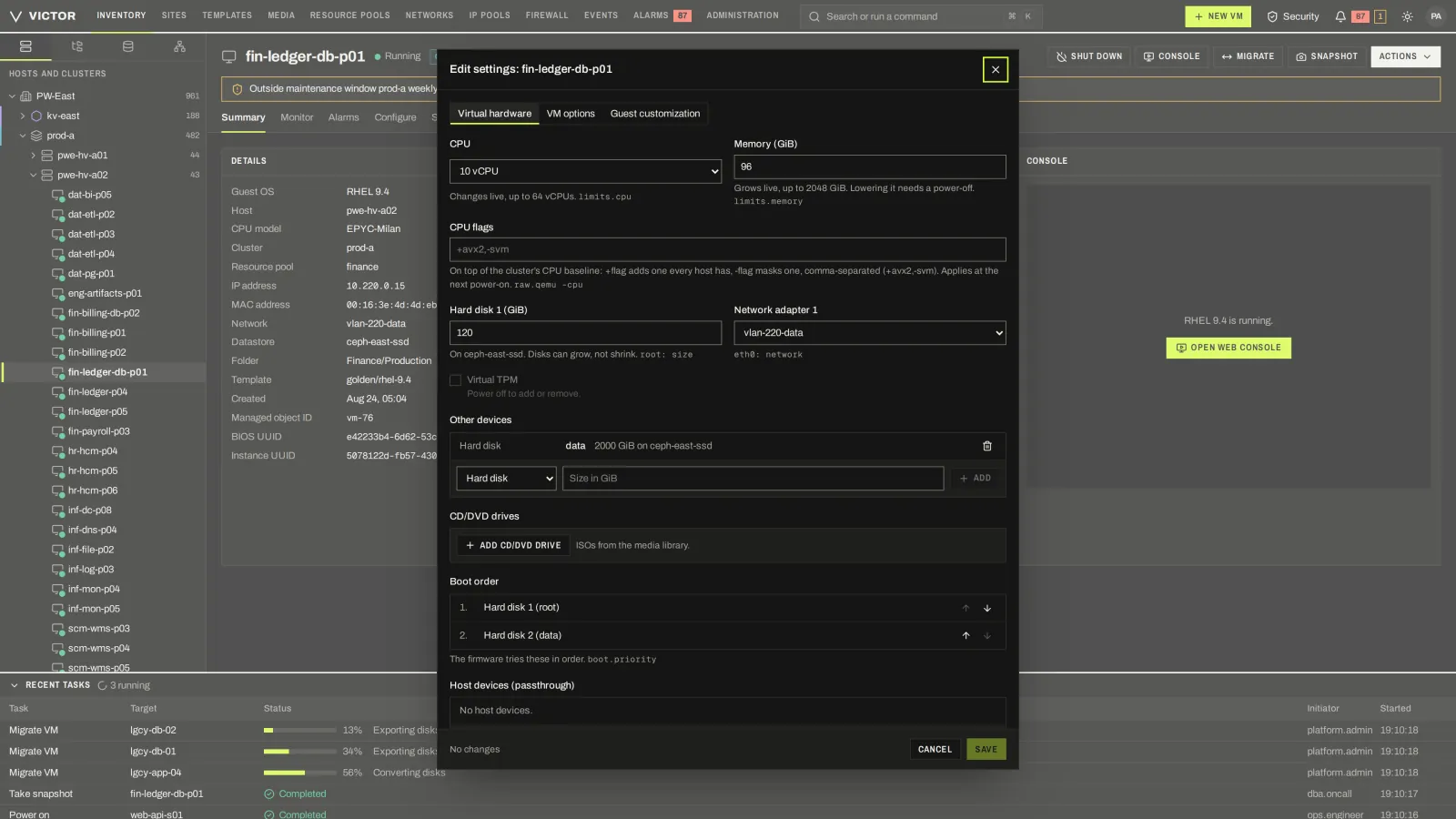
CPU, memory, disks, NICs and devices in one settings dialog.
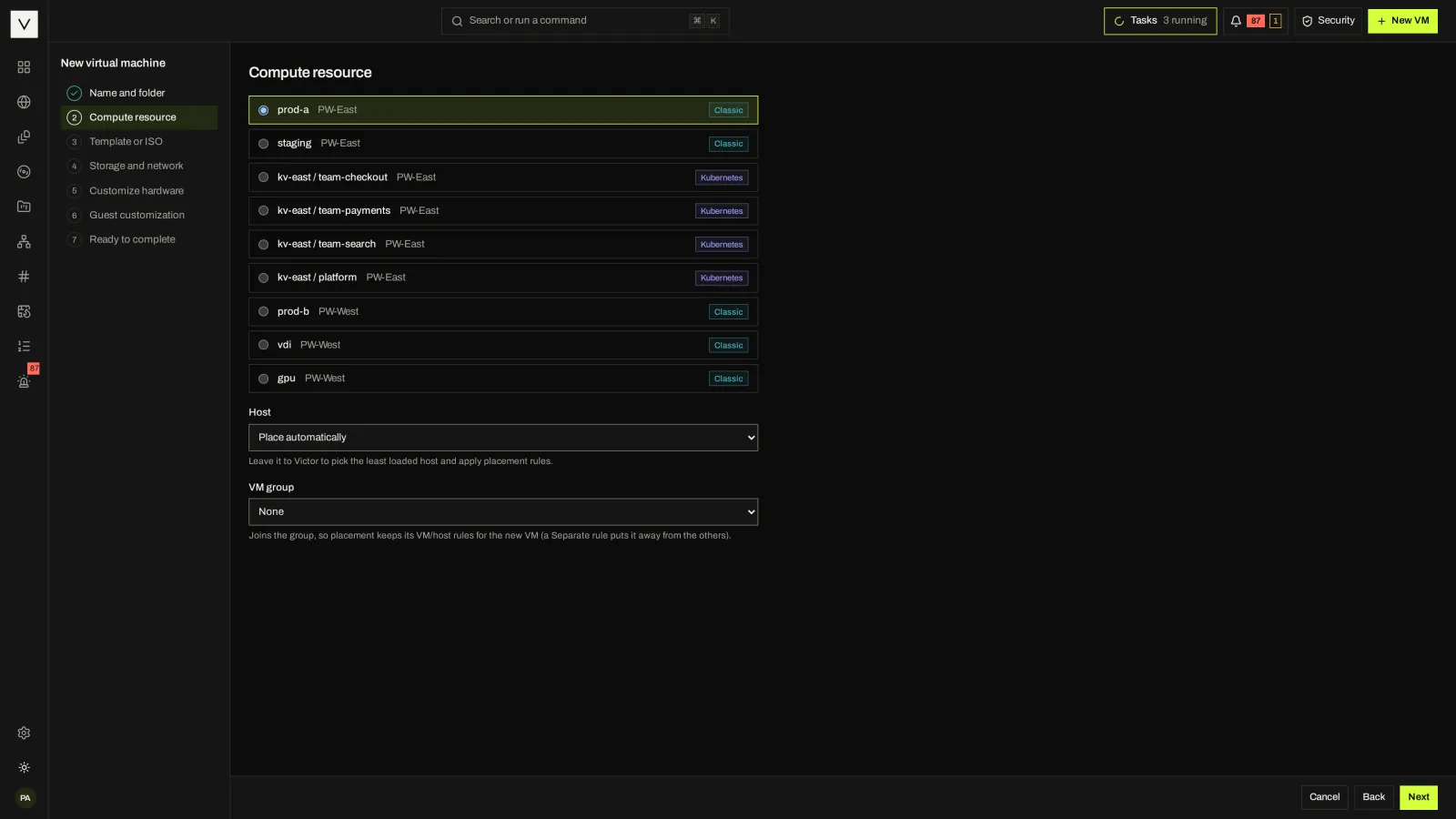
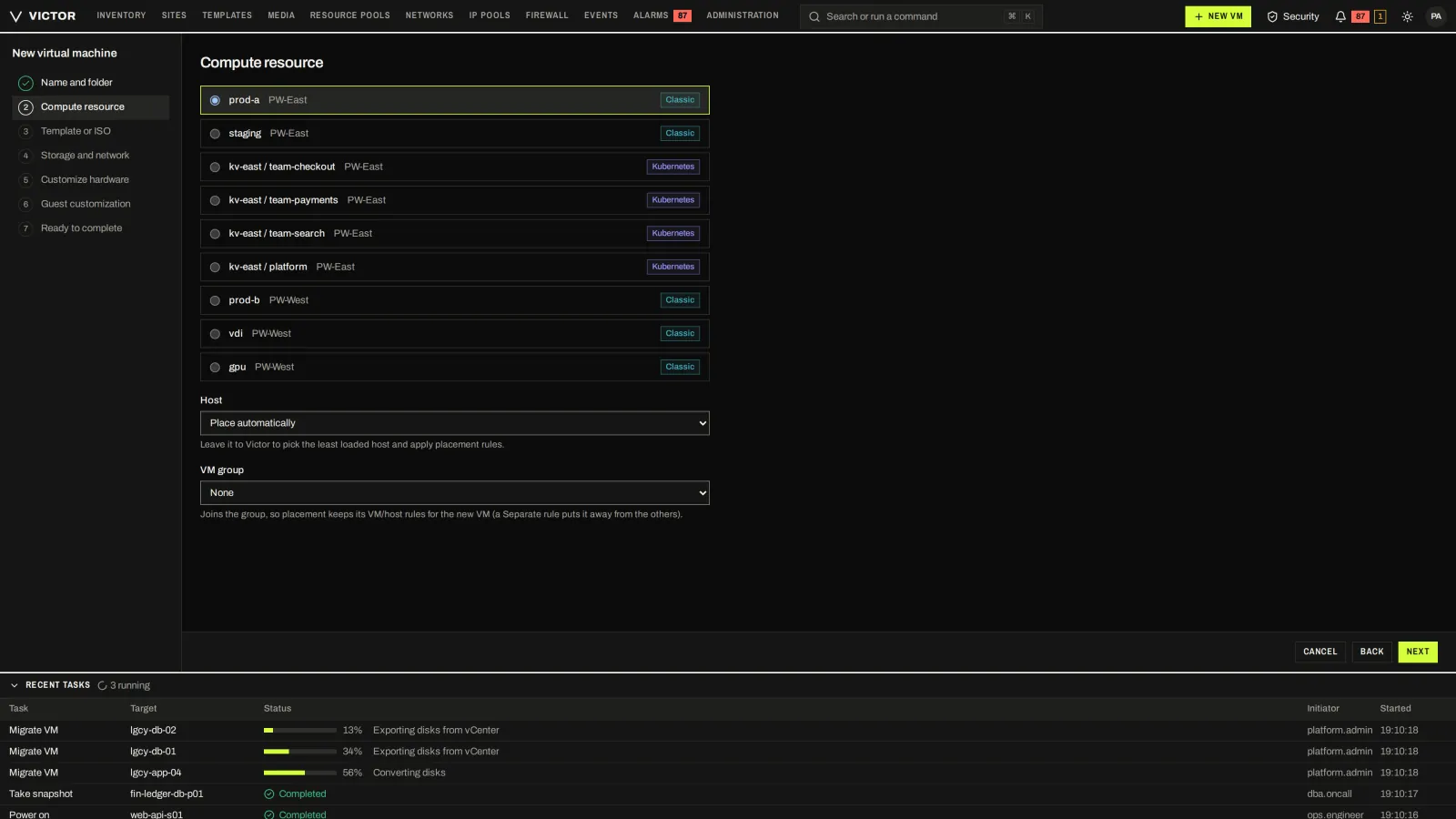
Pick a KVM cluster or KubeVirt namespace and let Victor place the VM on a host, under placement rules.
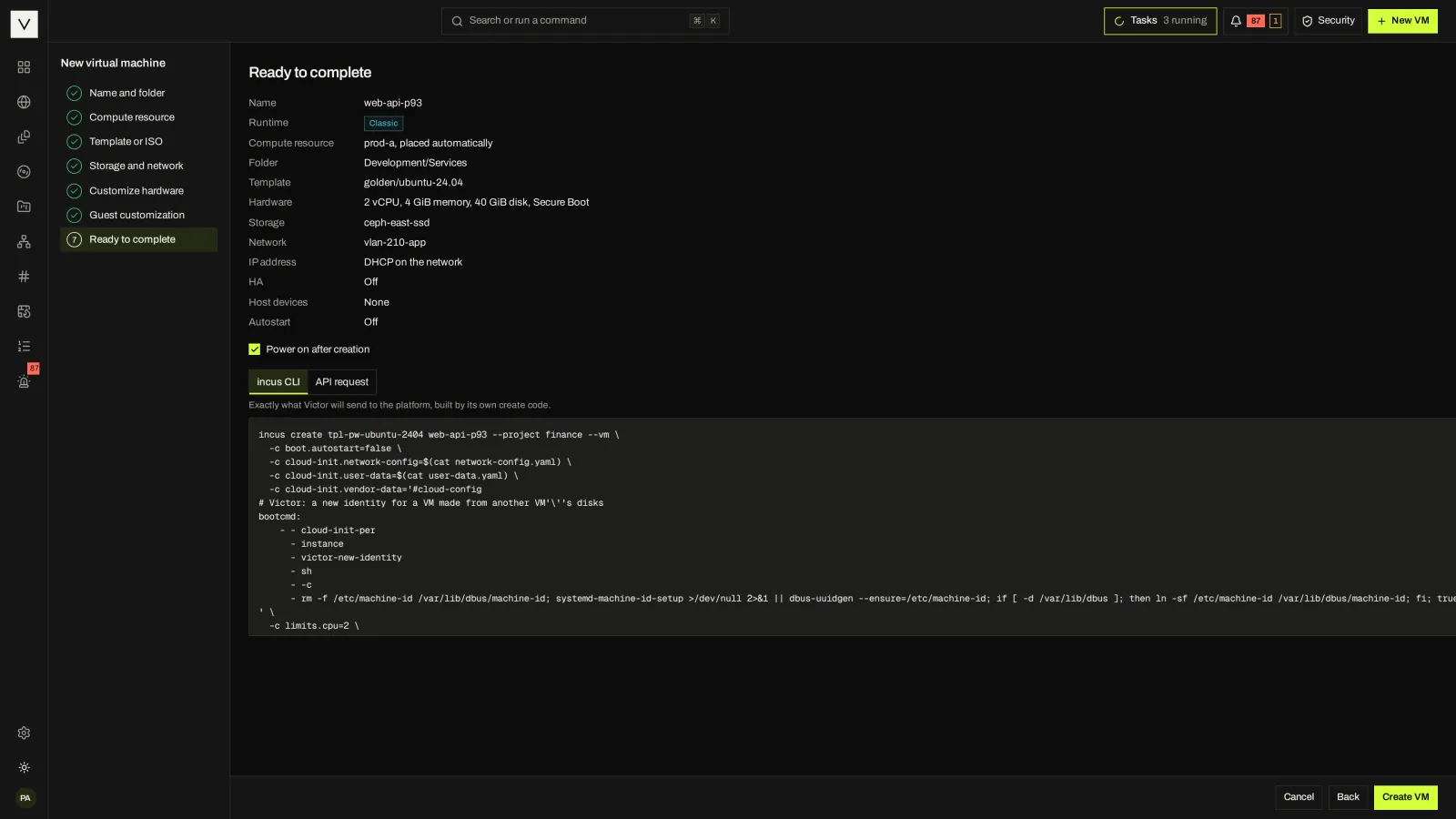
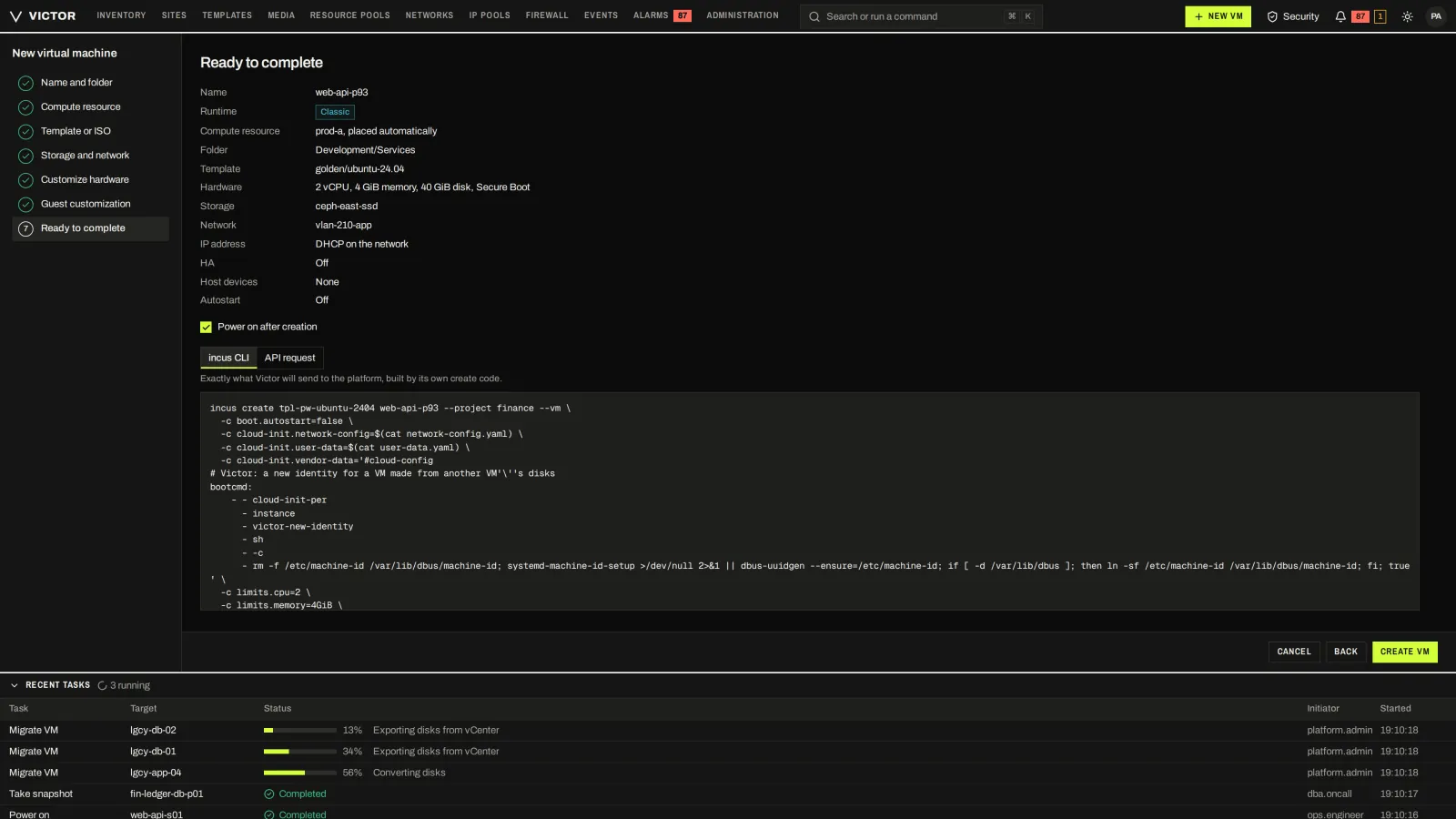
Review the request with the exact engine command or API call Victor will send.
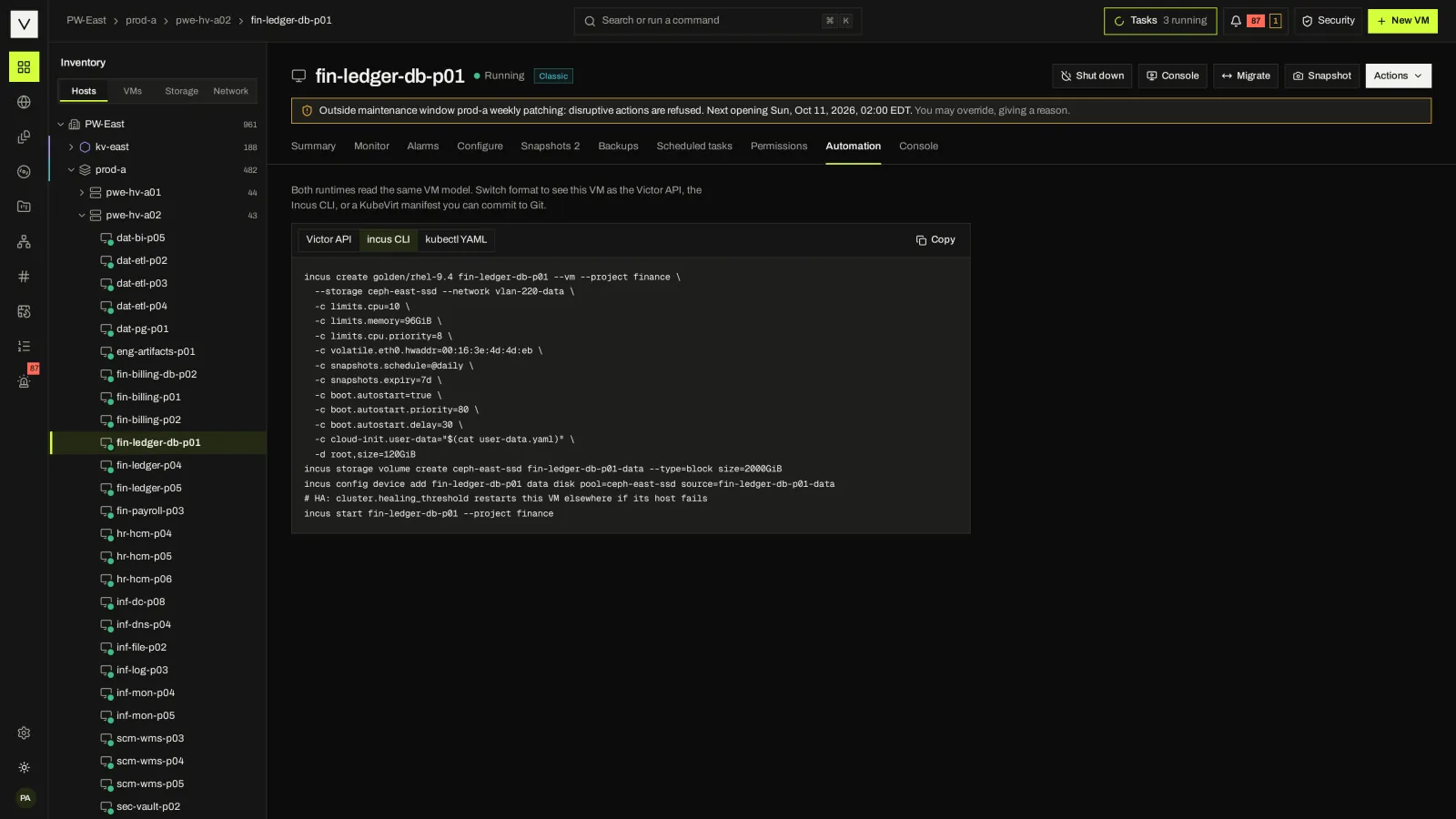
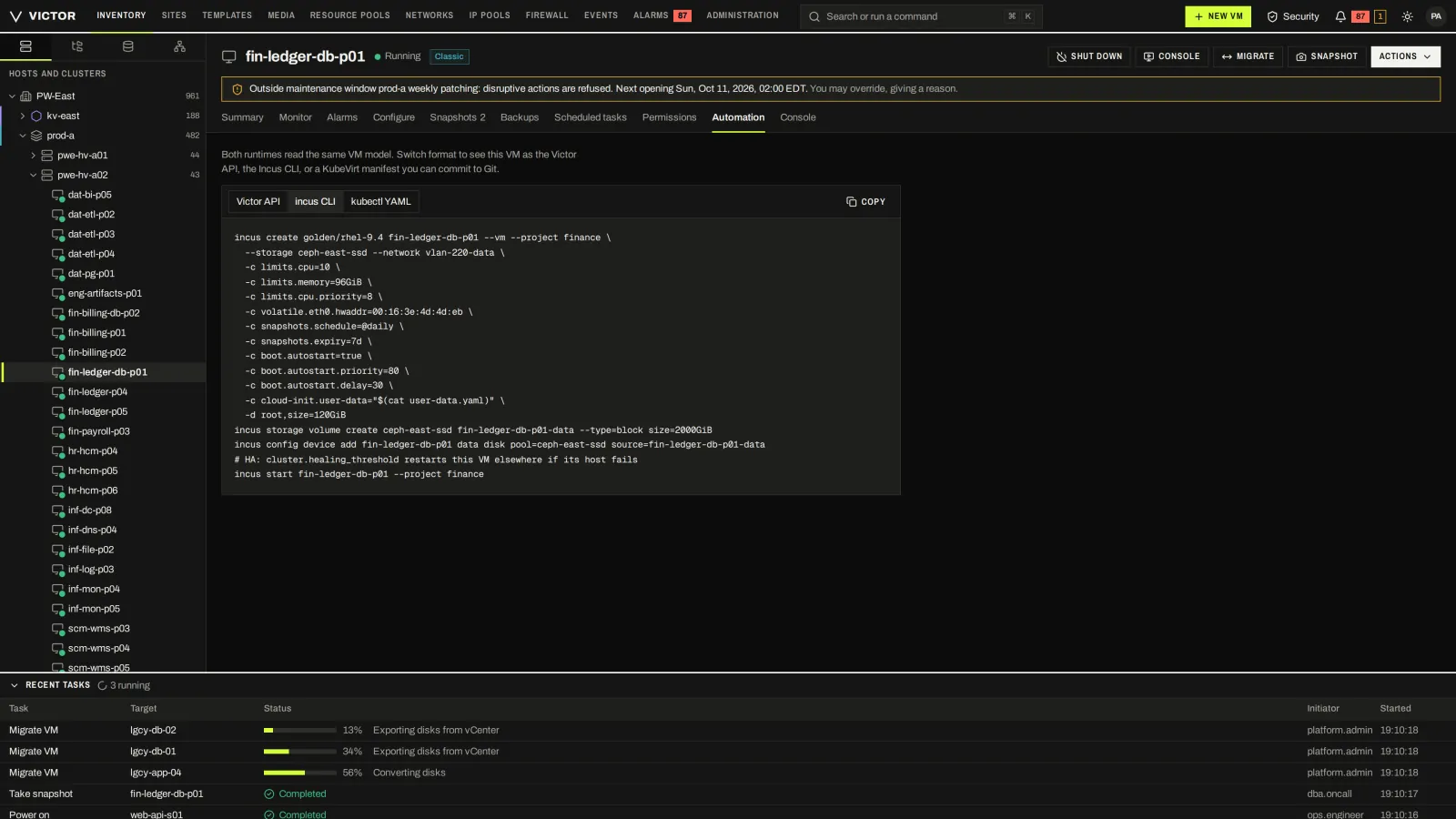
The same VM as a Victor API call, an engine command or a KubeVirt manifest you can commit to Git.
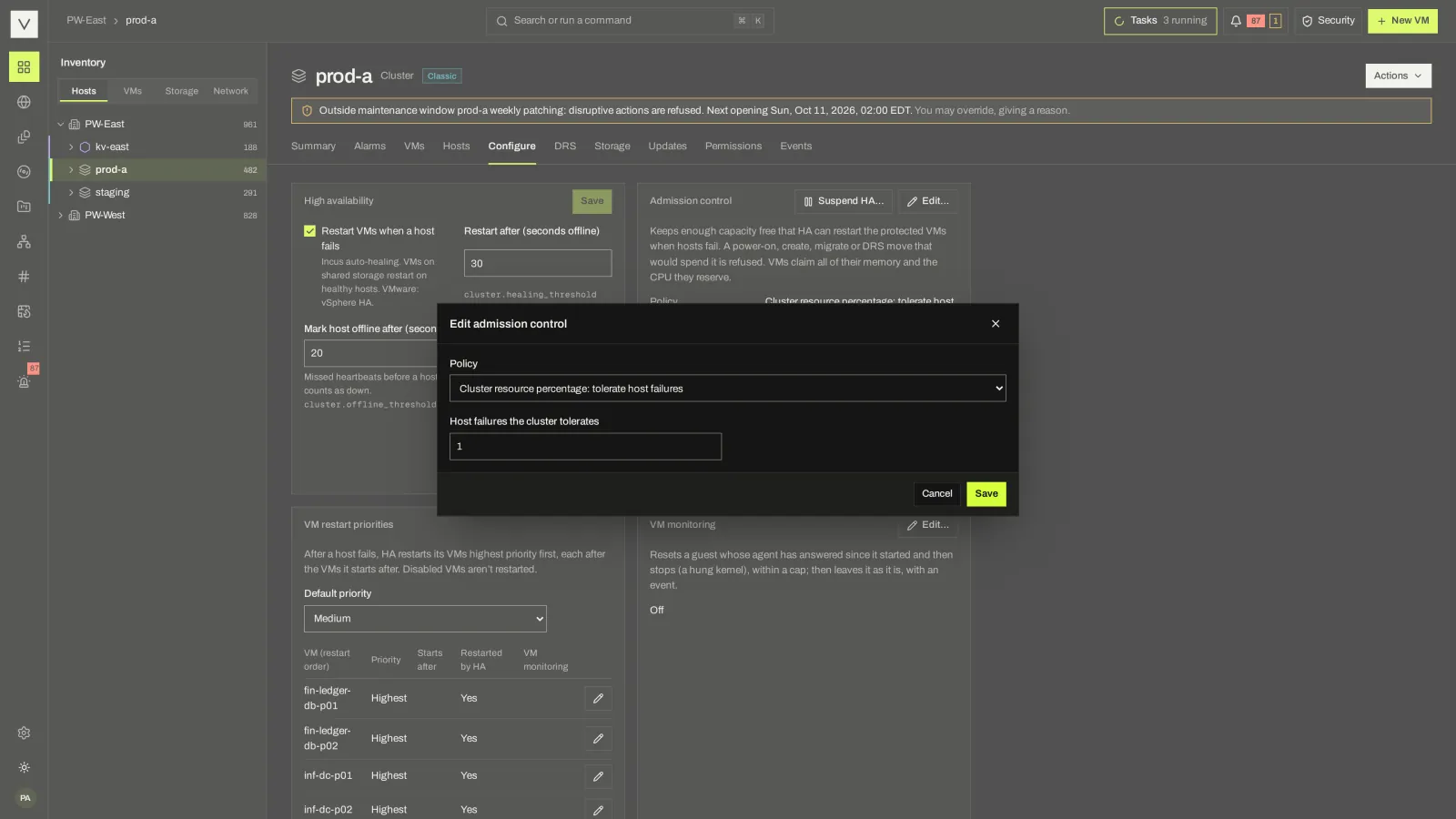
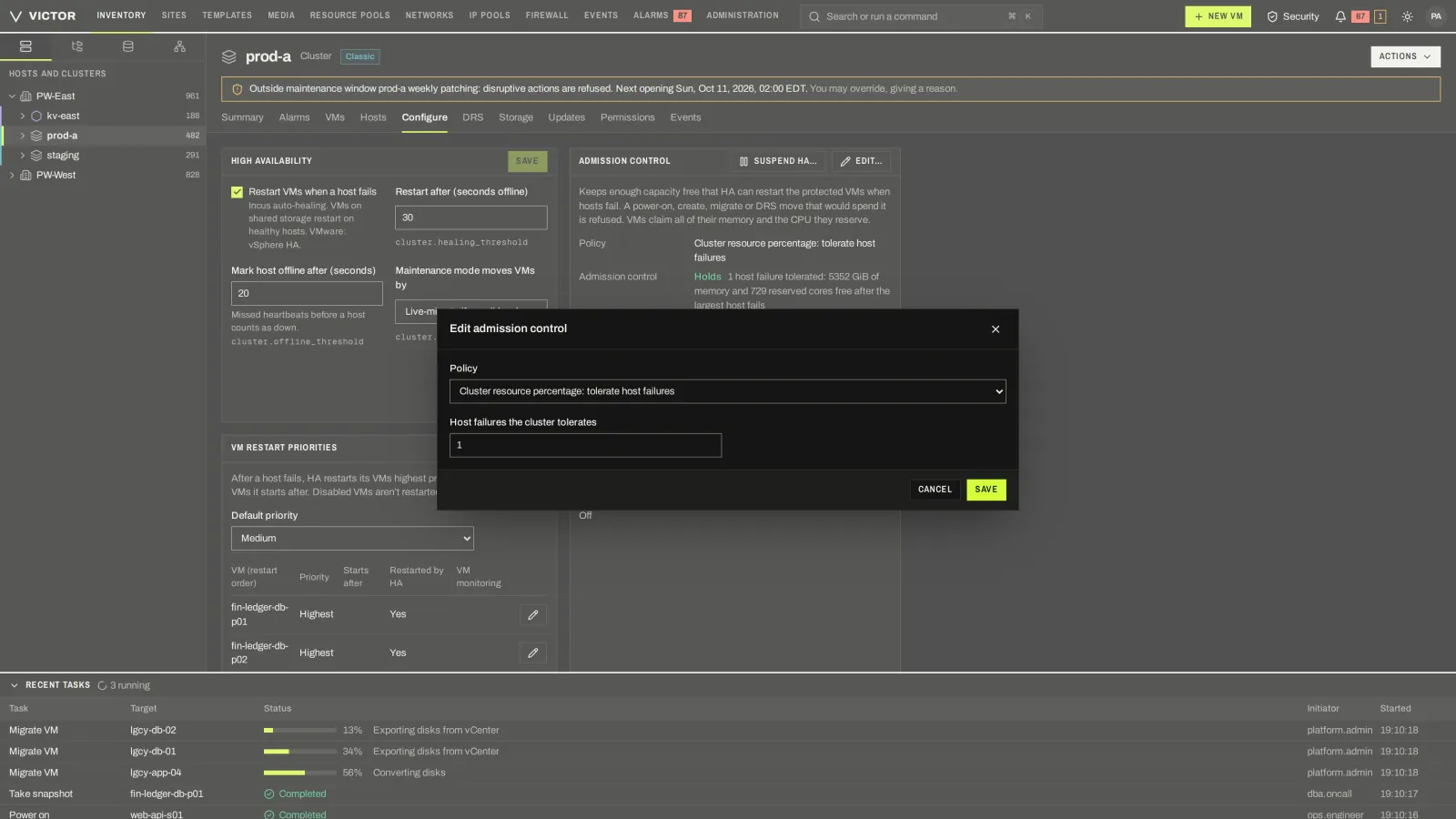
Reserve failover capacity by host failures, percentage or dedicated hosts.
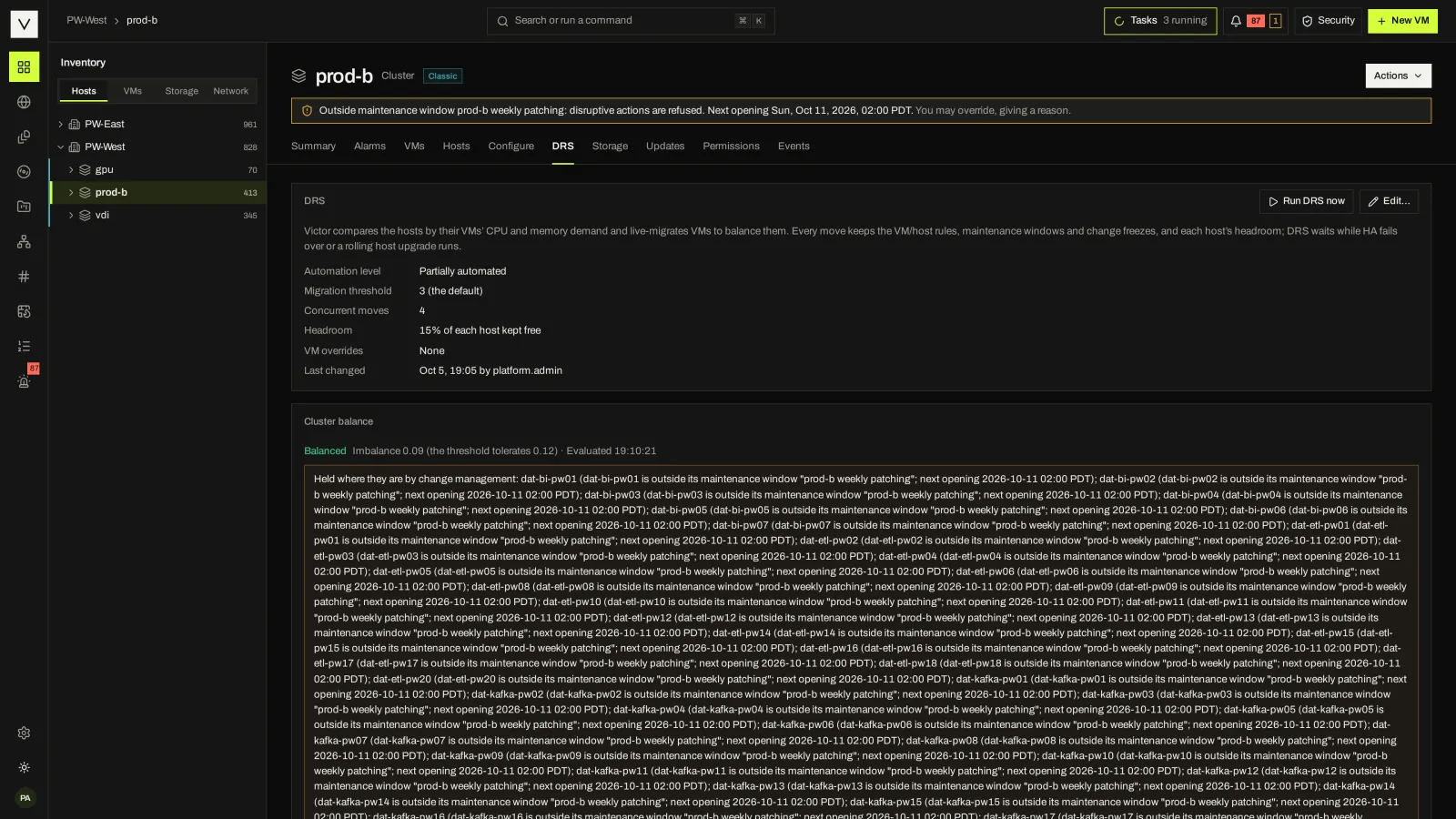
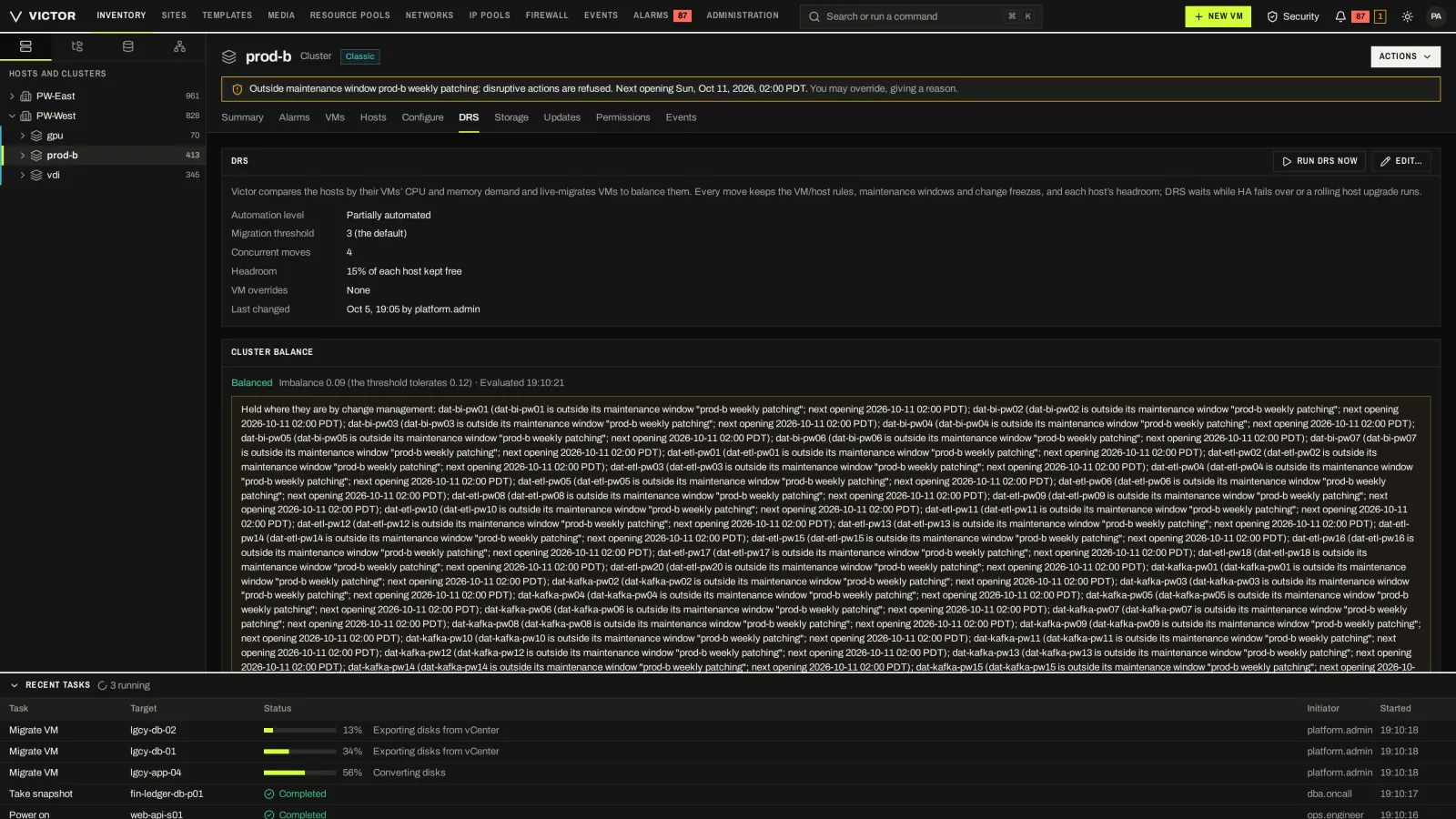
Balancing moves held to VM/host rules, headroom and change windows.
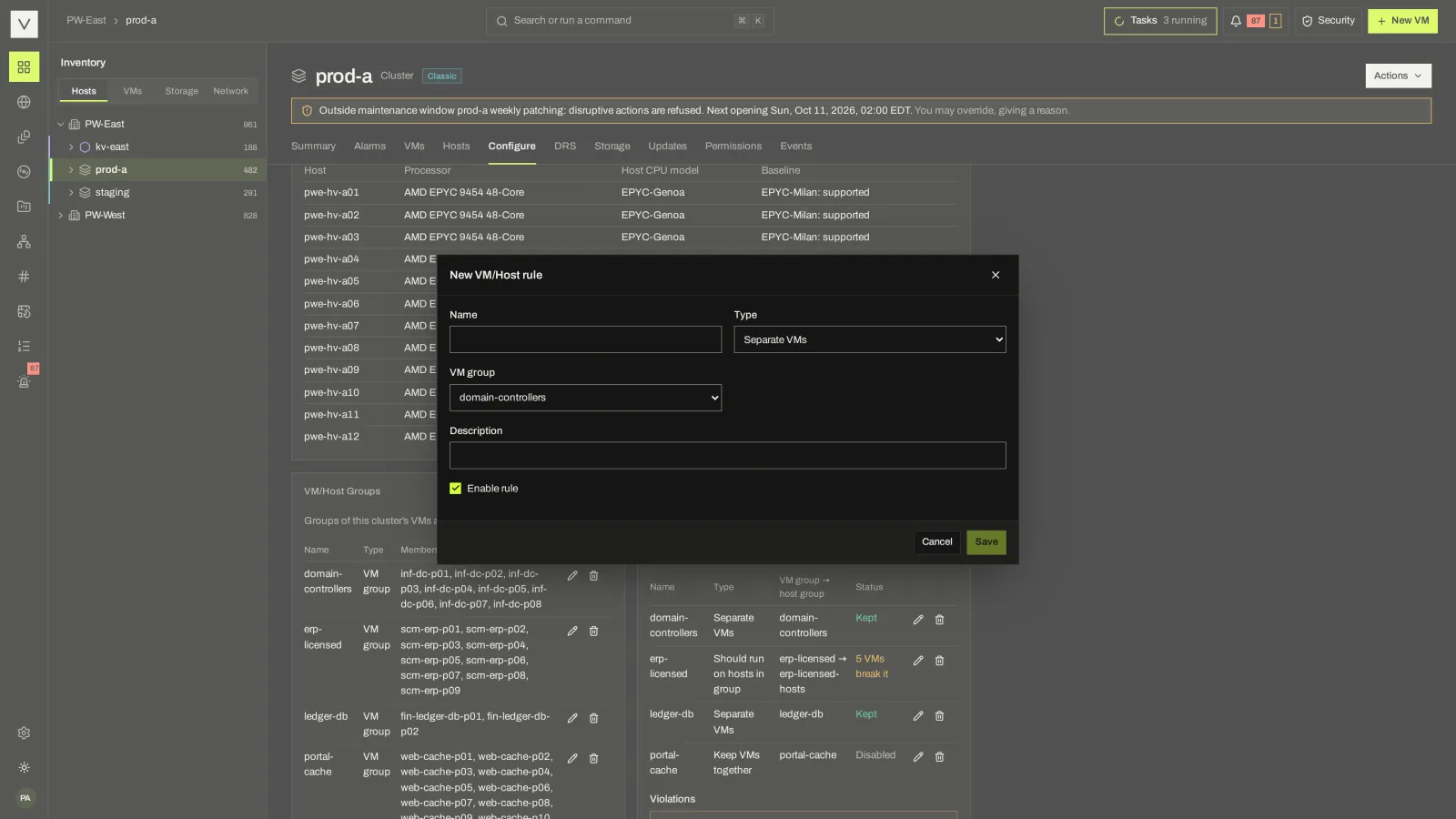
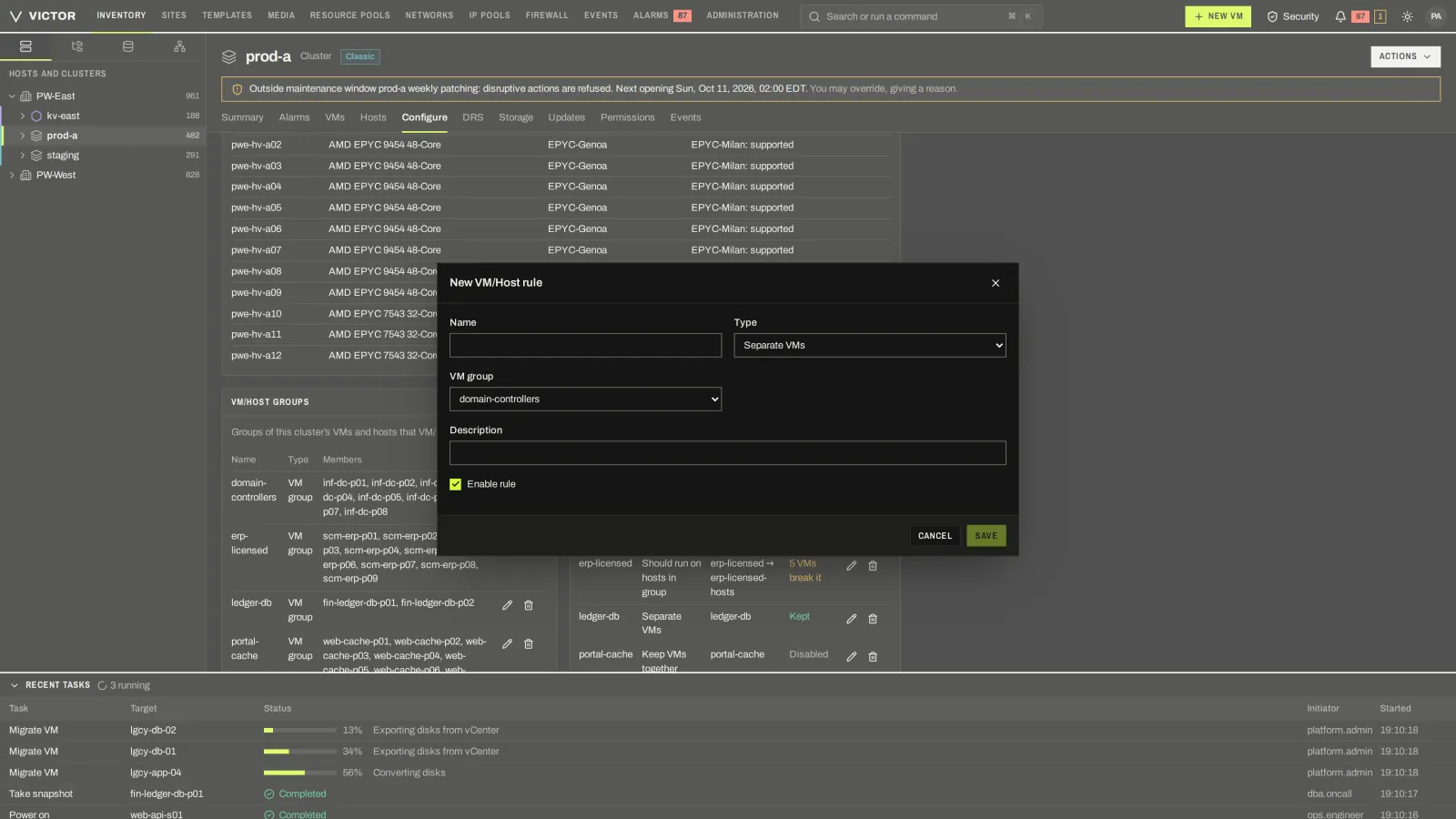
VM/VM and VM/host affinity and anti-affinity rules.
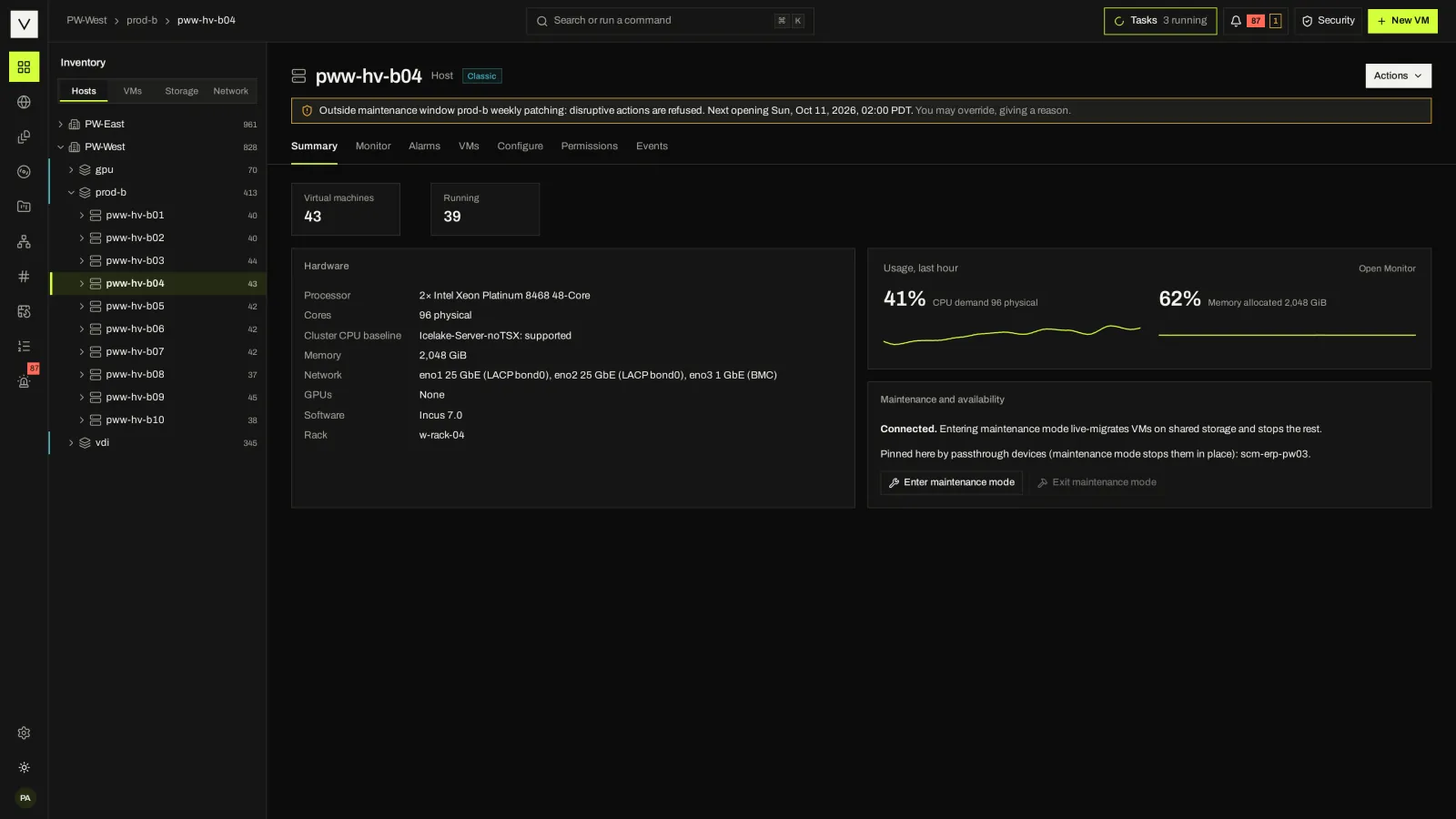
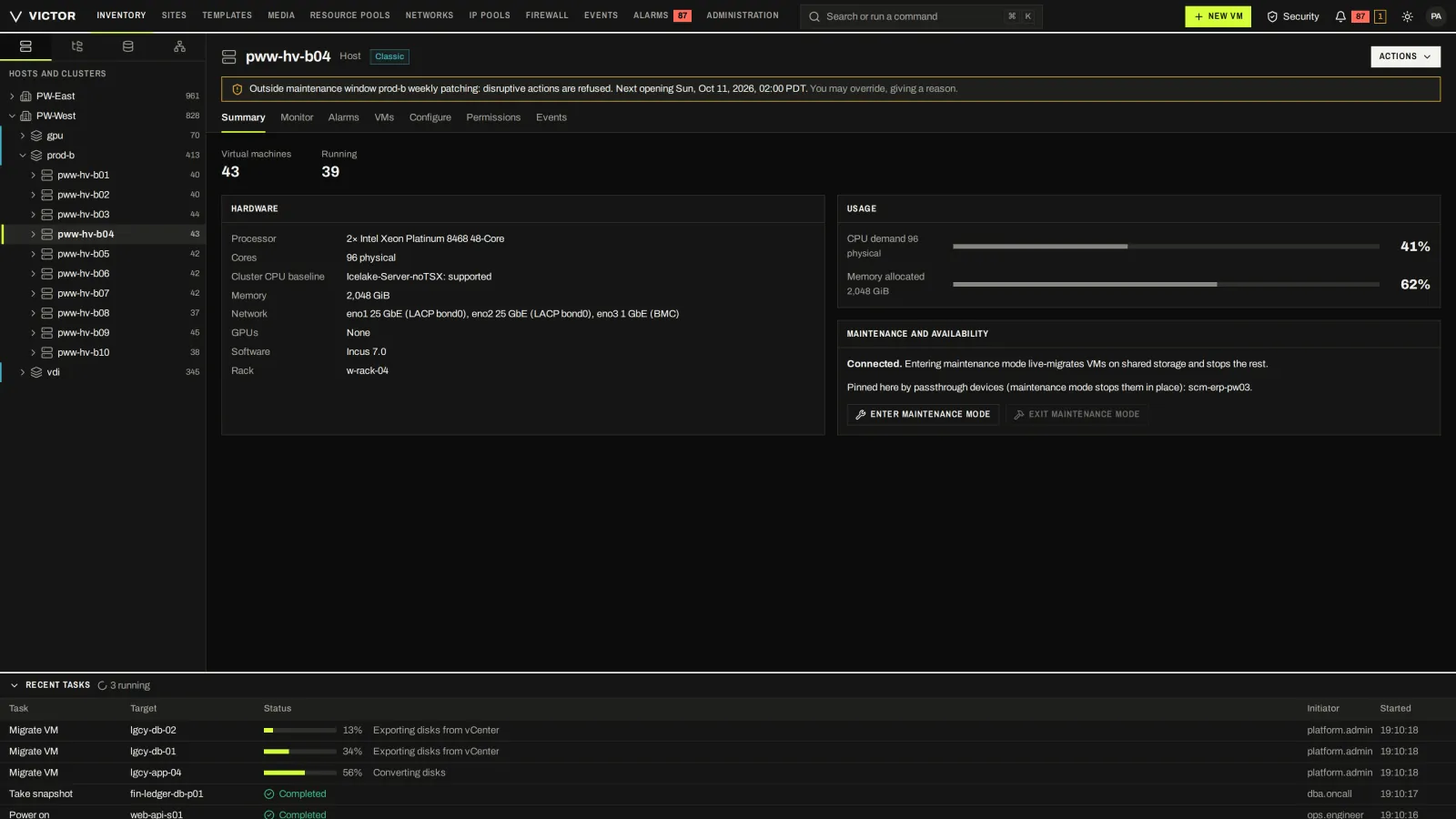
Hardware, usage, and what maintenance mode will do to each VM on the host.
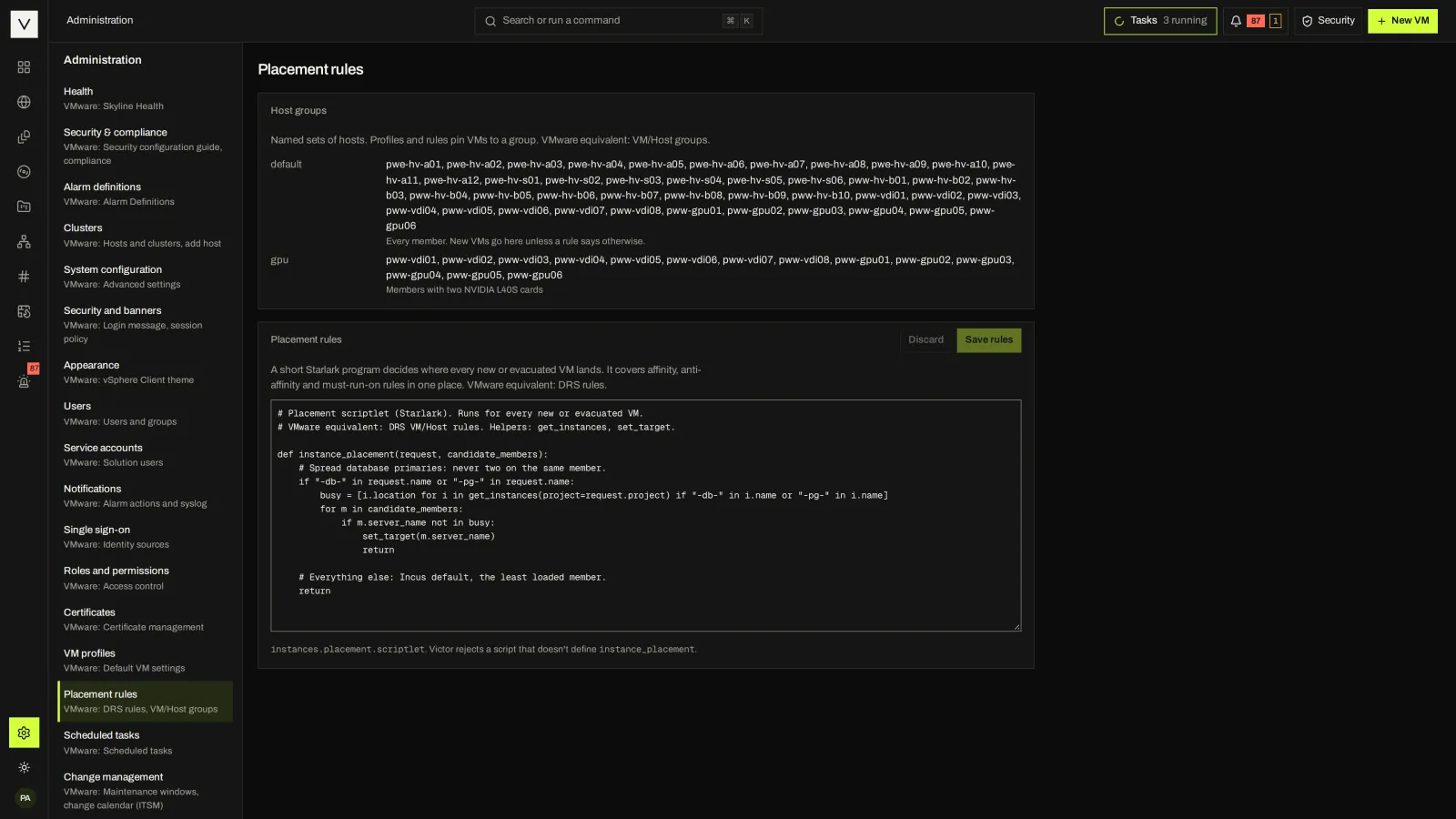
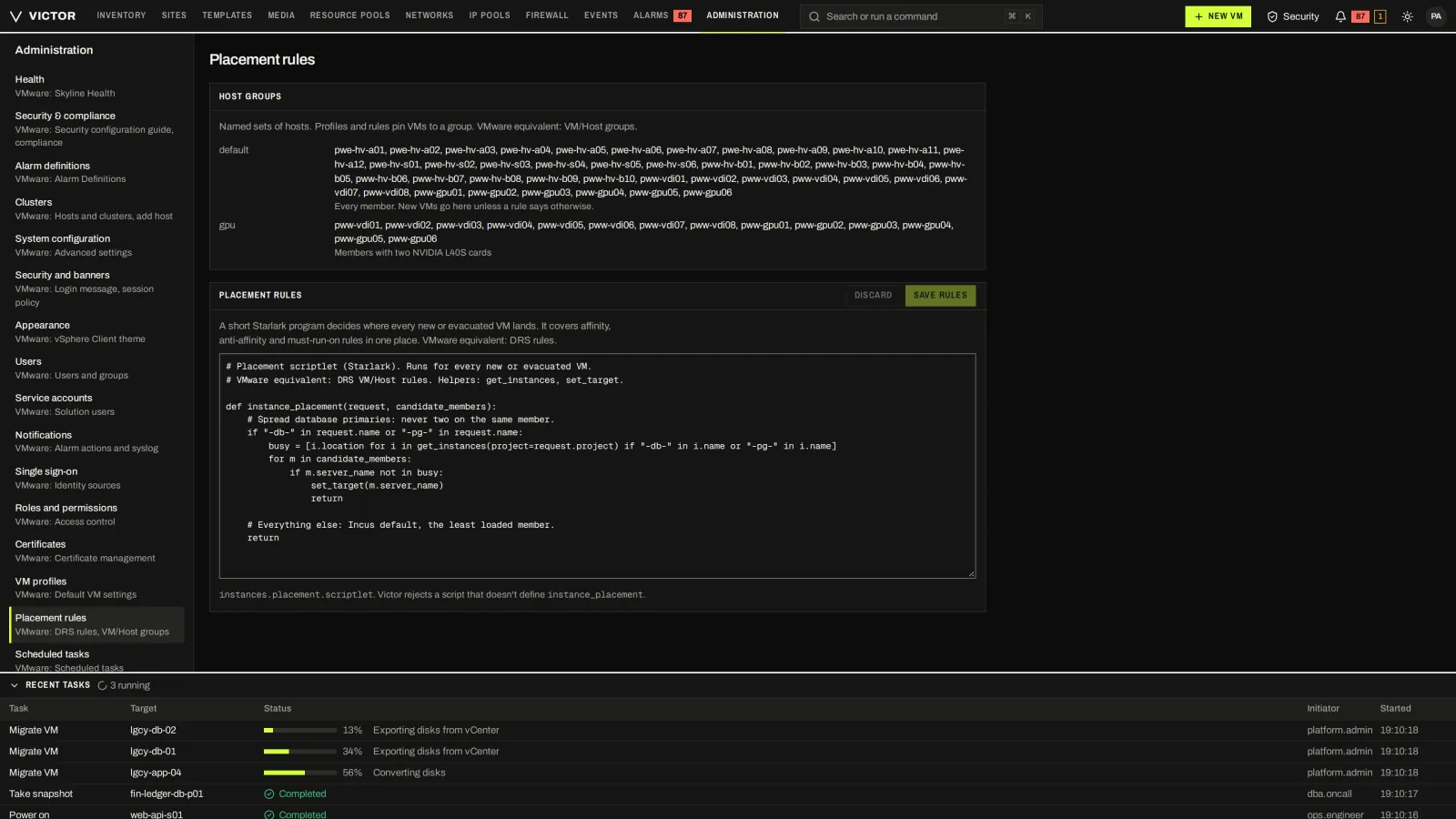
Host groups and a site-wide placement script that decides where new or evacuated VMs land.
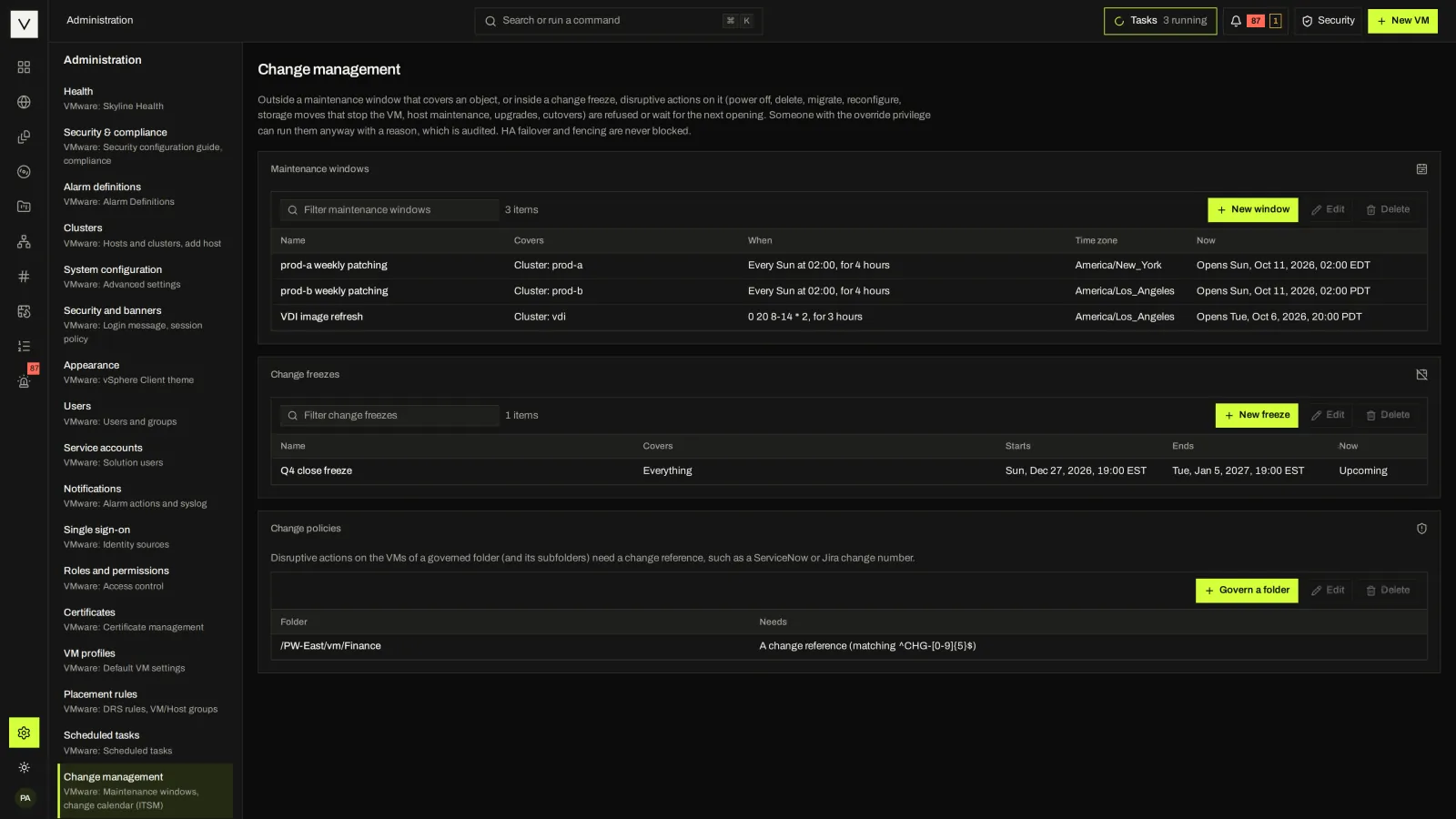
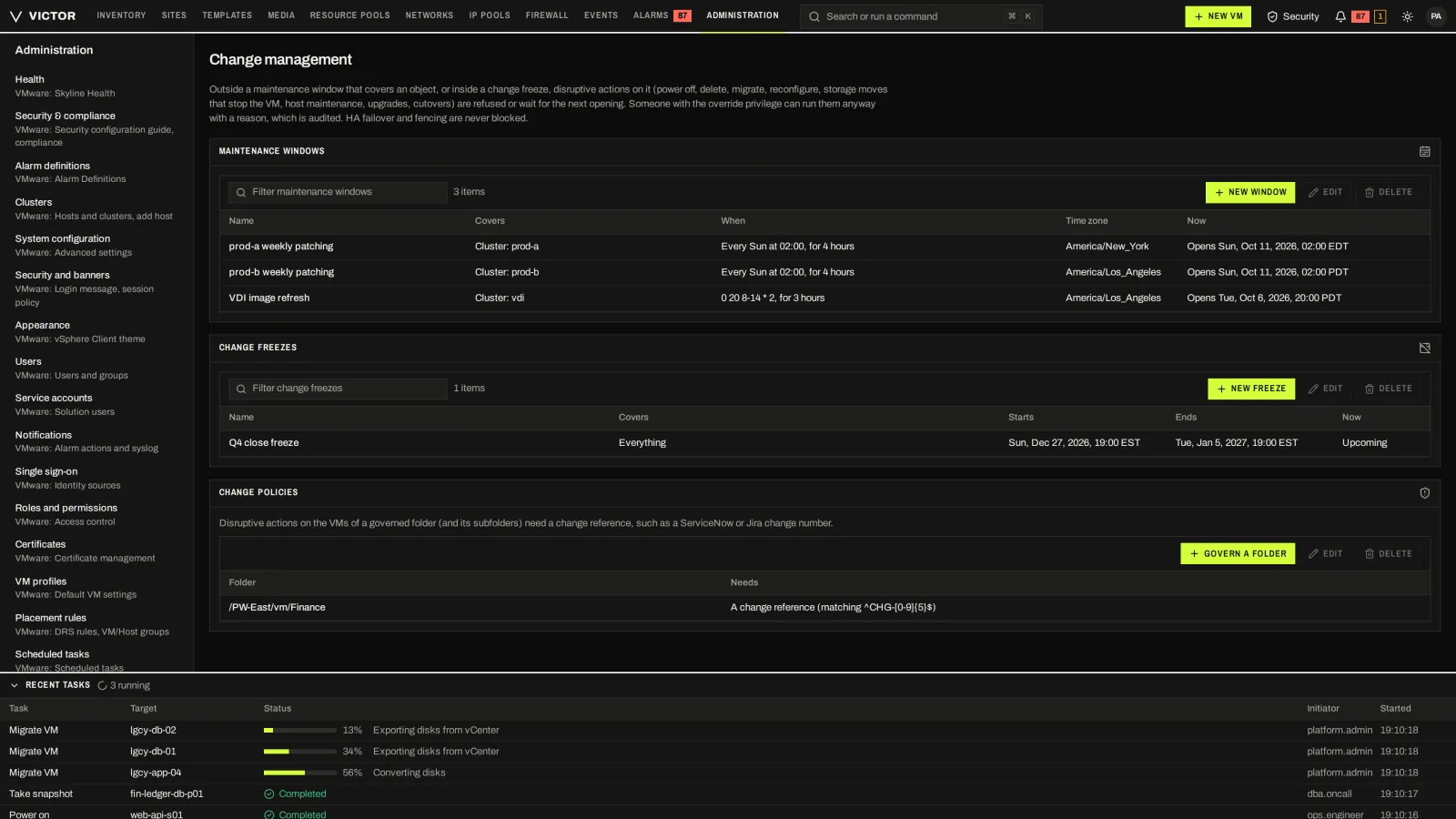
Maintenance windows and change freezes that disruptive actions respect.
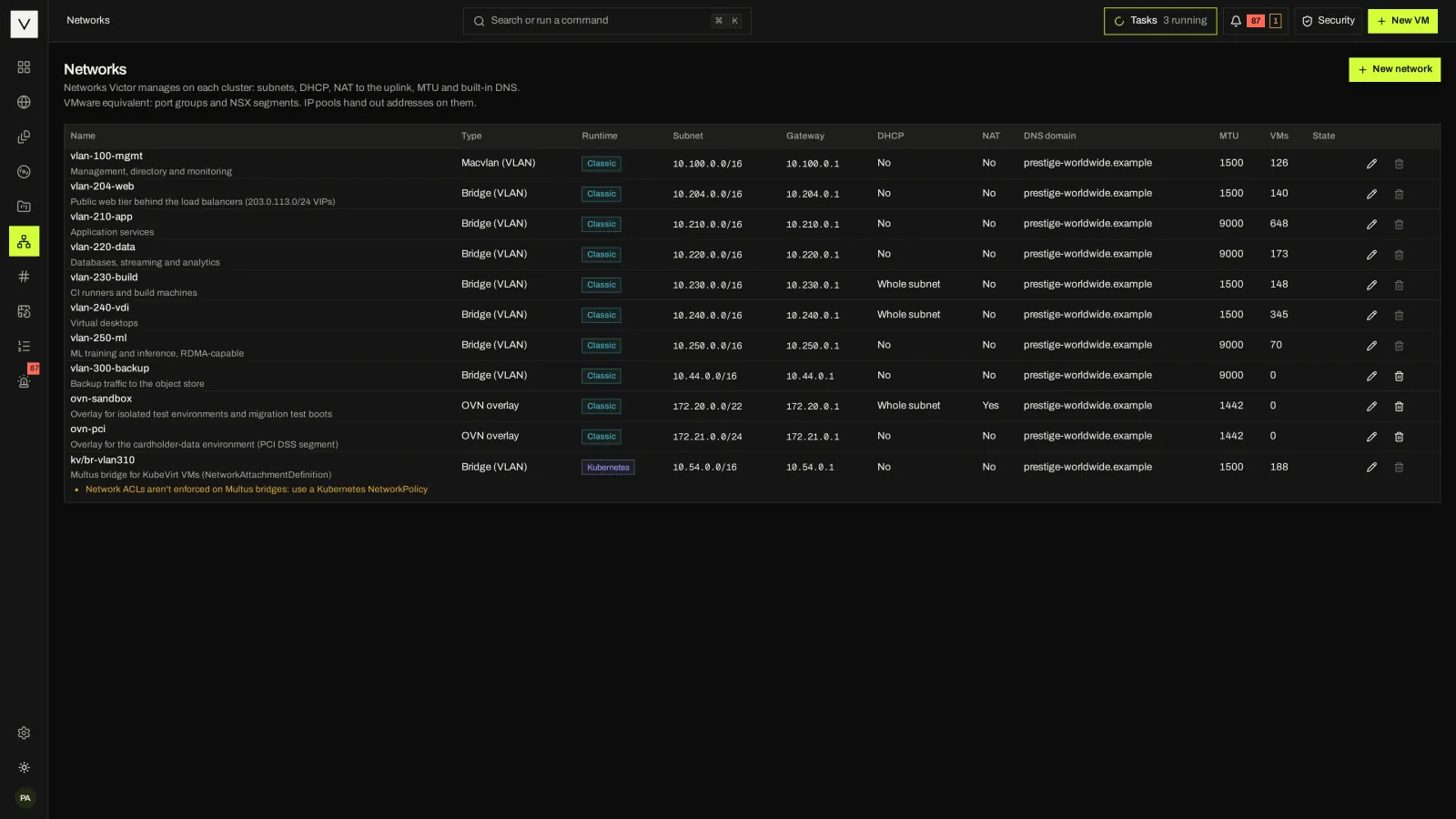
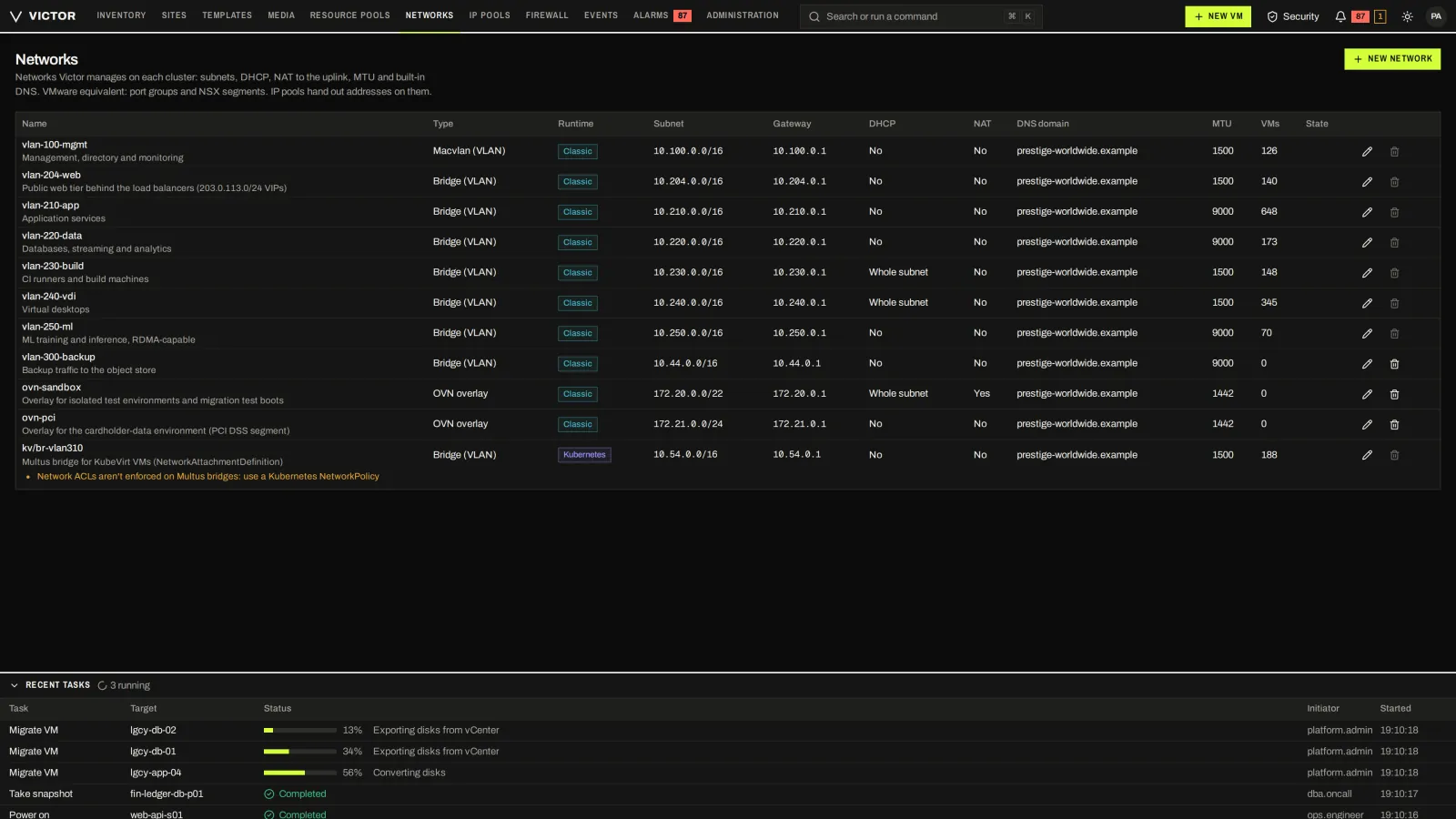
Bridge, VLAN and OVN networks for KVM clusters and Multus networks for KubeVirt, with their attached VMs.
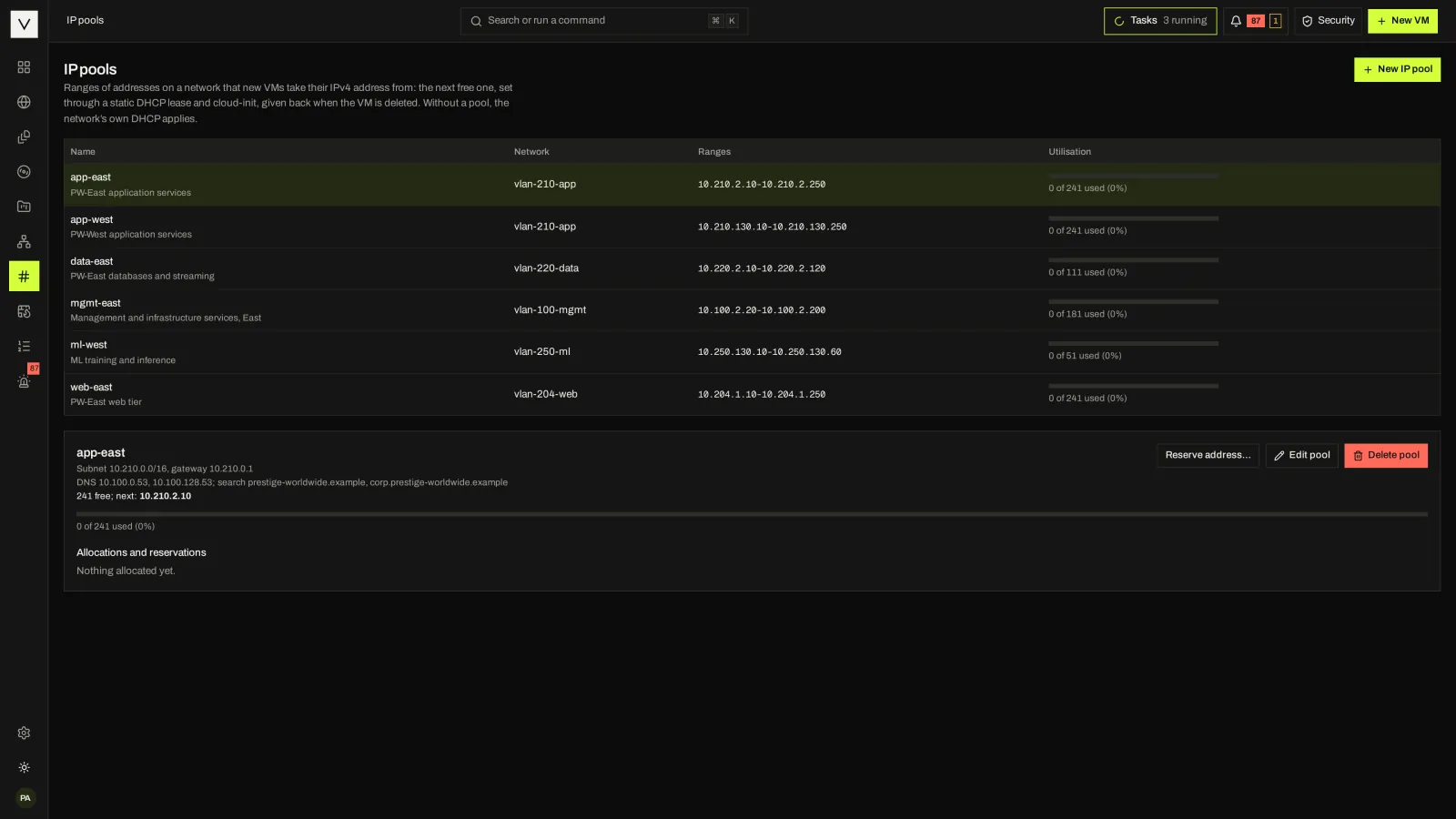
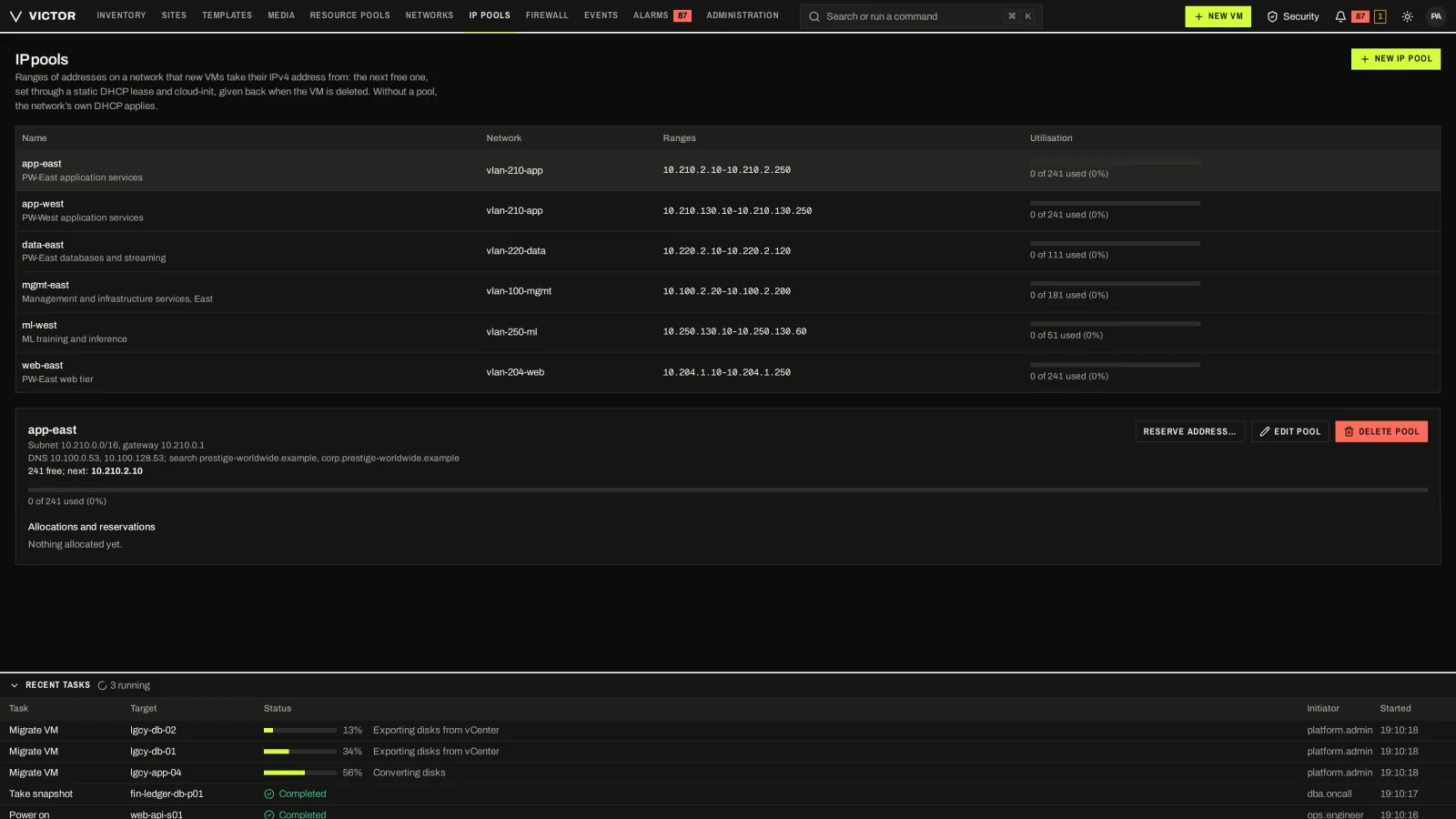
IPAM pools with allocations and reservations.
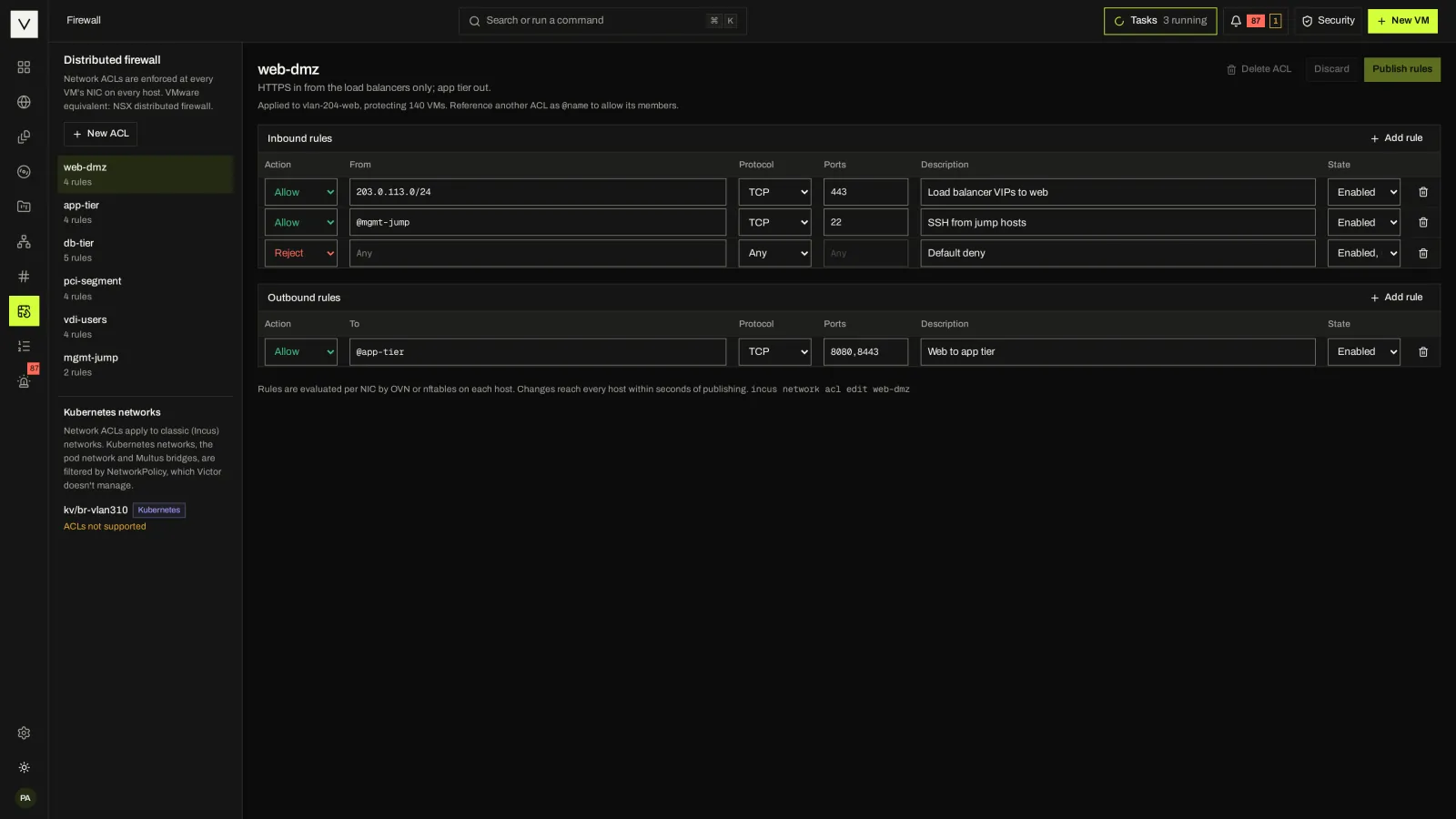
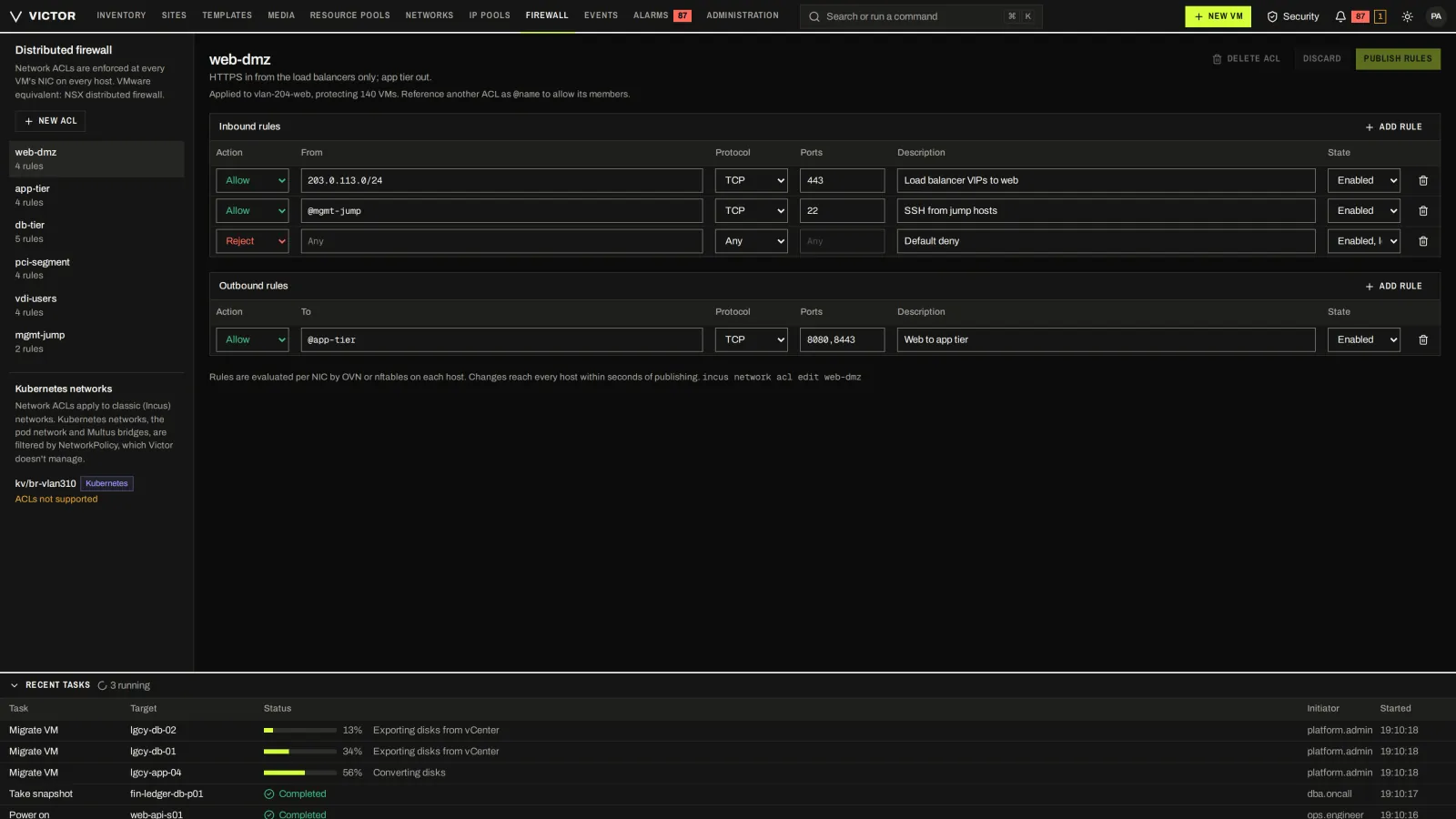
Network ACLs on bridge and OVN networks of KVM clusters; KubeVirt networks are marked unsupported.
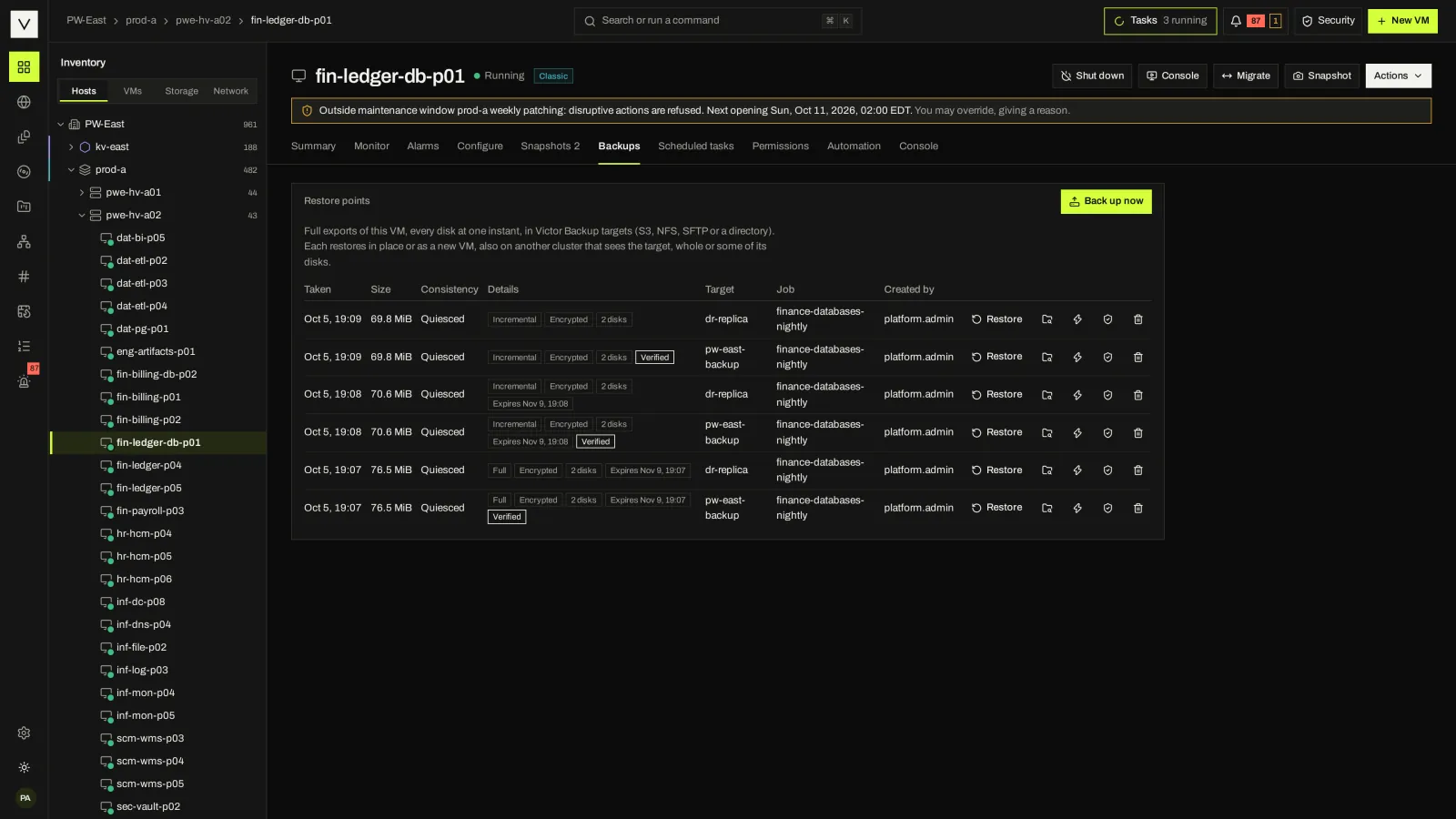
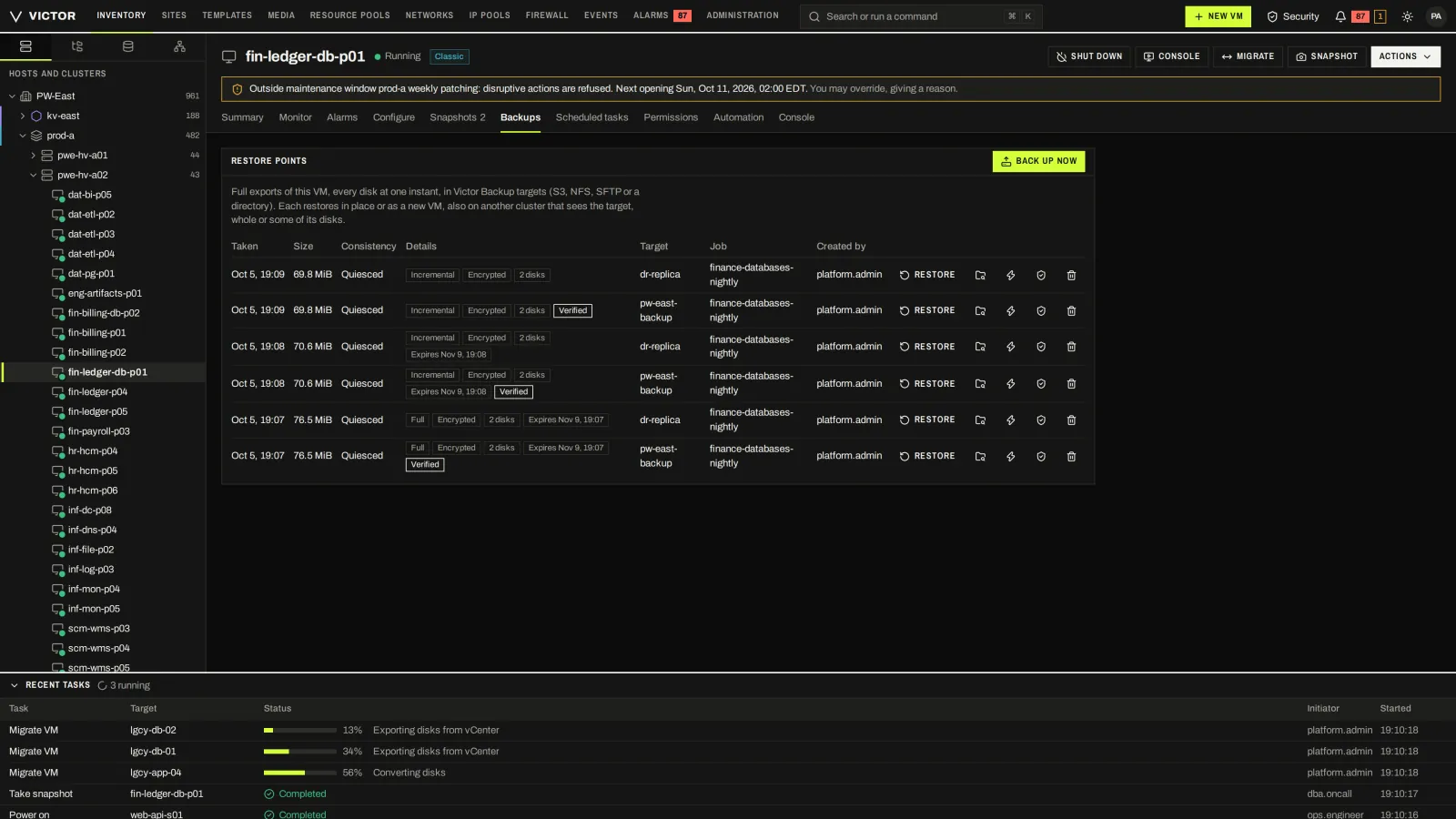
Restore points on the VM itself, with size, type and verification state.
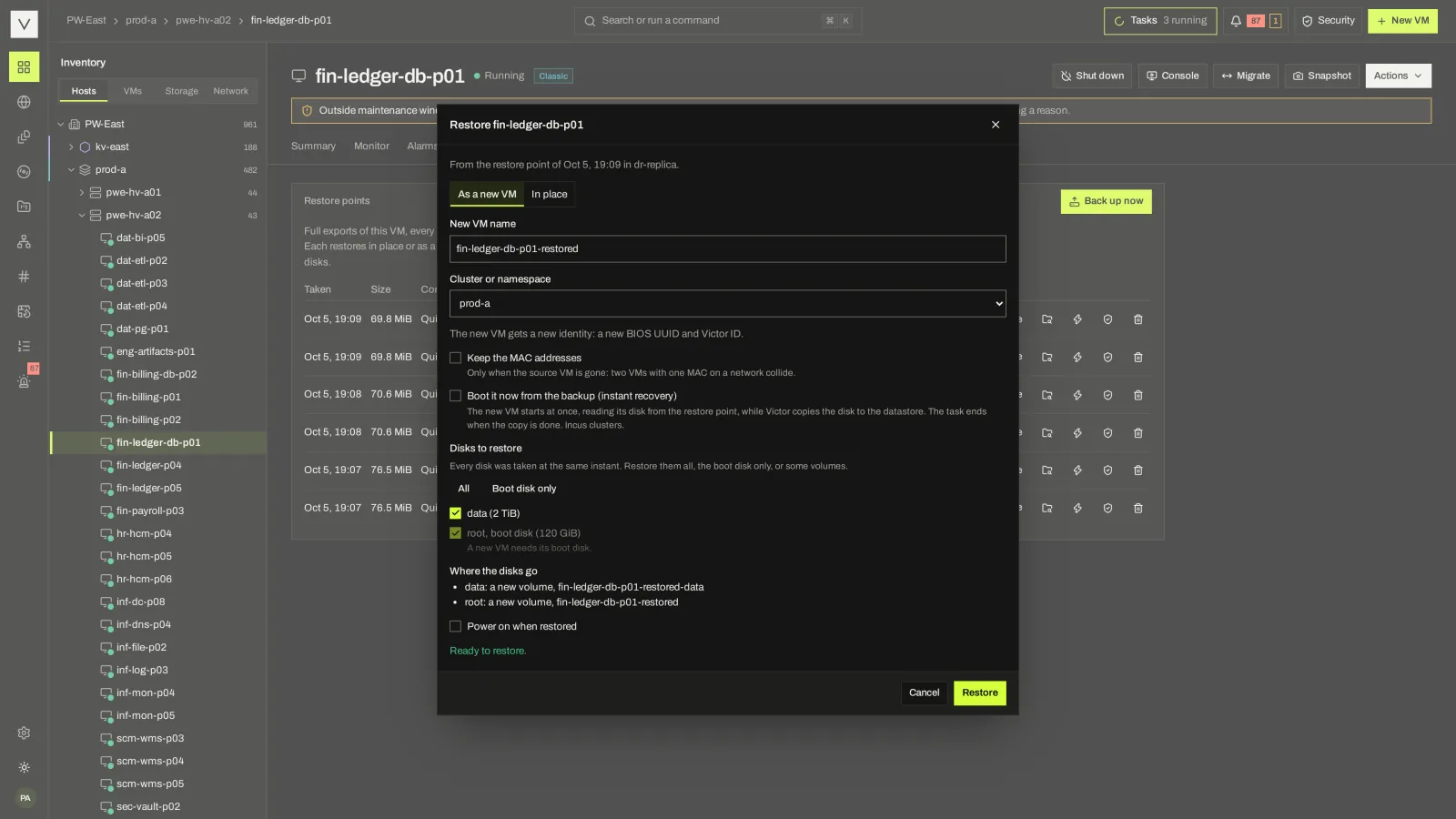
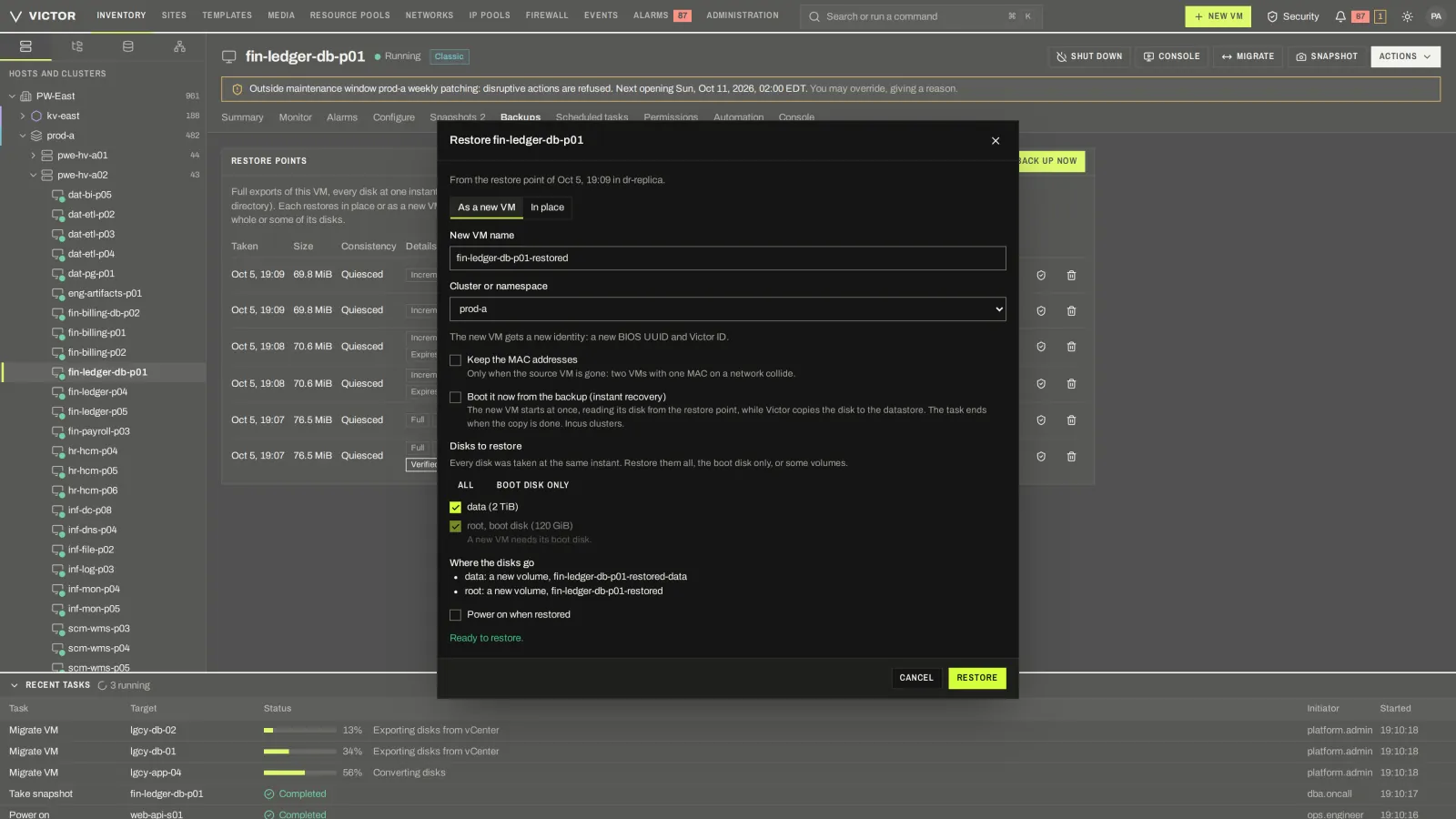
Restore in place or as a new VM, choosing the cluster or namespace and which disks.
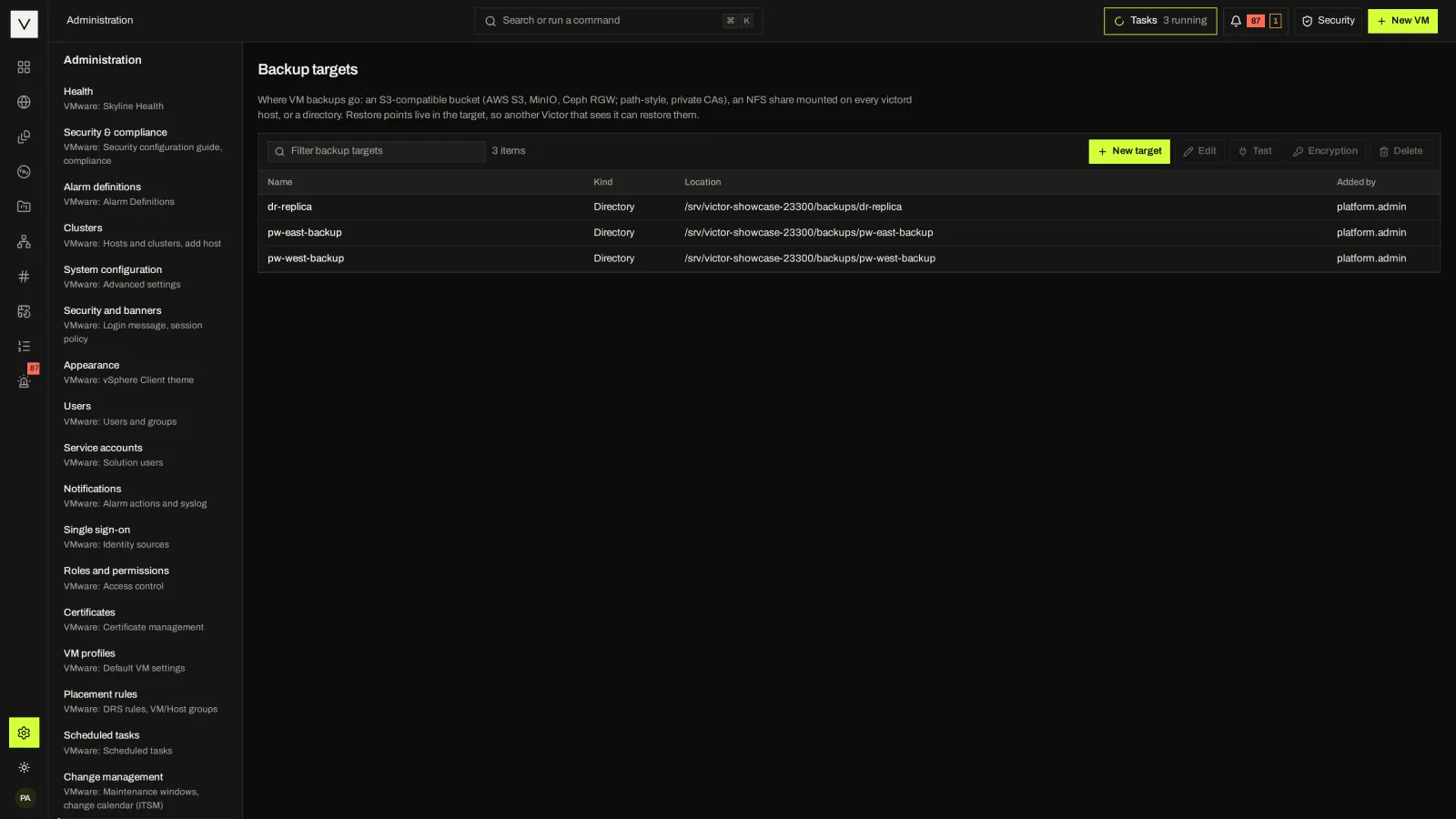
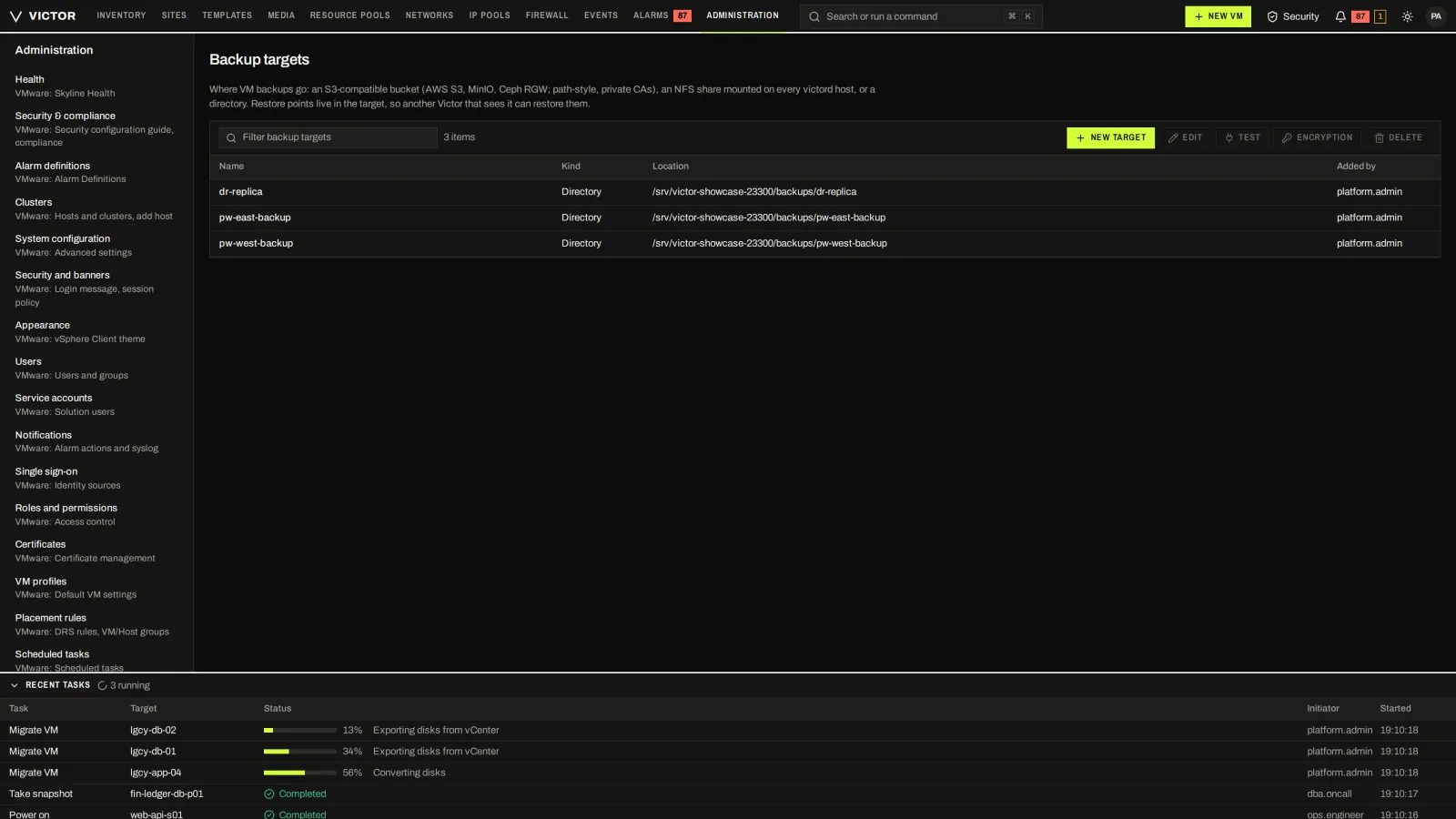
S3, NFS, directory and SFTP targets managed centrally.
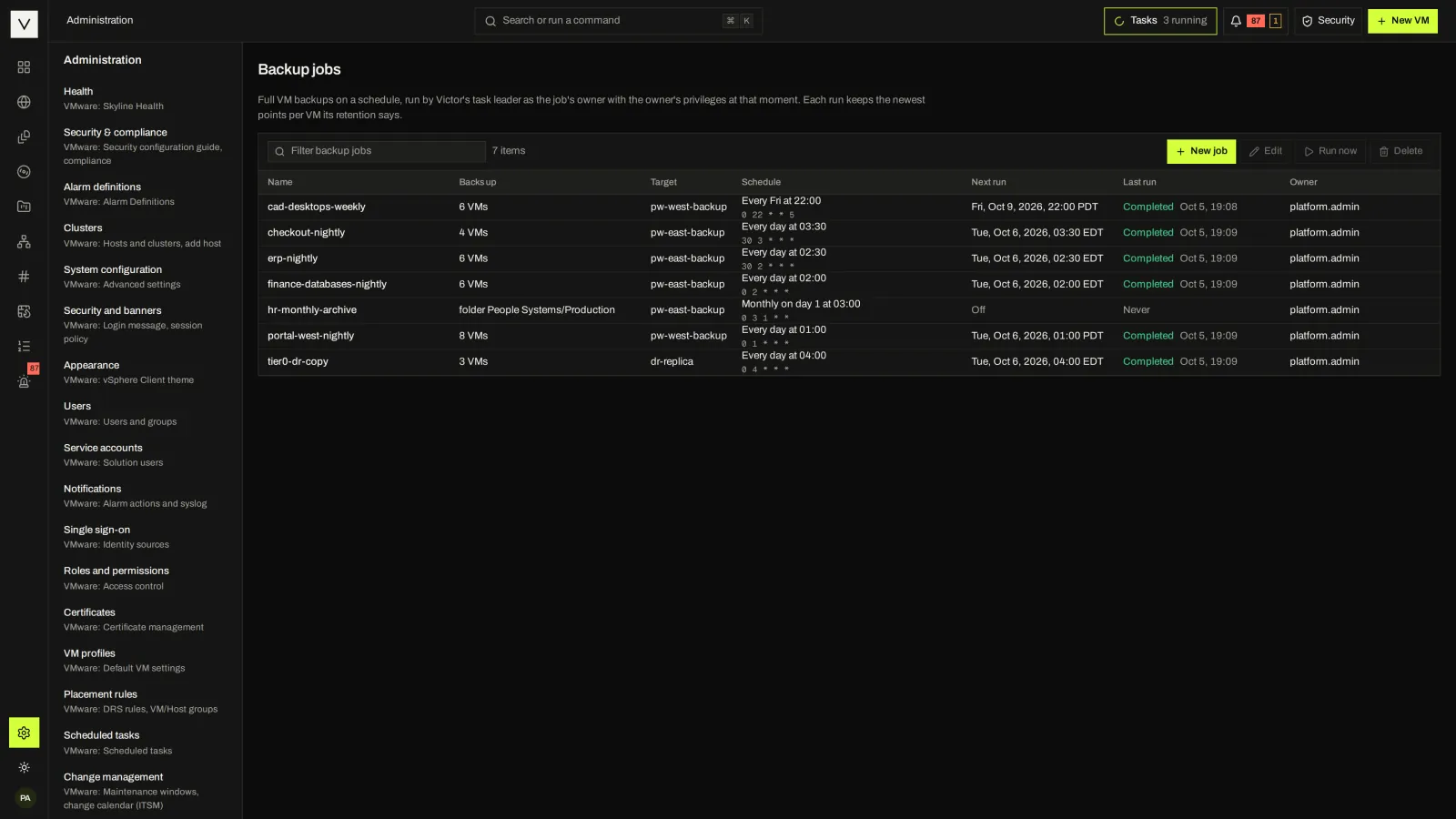
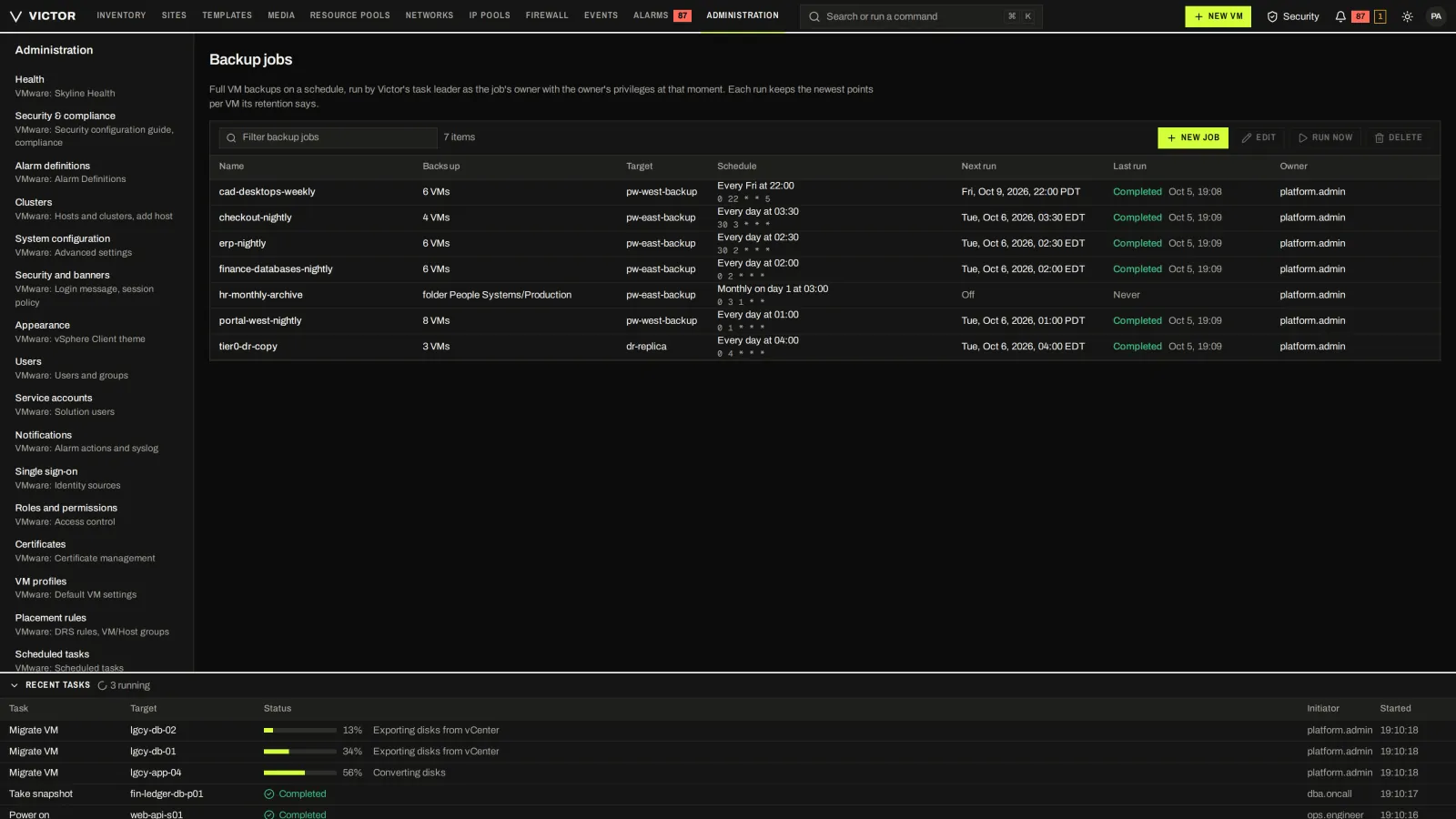
Scheduled jobs with scope, target, schedule, next run and last result.
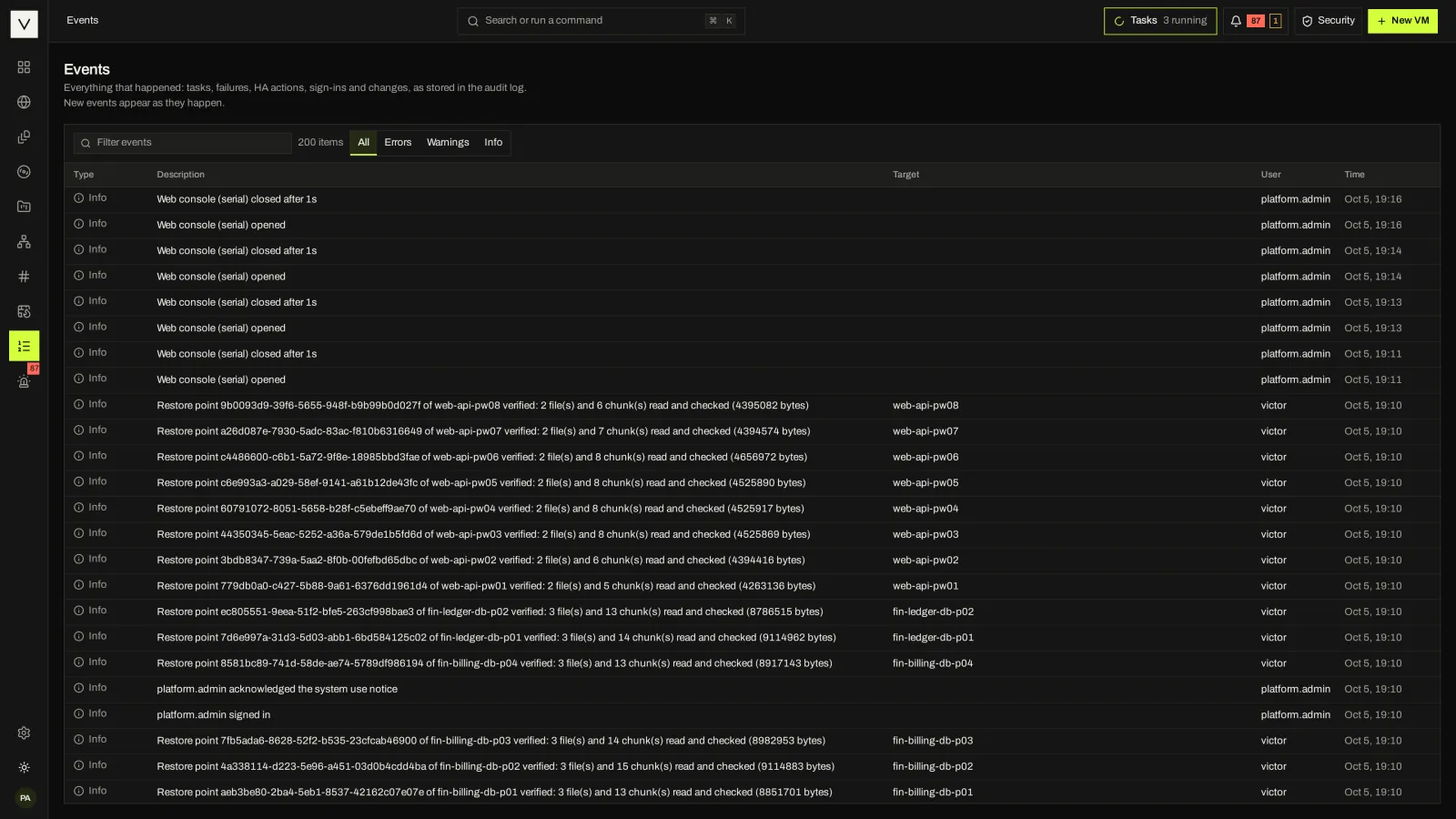
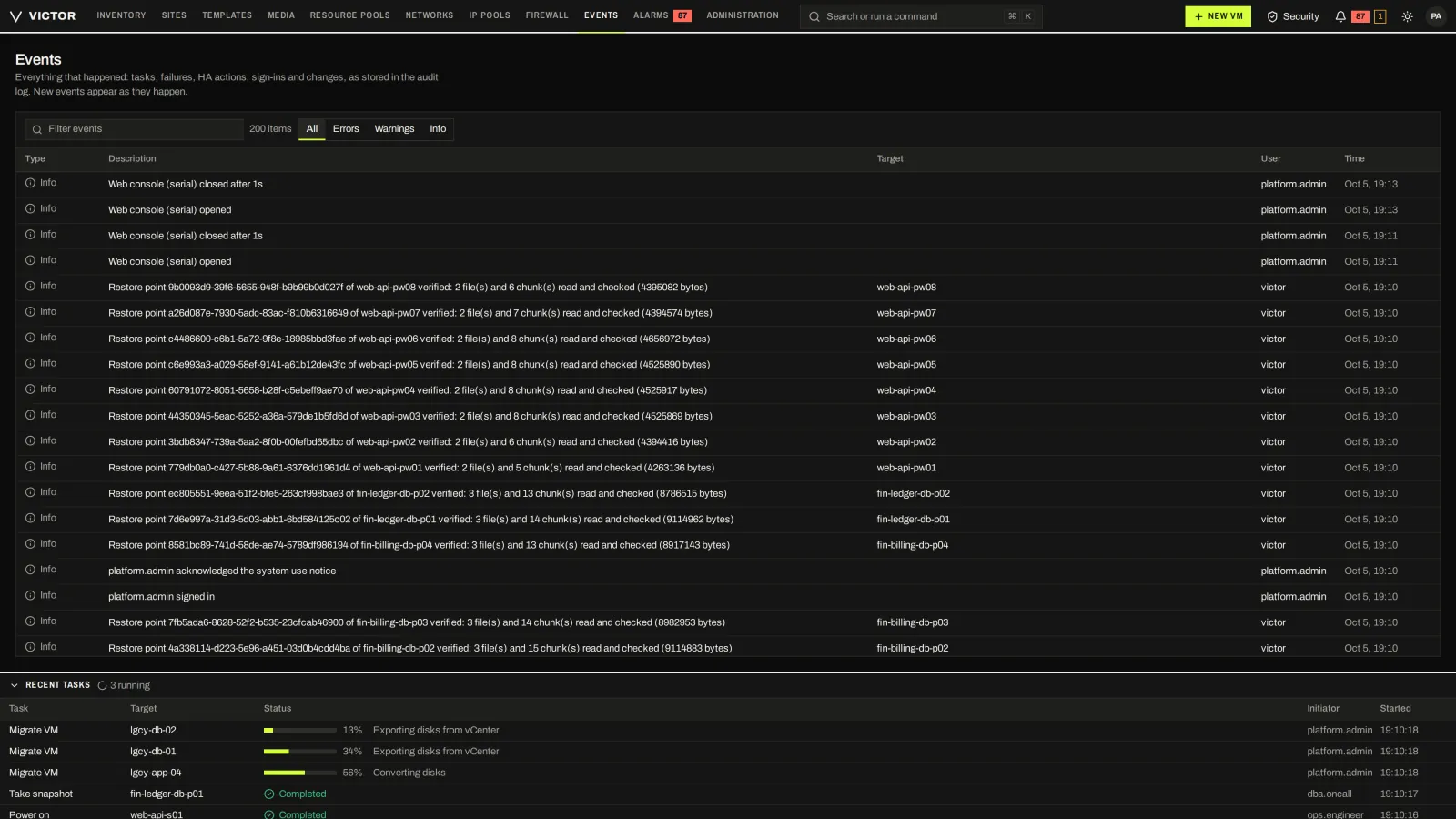
Every task and system event, filterable and linked to its object.
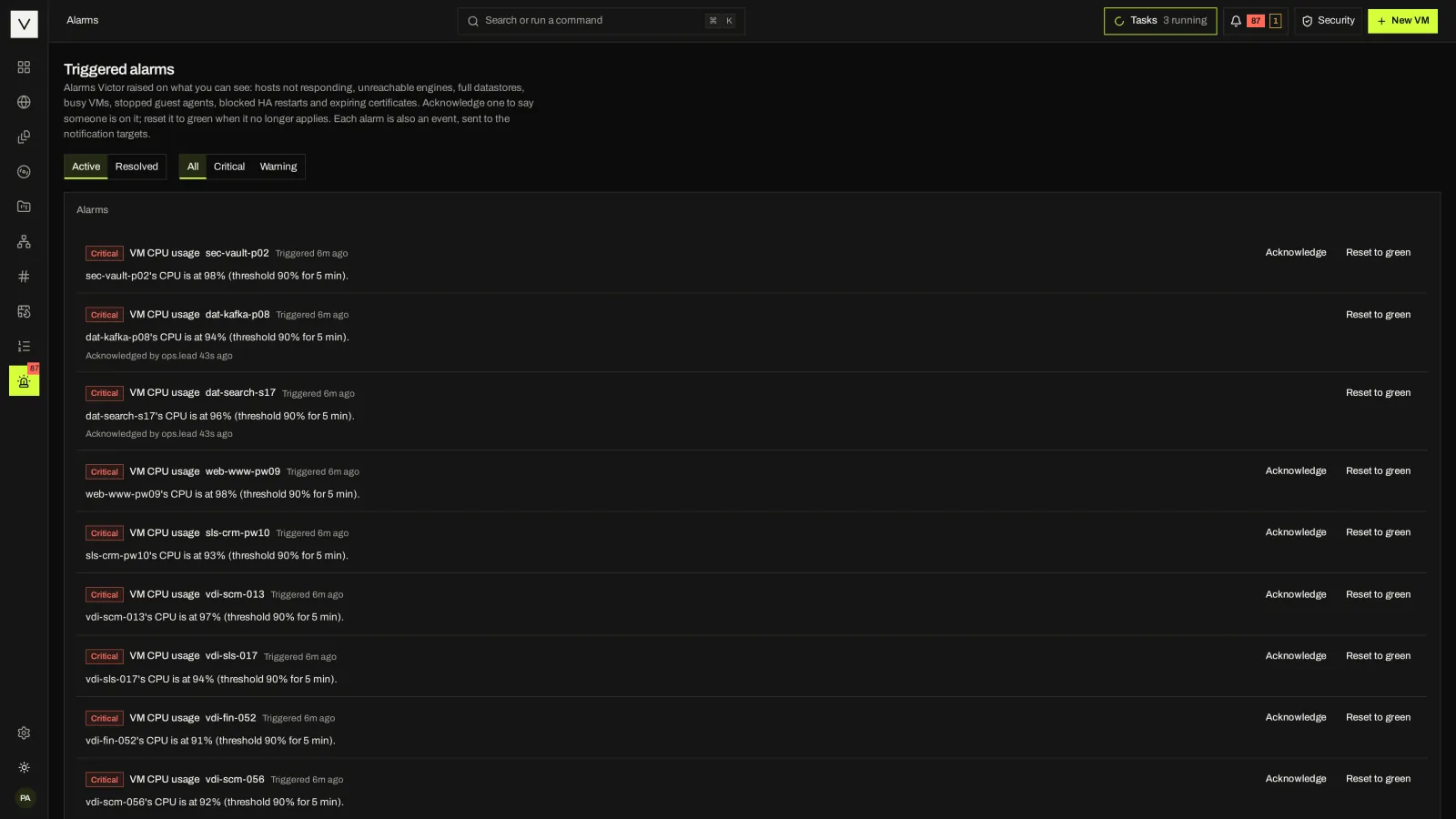
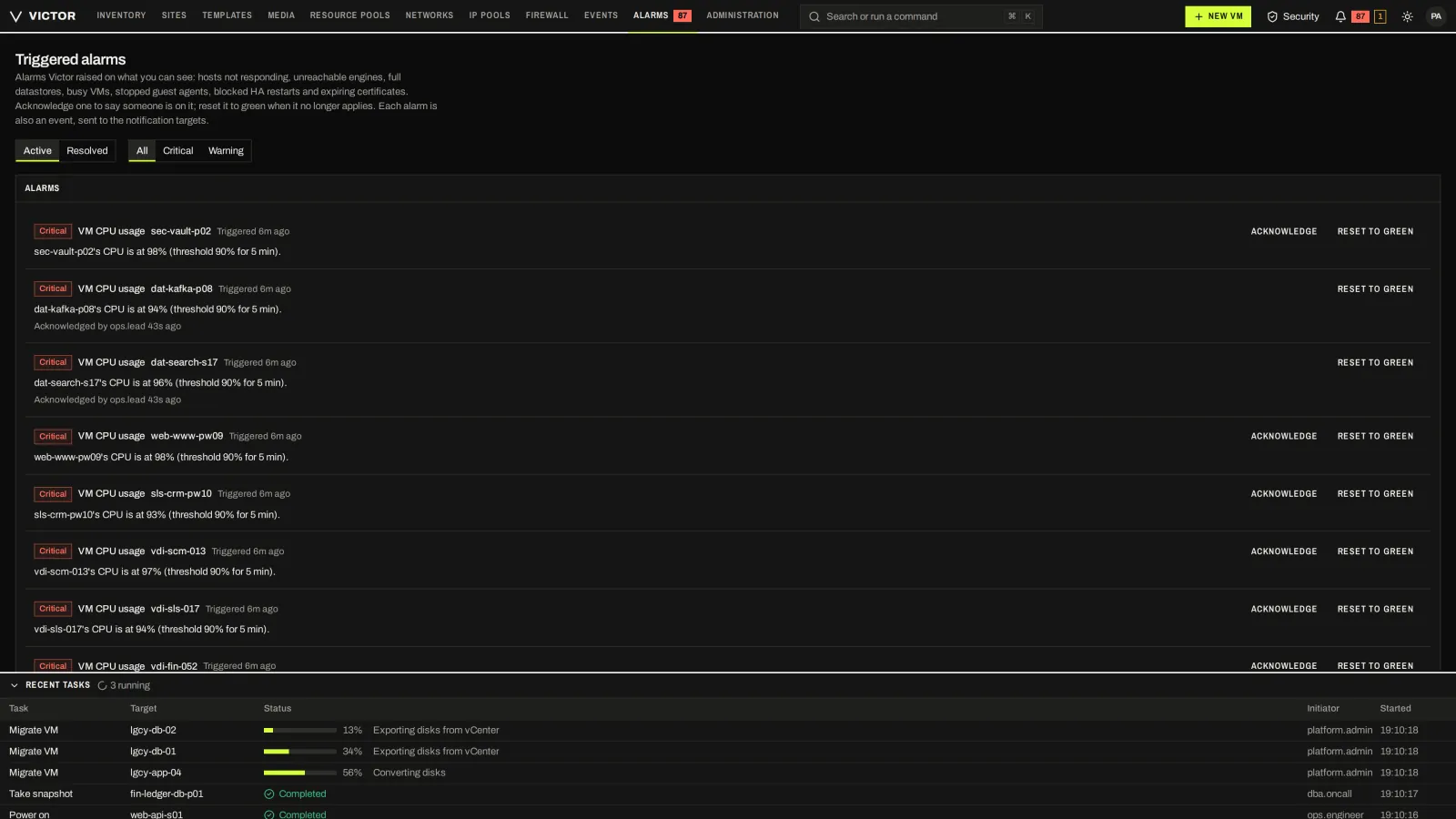
Active alarms with severity, target and acknowledgement.
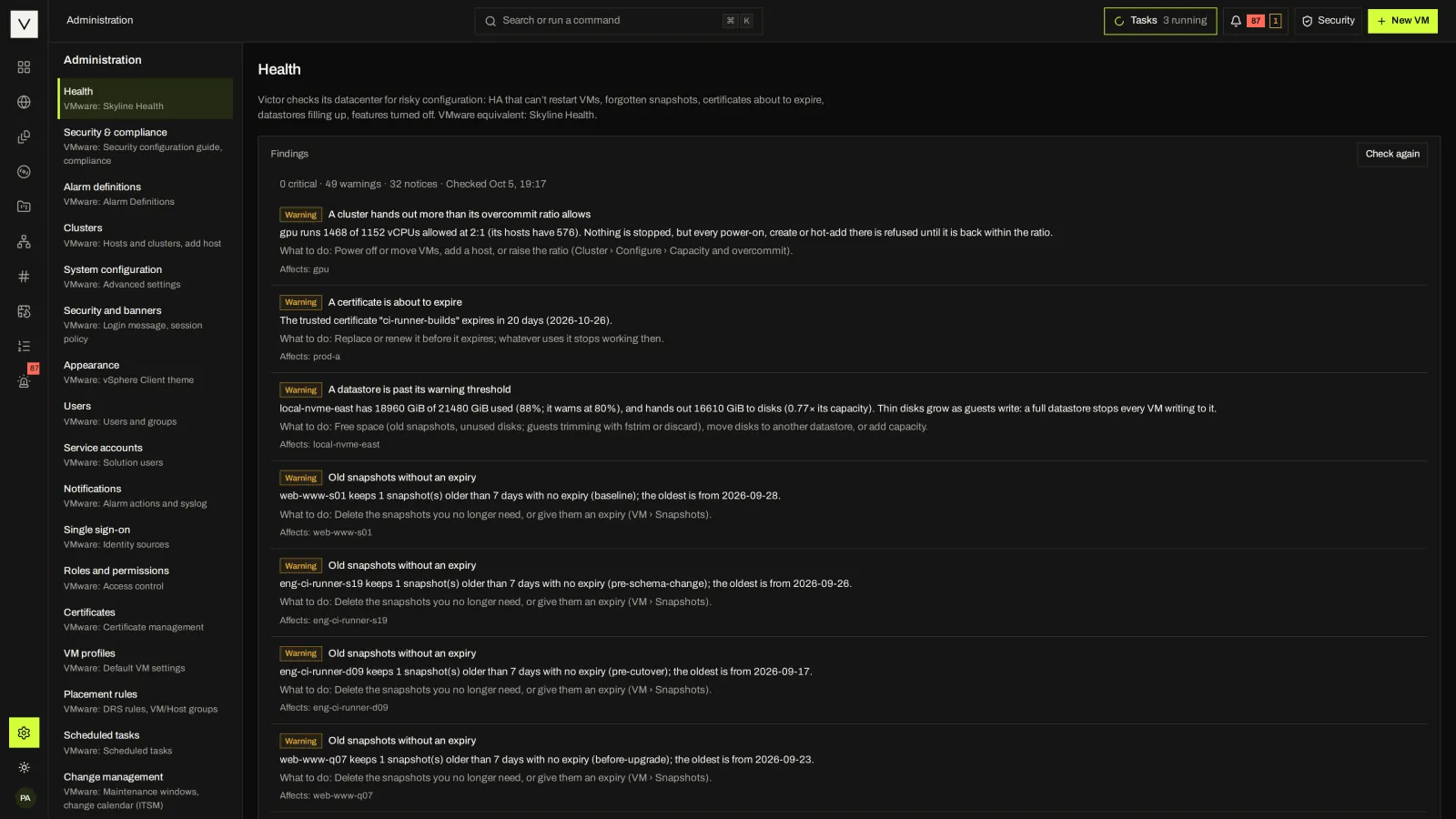
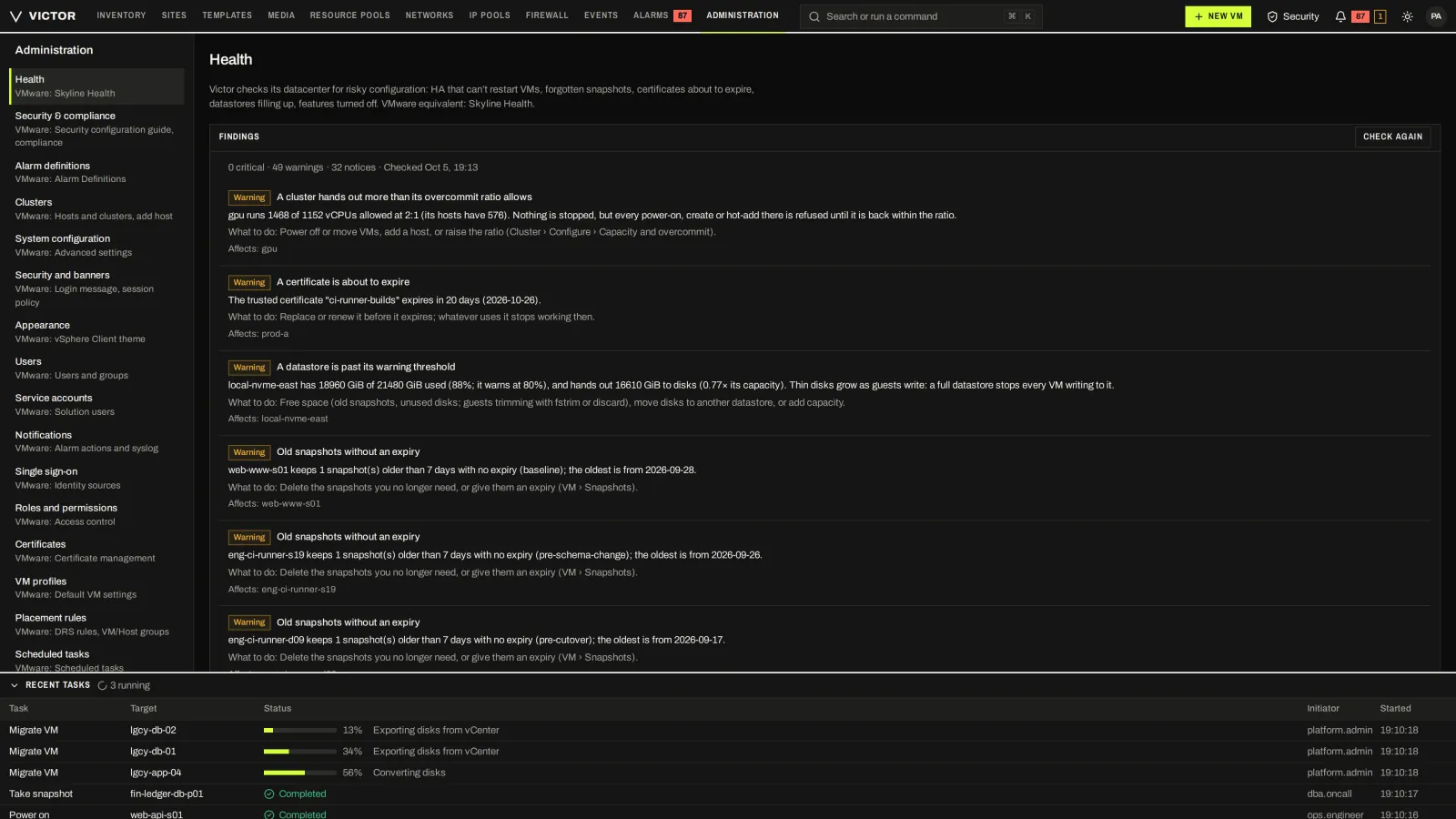
Control-plane and estate health checks, each with what to do next.
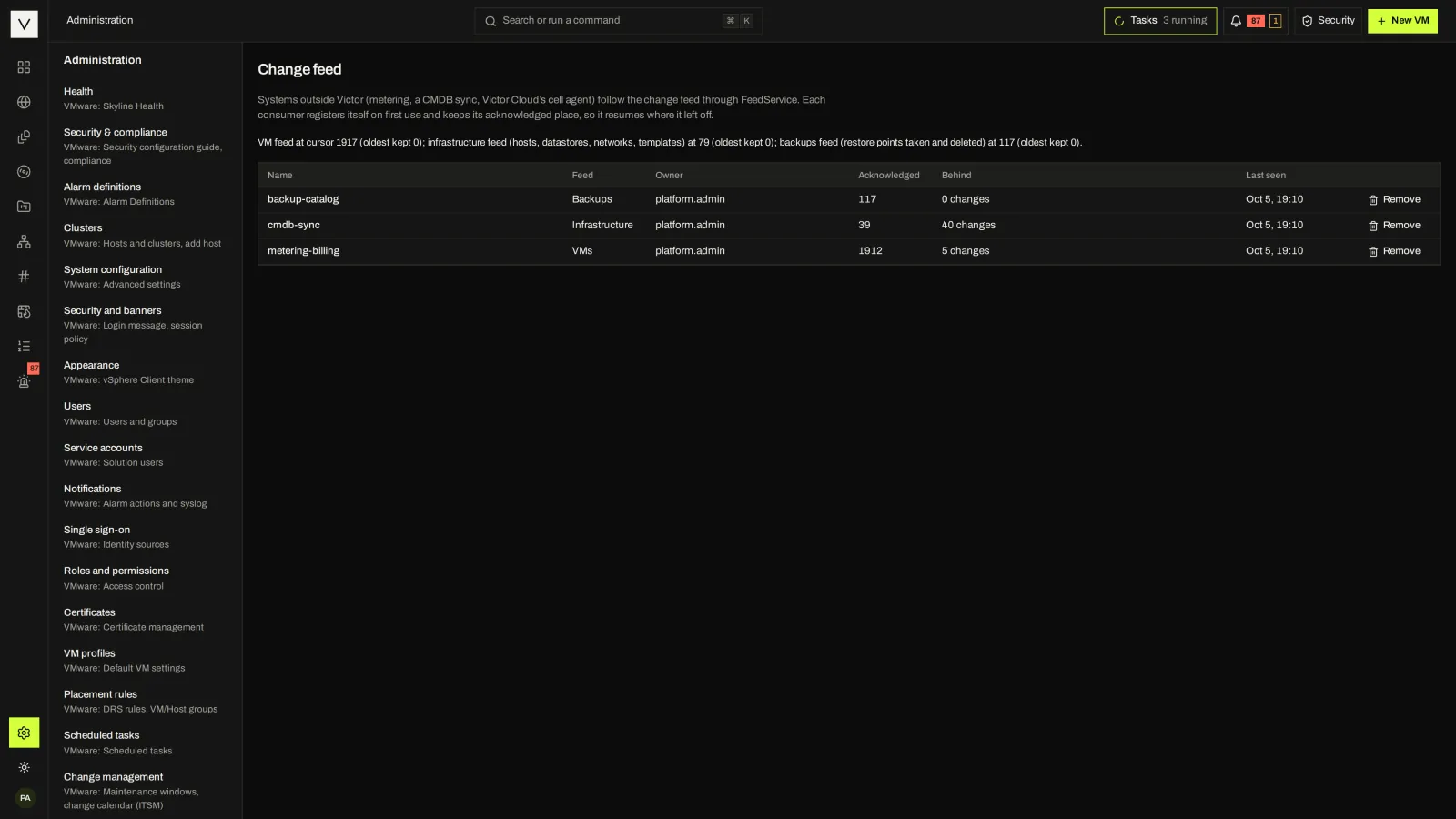
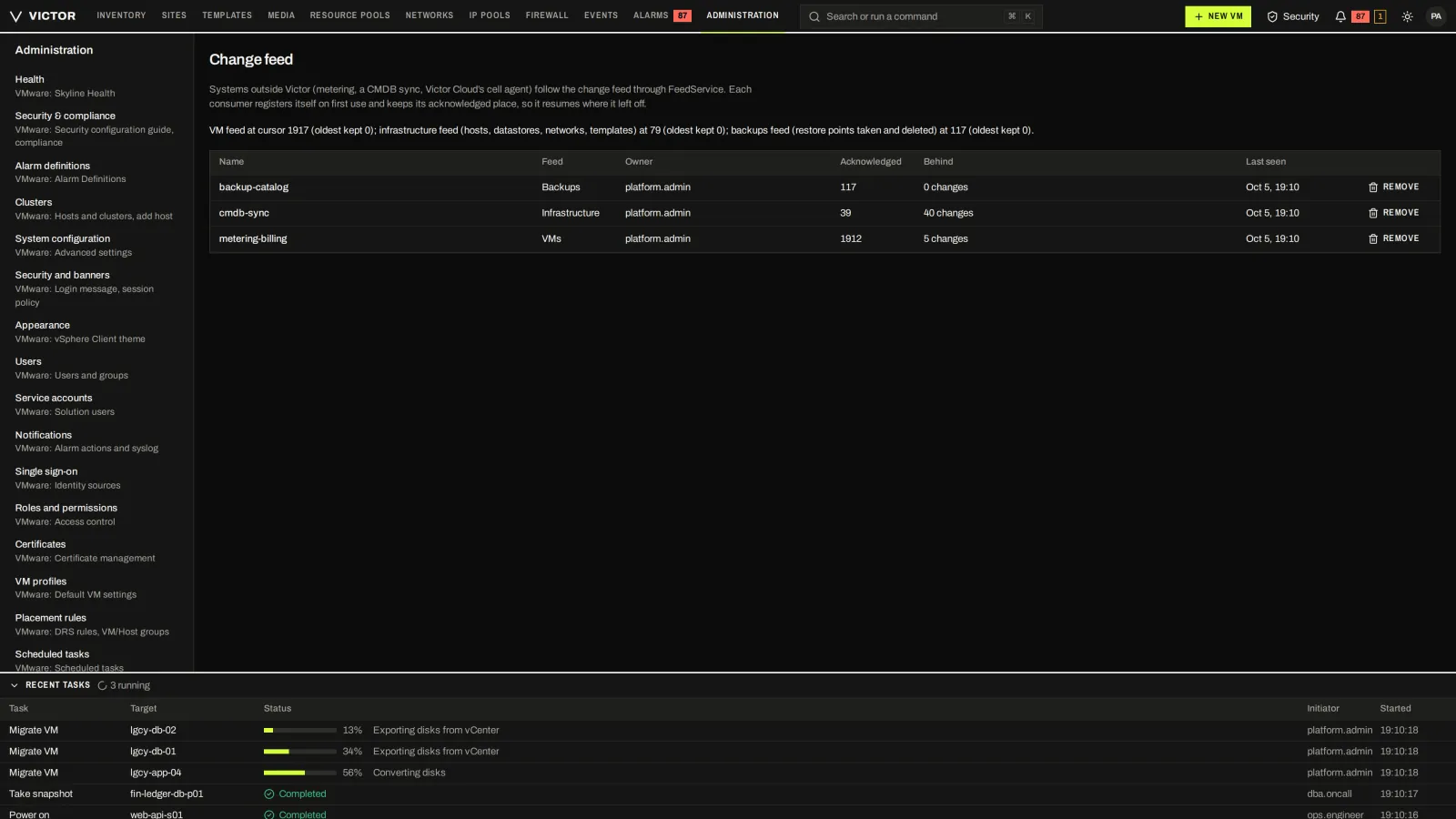
Feeds of VM, infrastructure and backup changes, with each integrator's position.
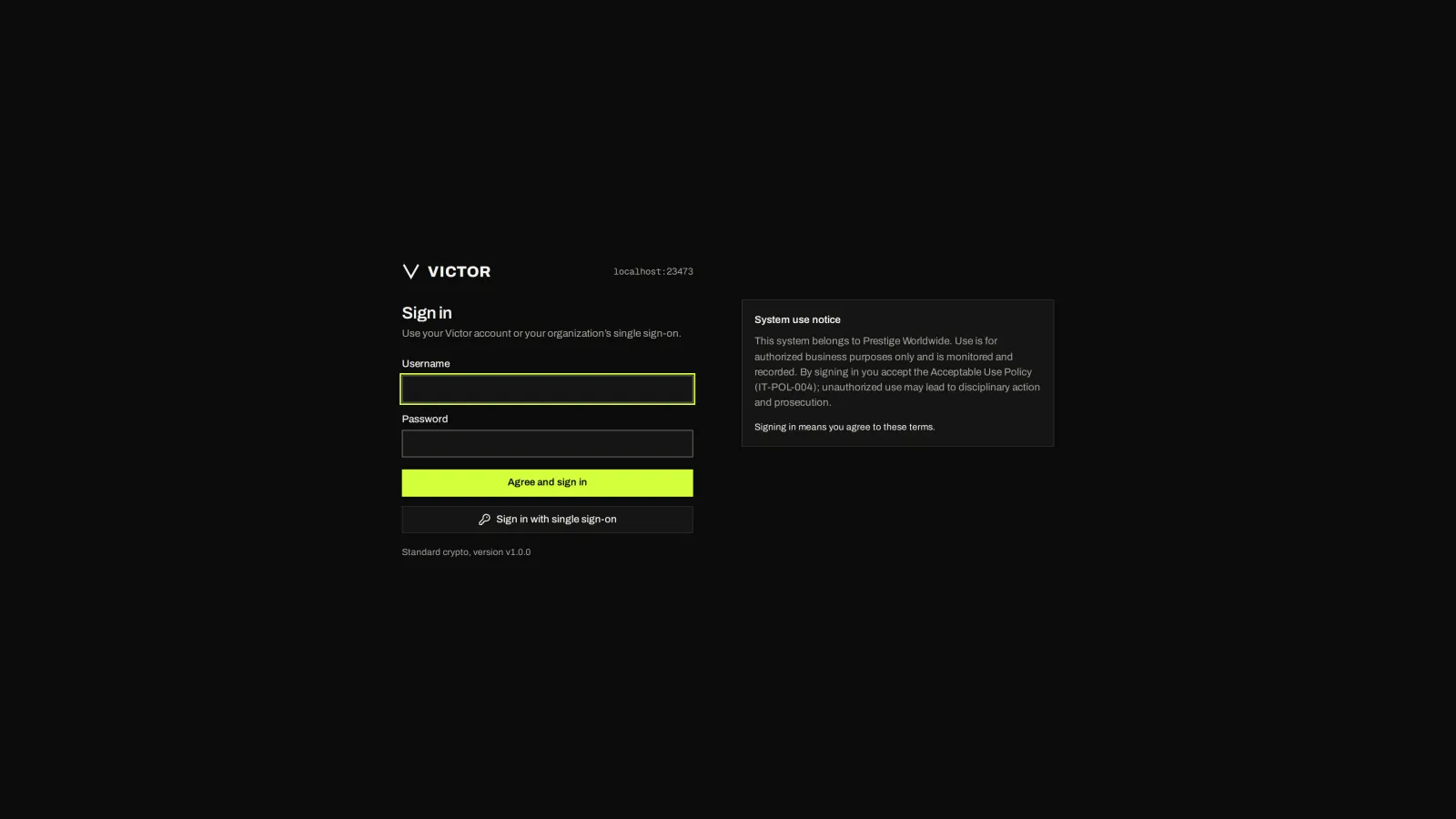

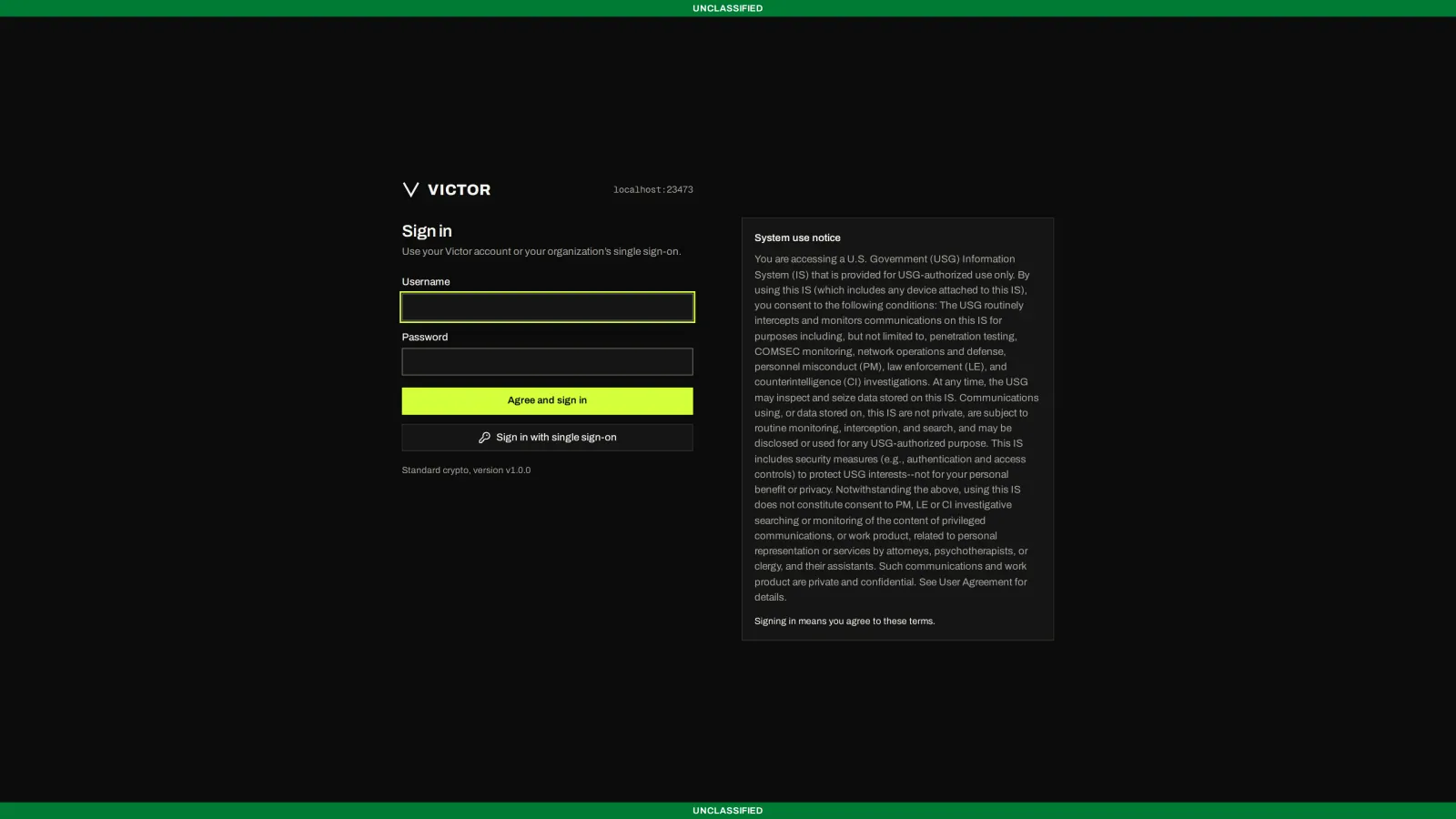
Local or single sign-on, with a configurable system-use notice.
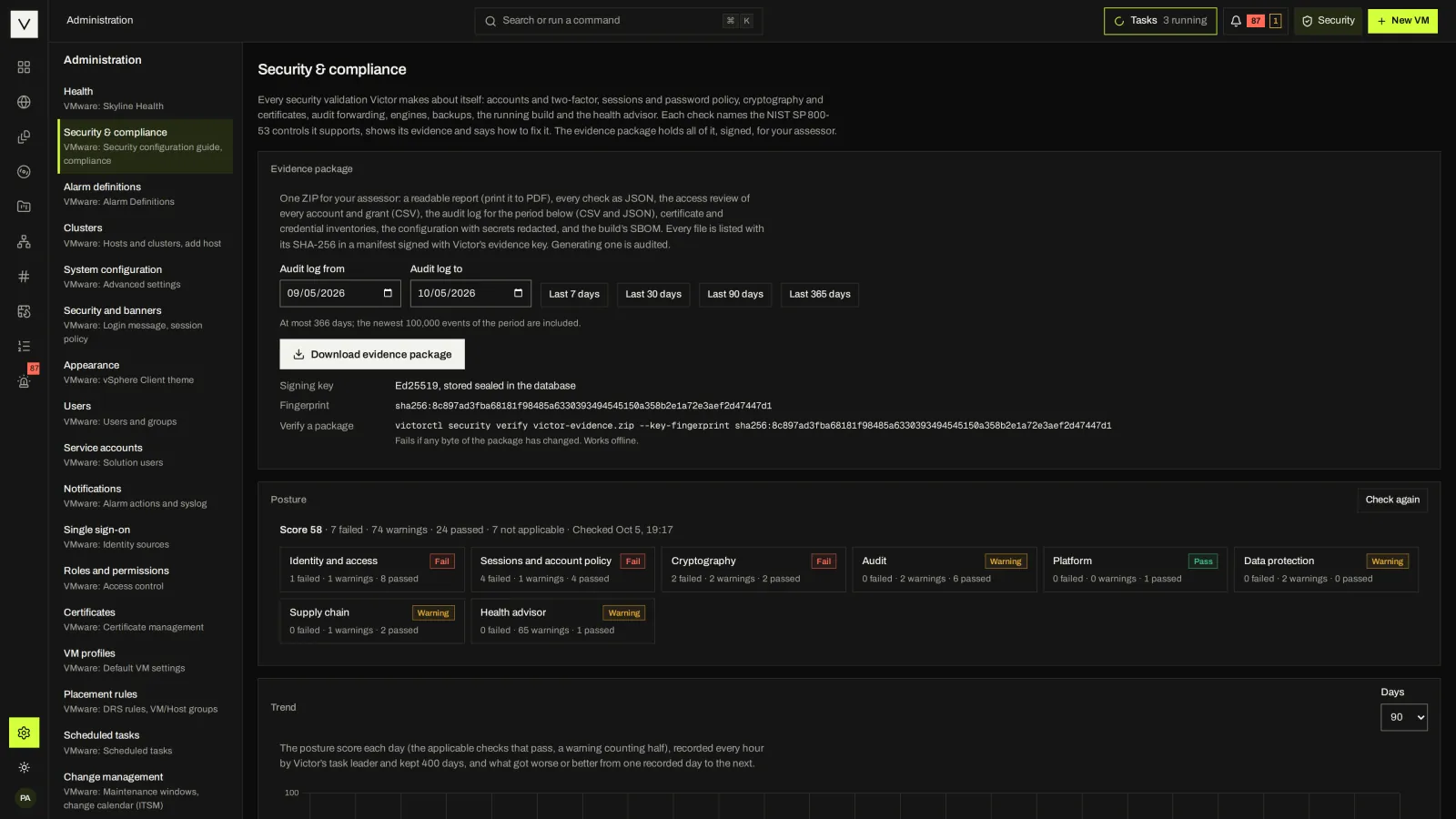
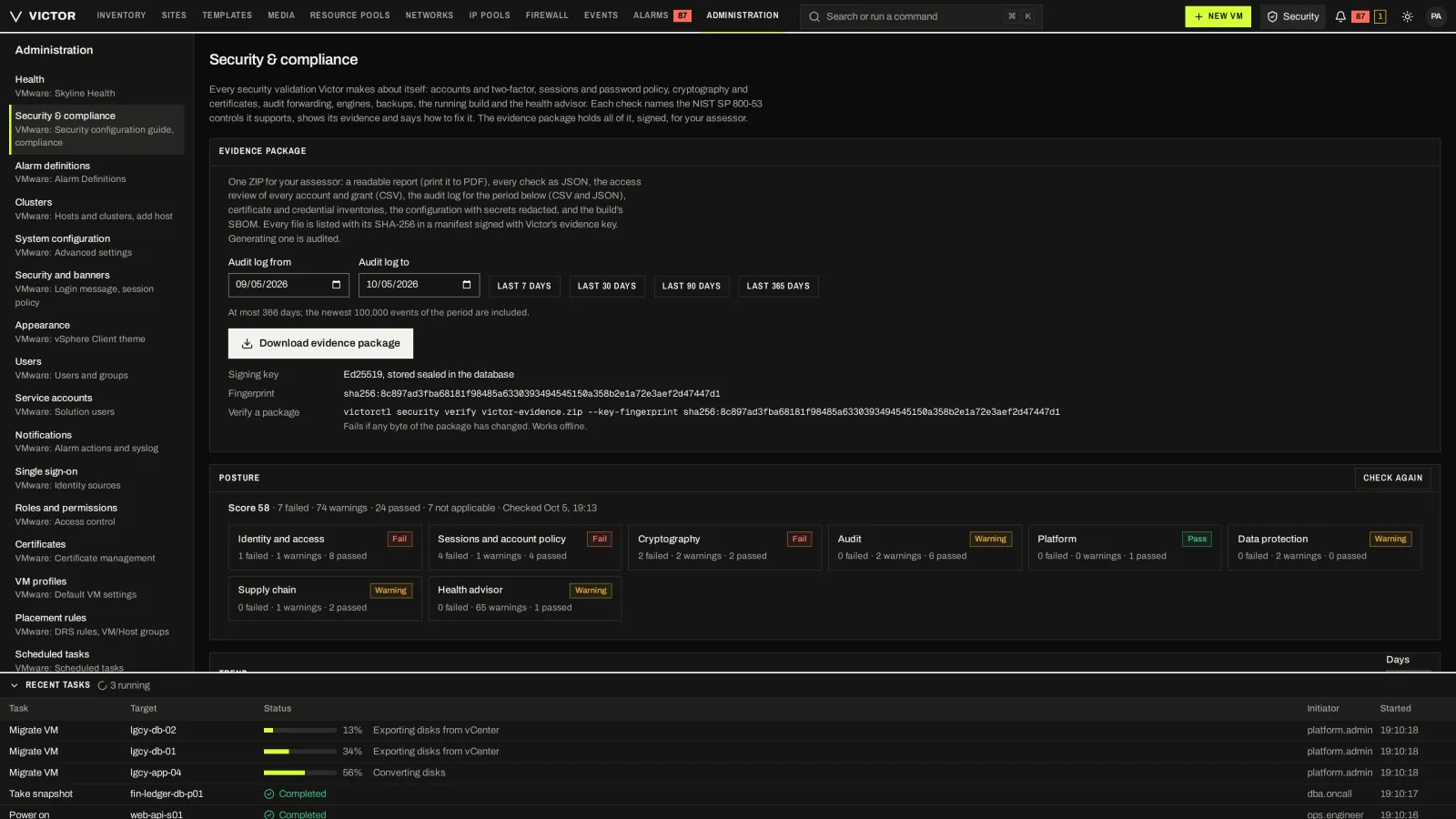
Posture checks by area and a signed evidence package for assessors.
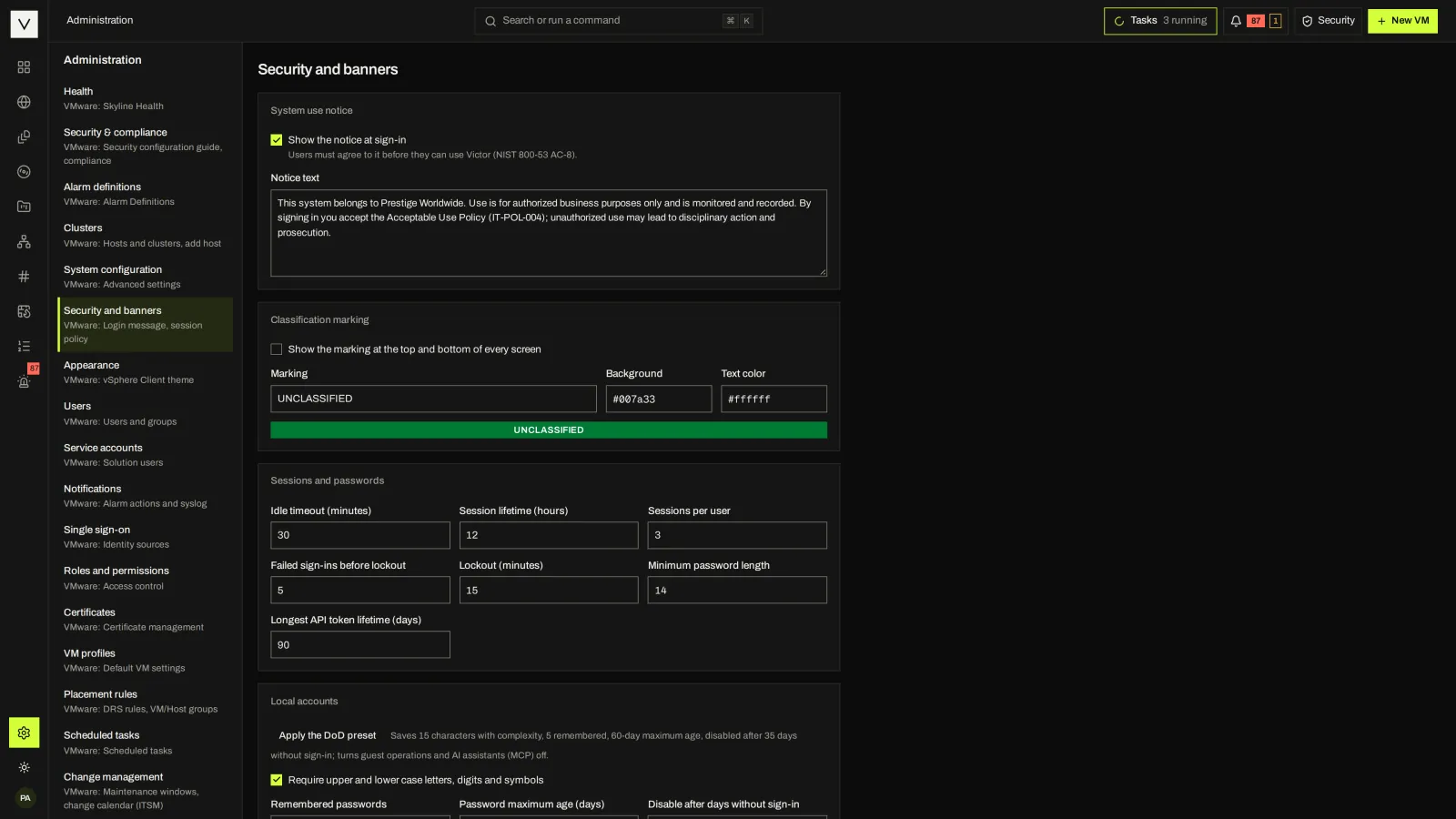
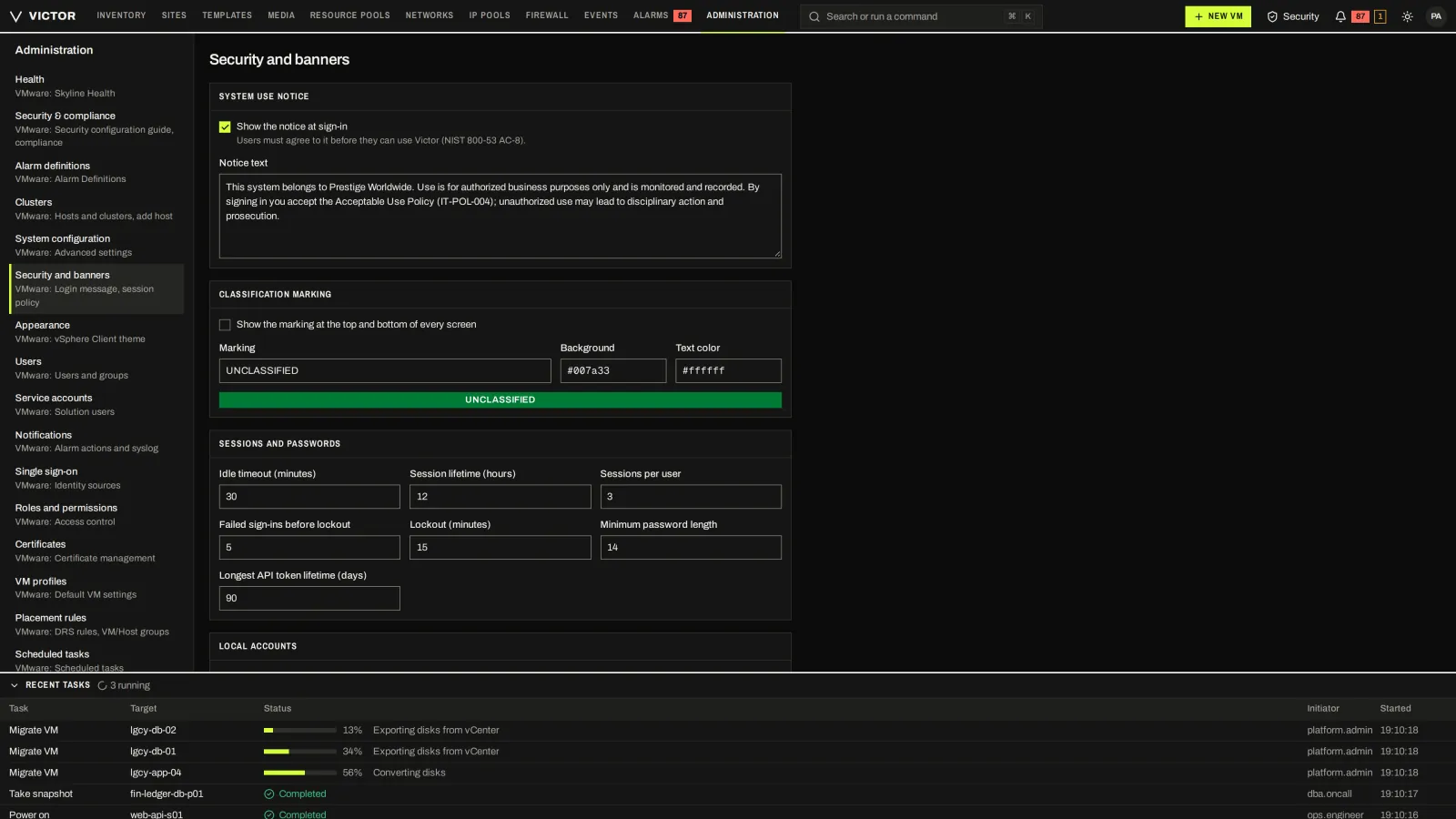
Consent notice, classification banner, session and password policy.
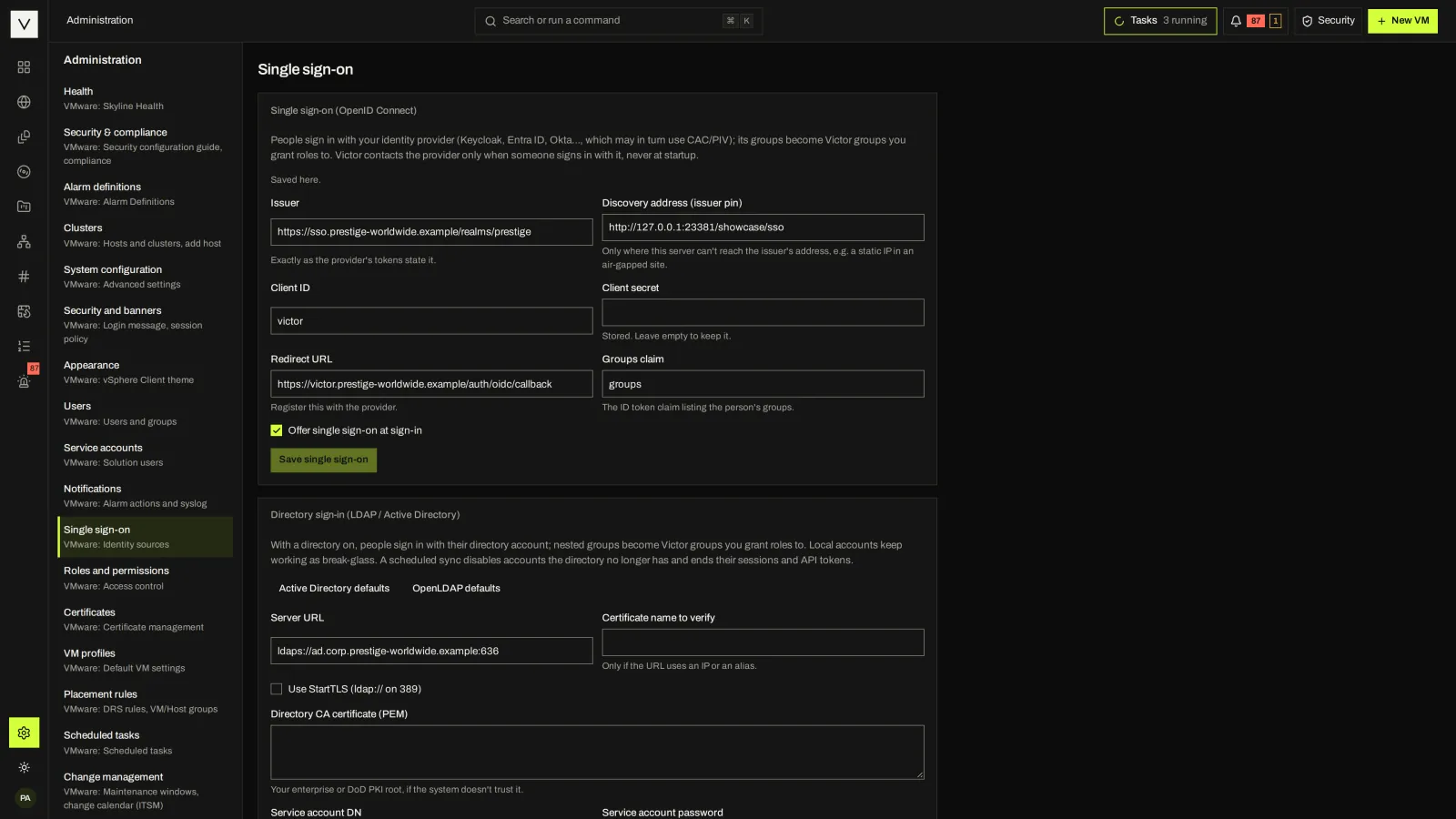
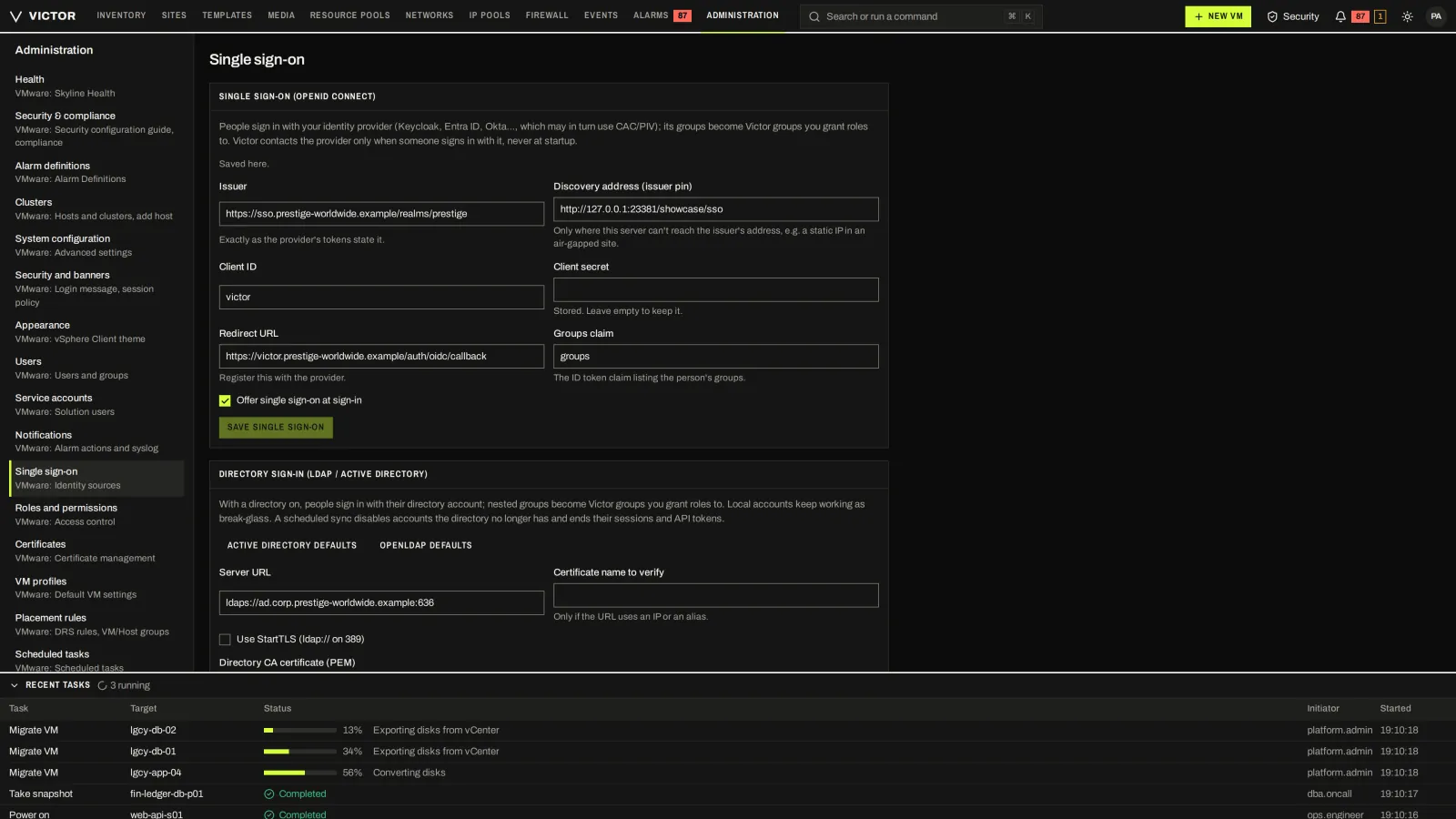
OIDC and LDAP/Active Directory identity sources.
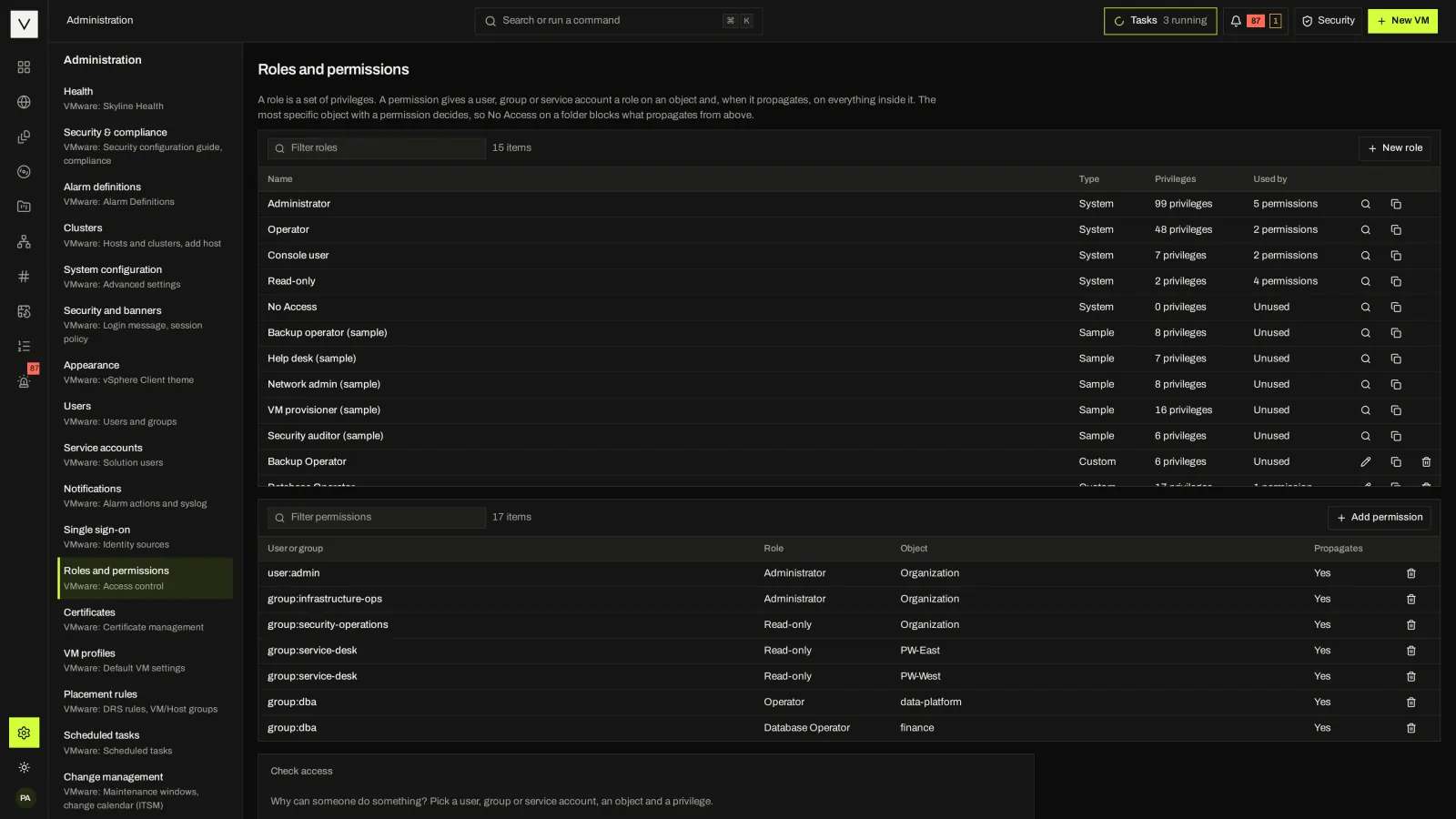
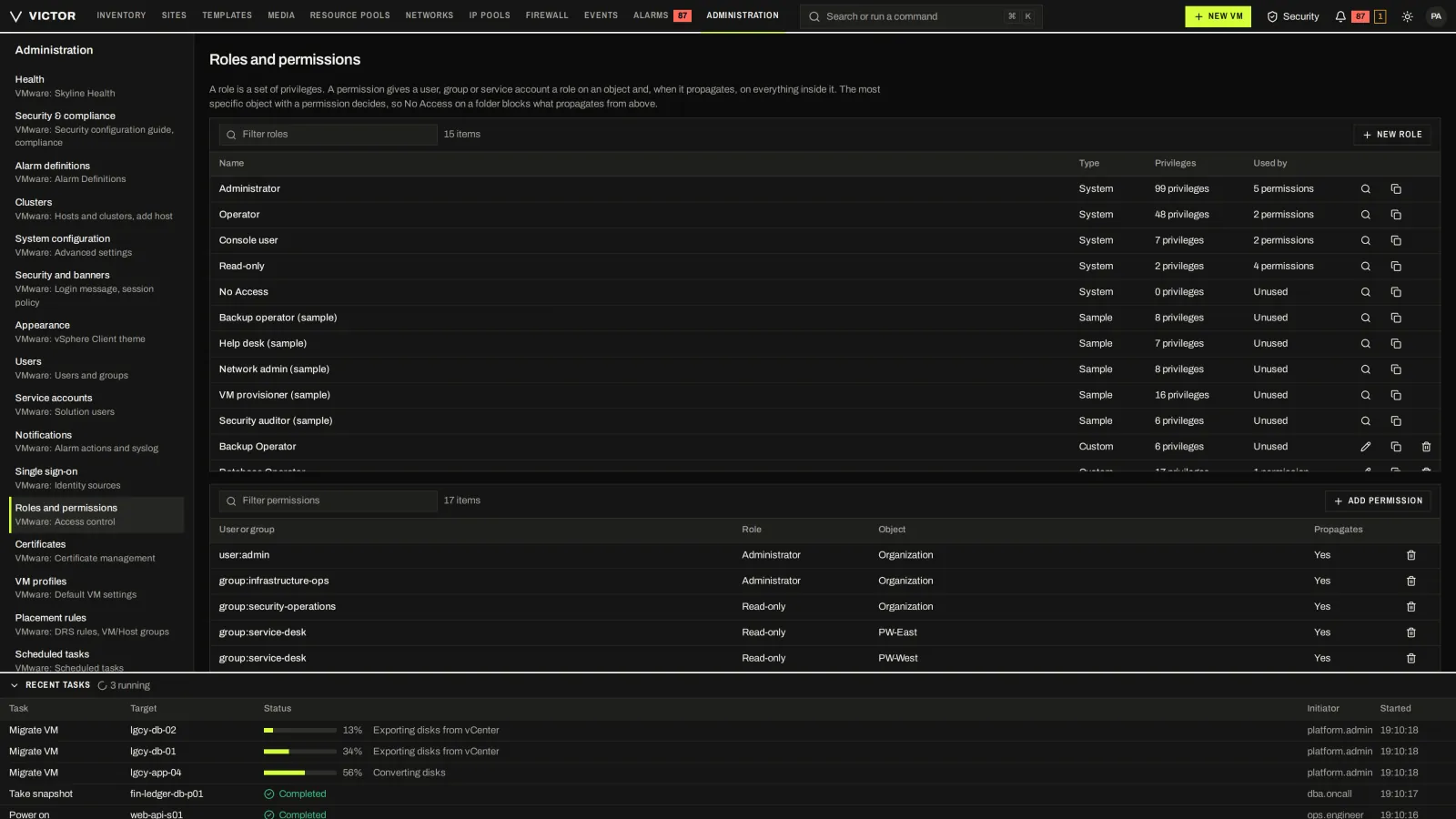
vCenter-style privileges and roles, assigned on inventory objects with propagation.
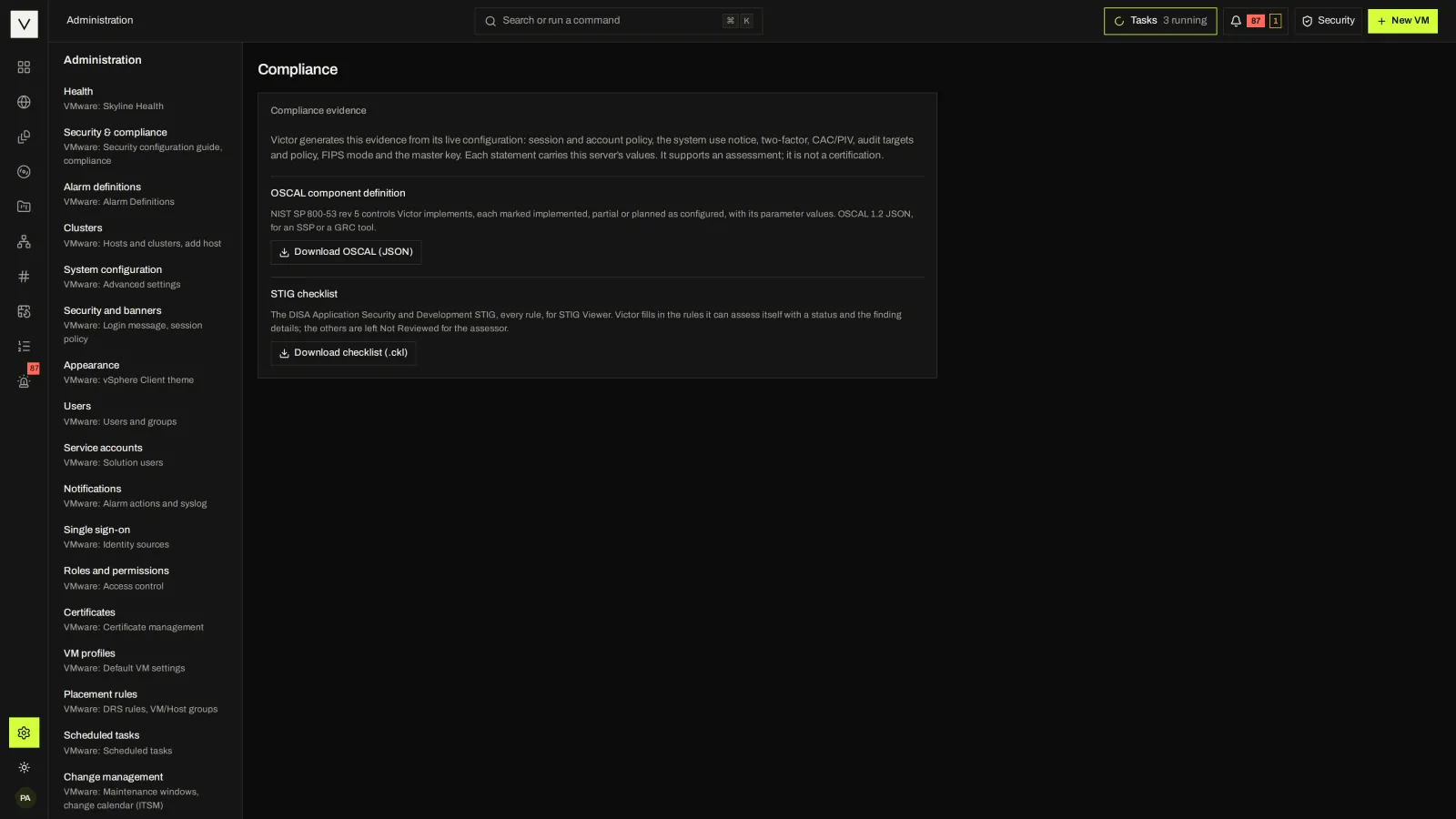
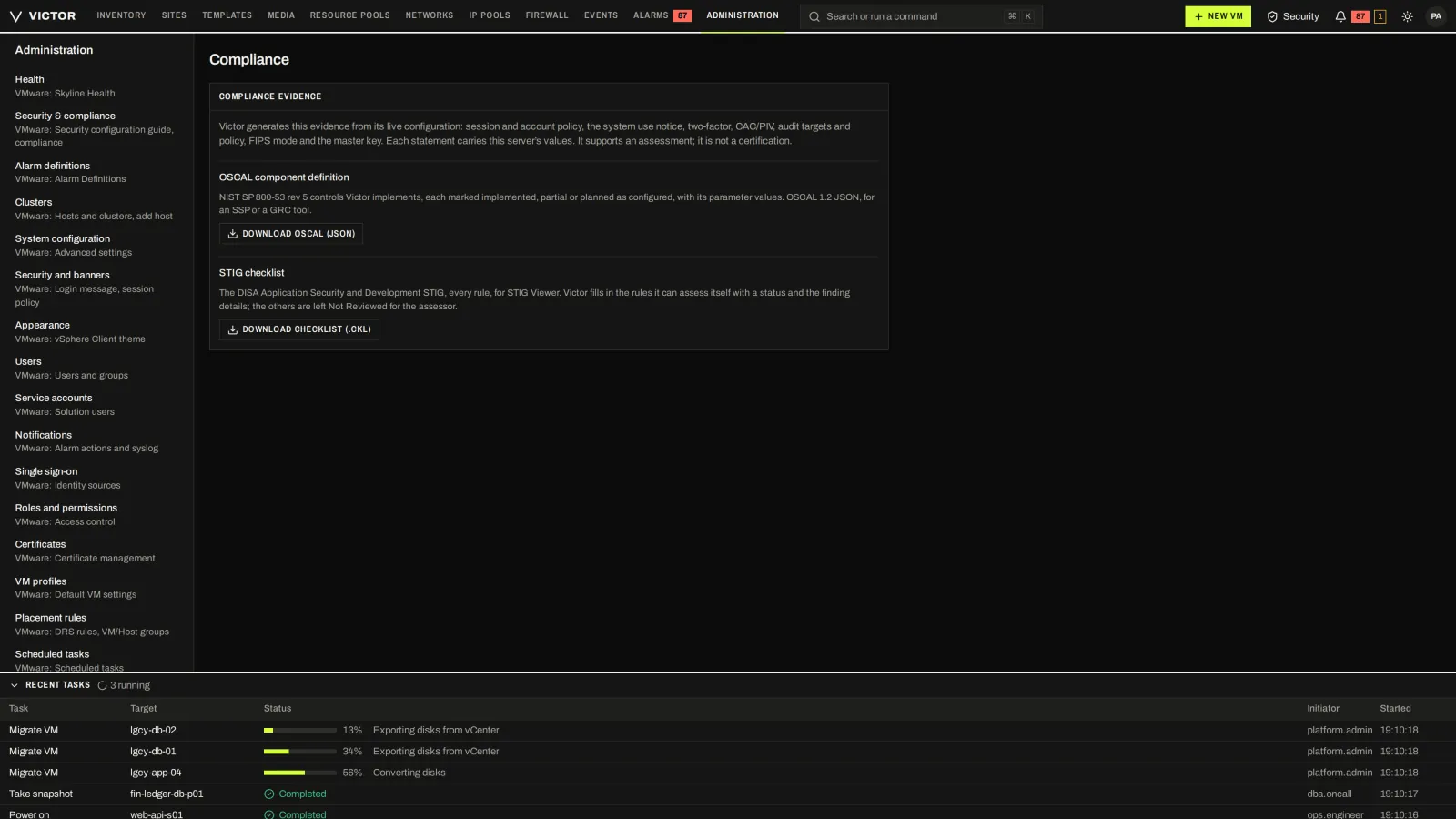
Enterprise OSCAL and STIG exports generated from live configuration.
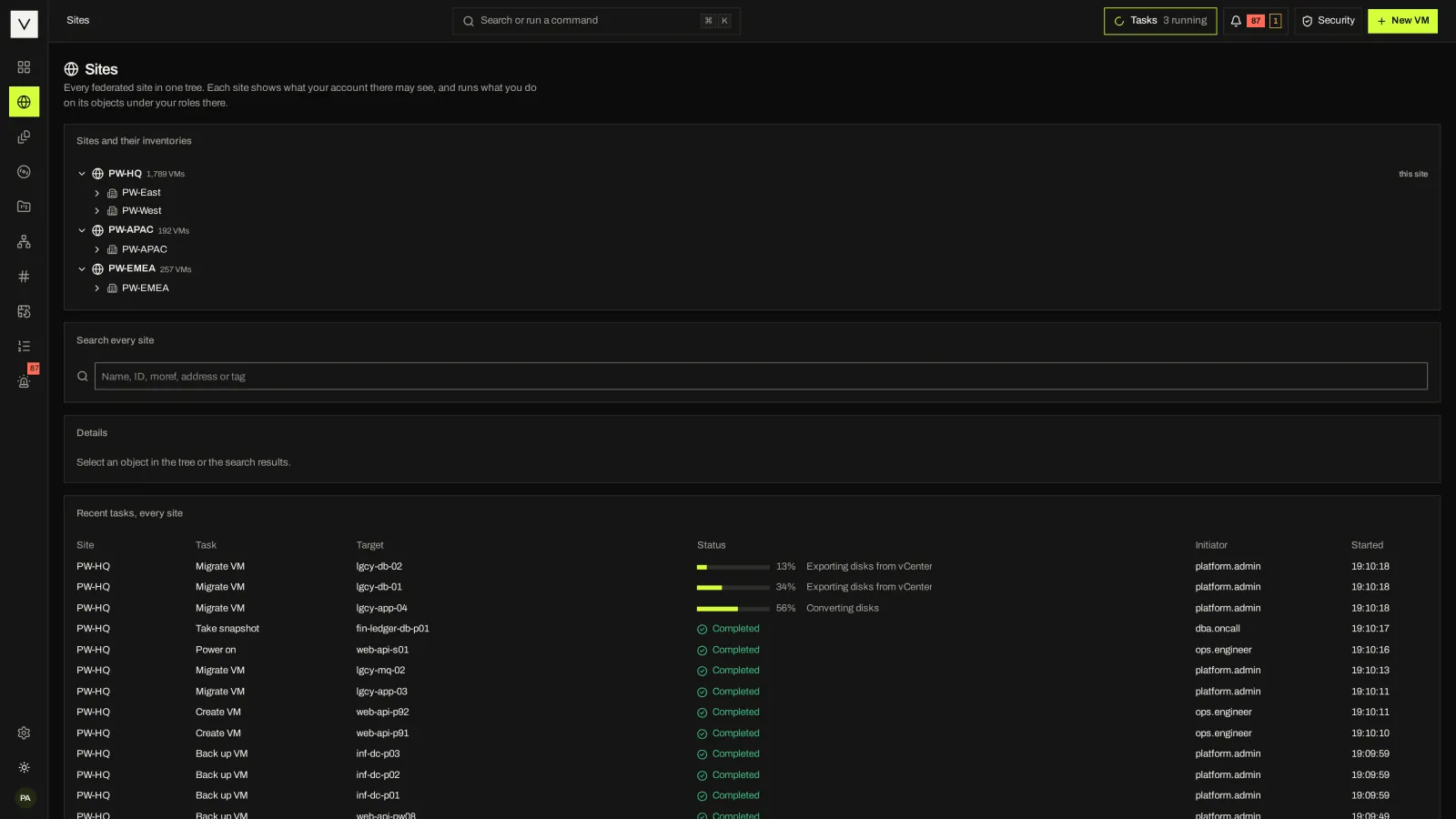
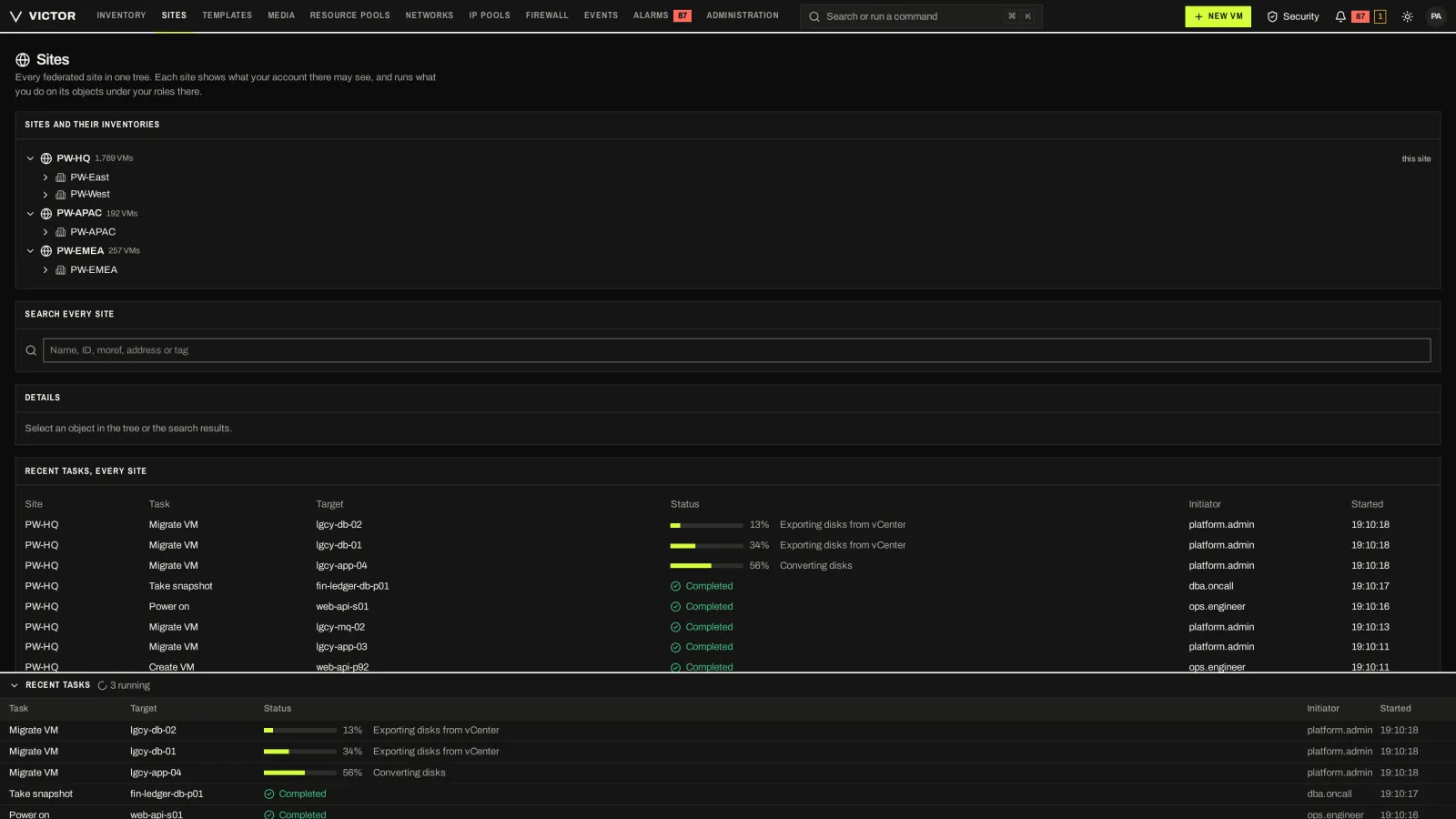
Enterprise federation: every site in one tree, with actions routed to the owning site.
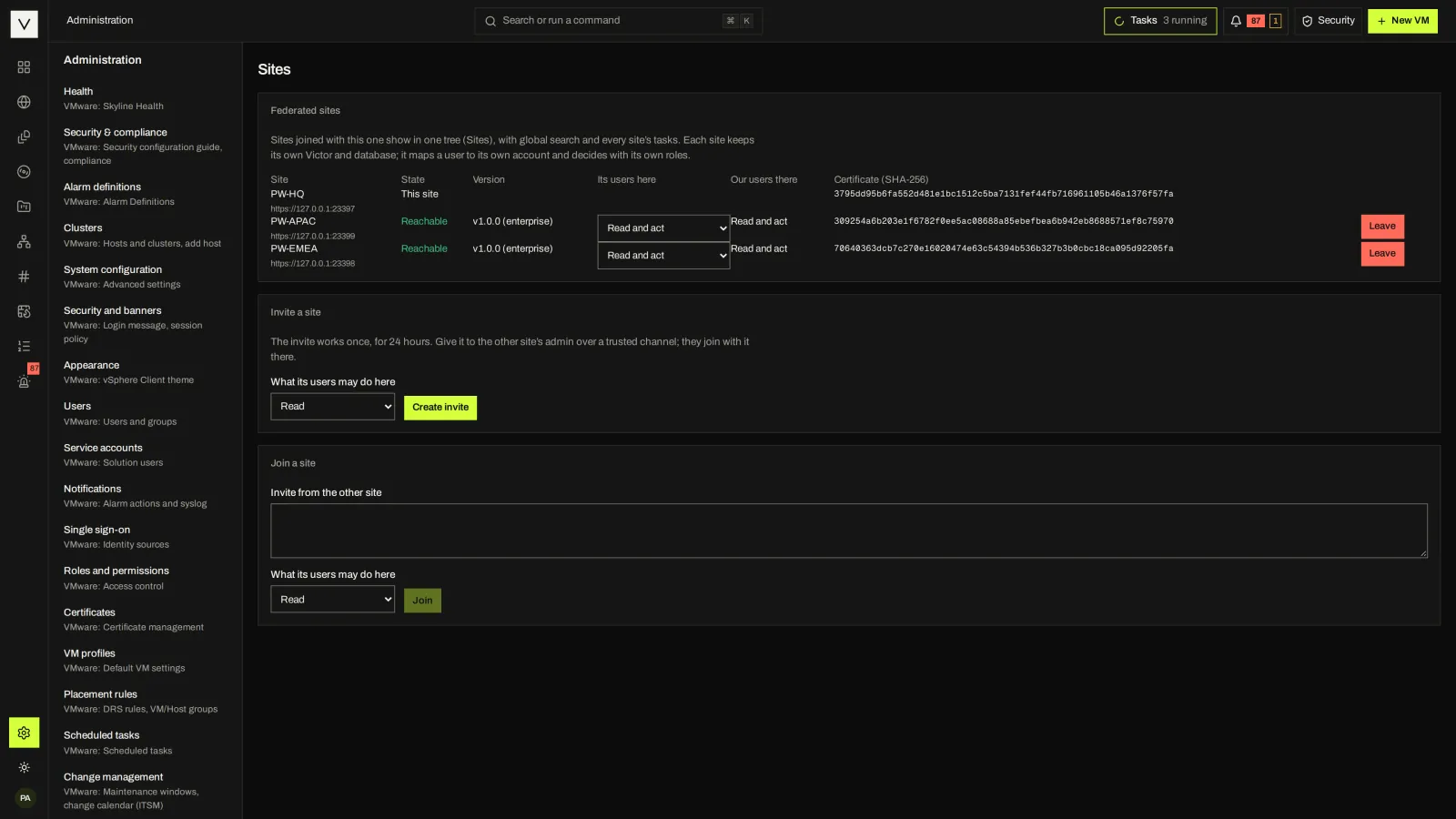
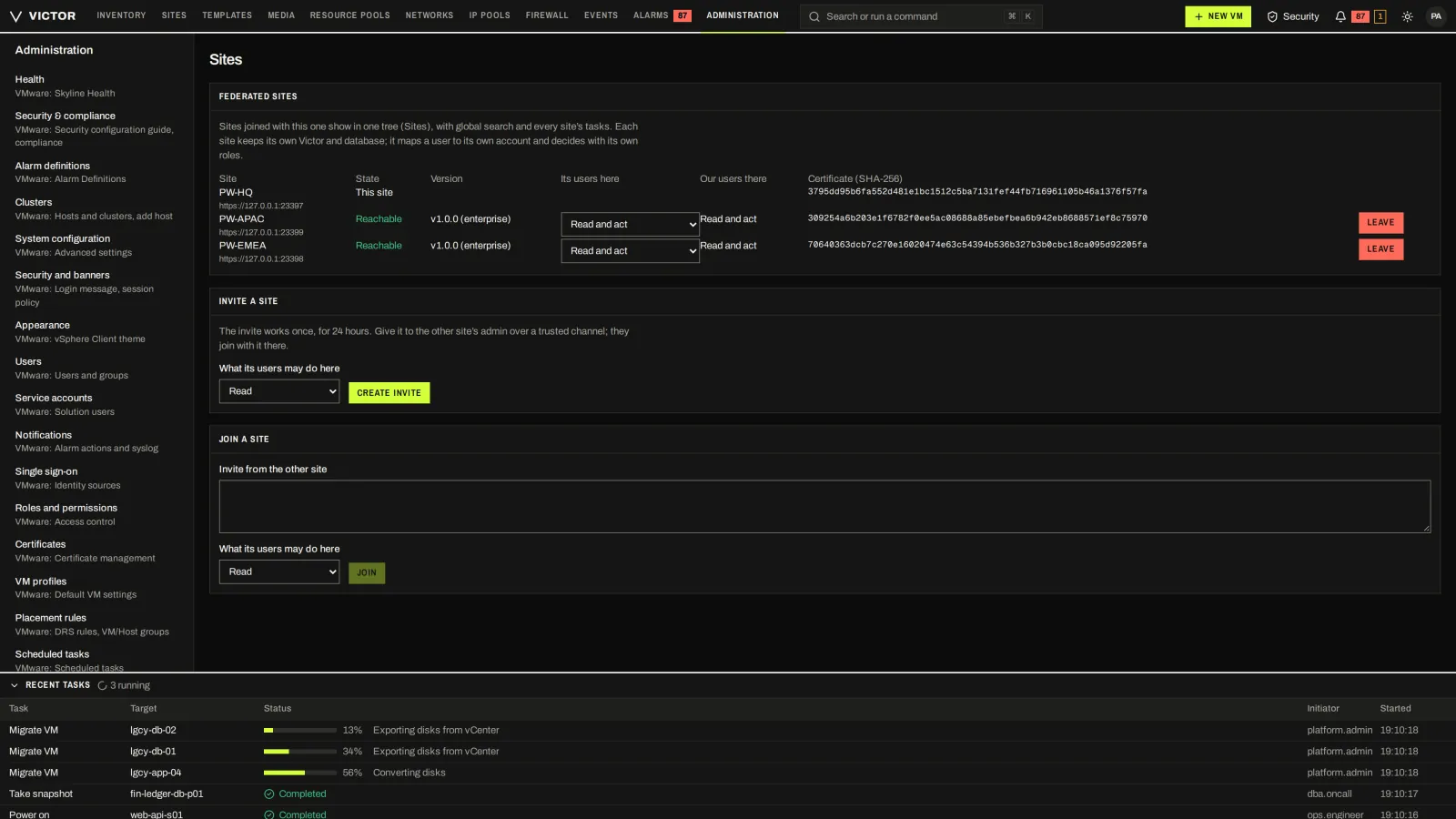
Join and manage peer sites.
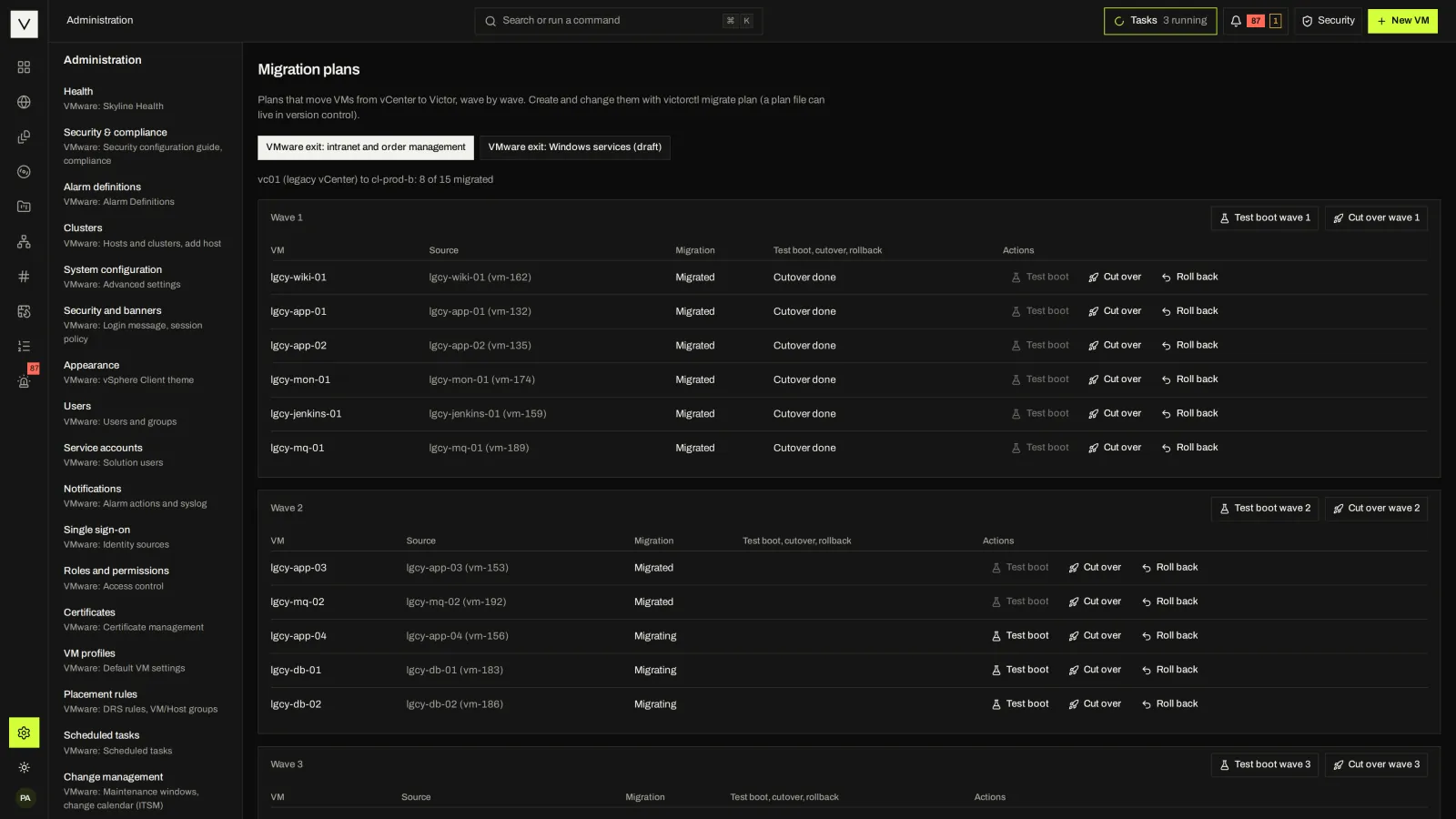
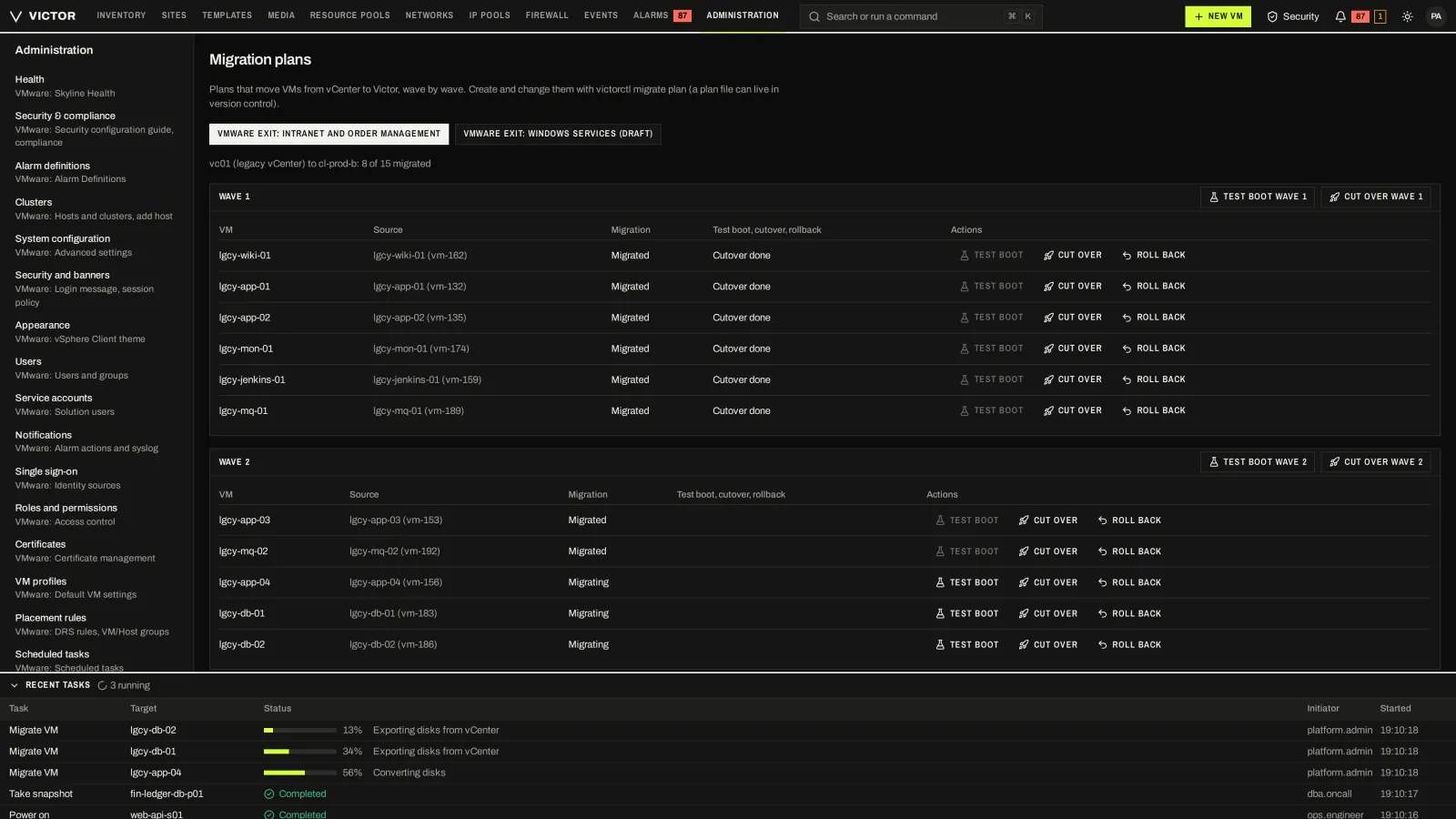
Enterprise migration plans: waves, test boot, cutover and rollback per VM.
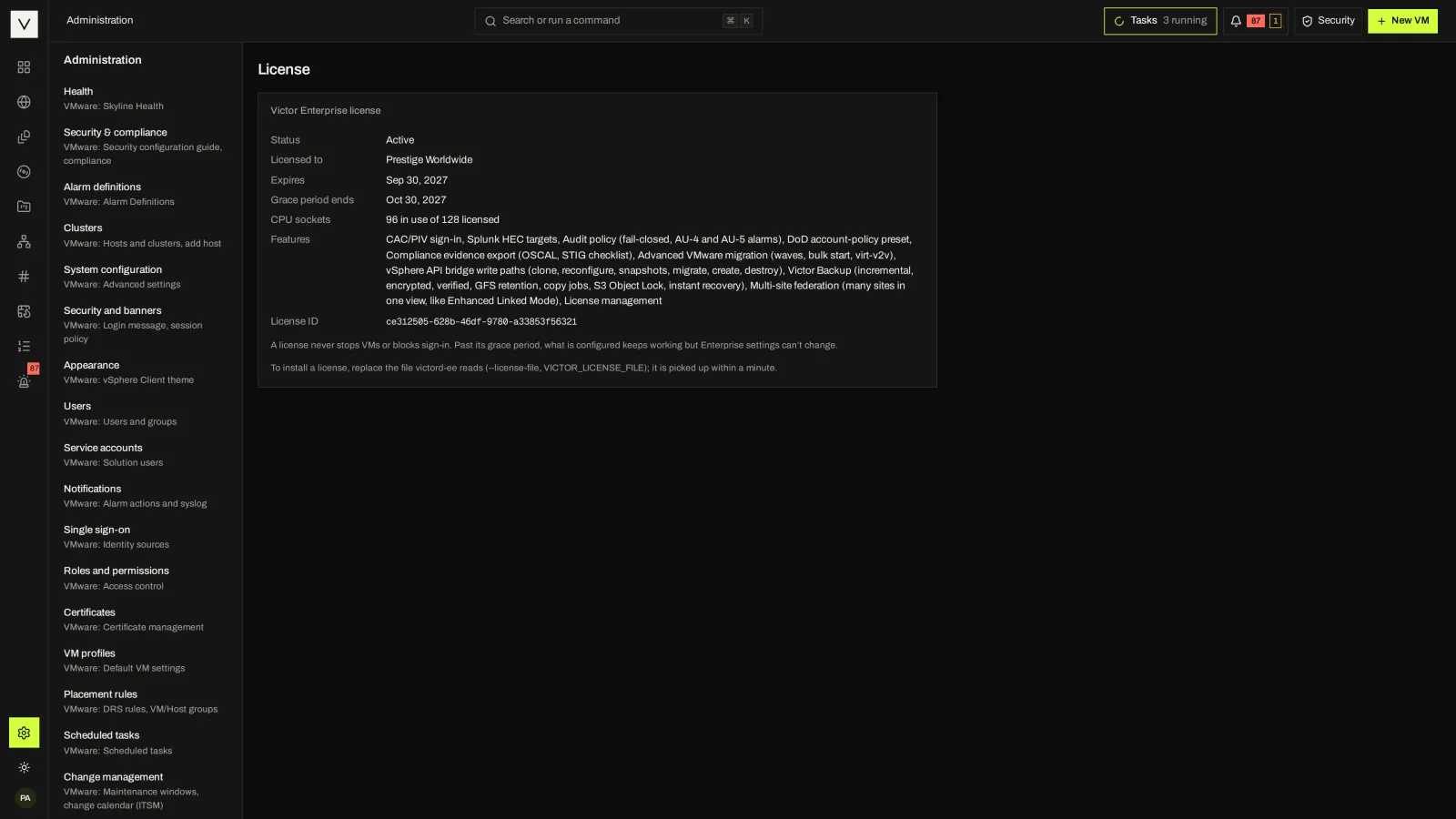
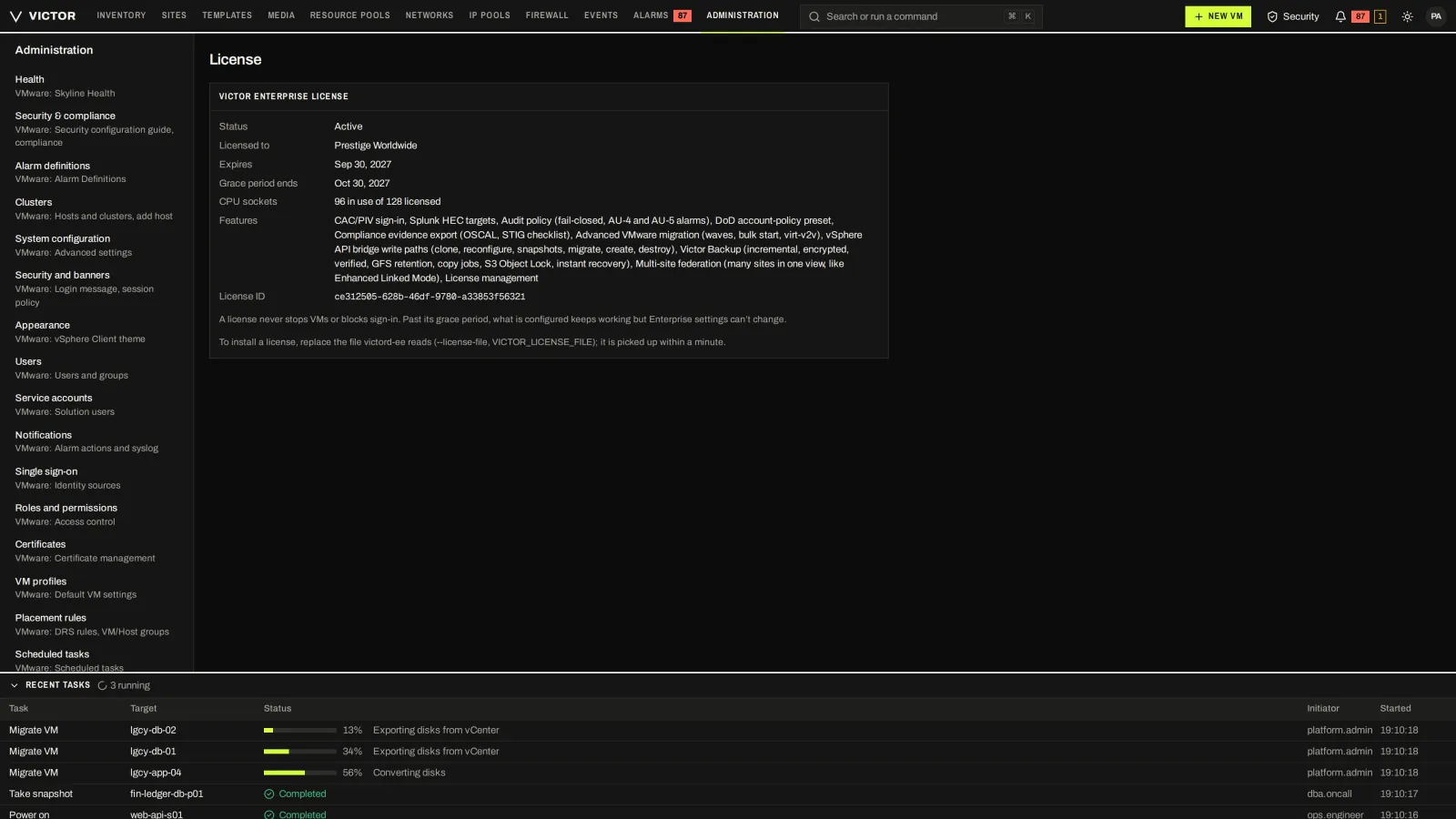
The offline, signed license file and the Enterprise features it enables.
All screens show Victor Enterprise. Most are identical in Community; Enterprise-only areas (federation, migration waves, advanced backup, compliance exports and license) are listed on the editions page. A sign-in footer reading v1.0.0 is the showcase build’s stamp; current releases are pre-1.0.
COMMUNITY VS ENTERPRISE
Community and Enterprise share one product. Some Enterprise-only features, such as multi-site, migration cutover and advanced backup, are explained on screen in Community; Enterprise-only admin pages such as License and Compliance don’t appear.
Compare the Sites screen in each edition. The Security & Compliance Center, by contrast, is the same in both.
Compare editions row by row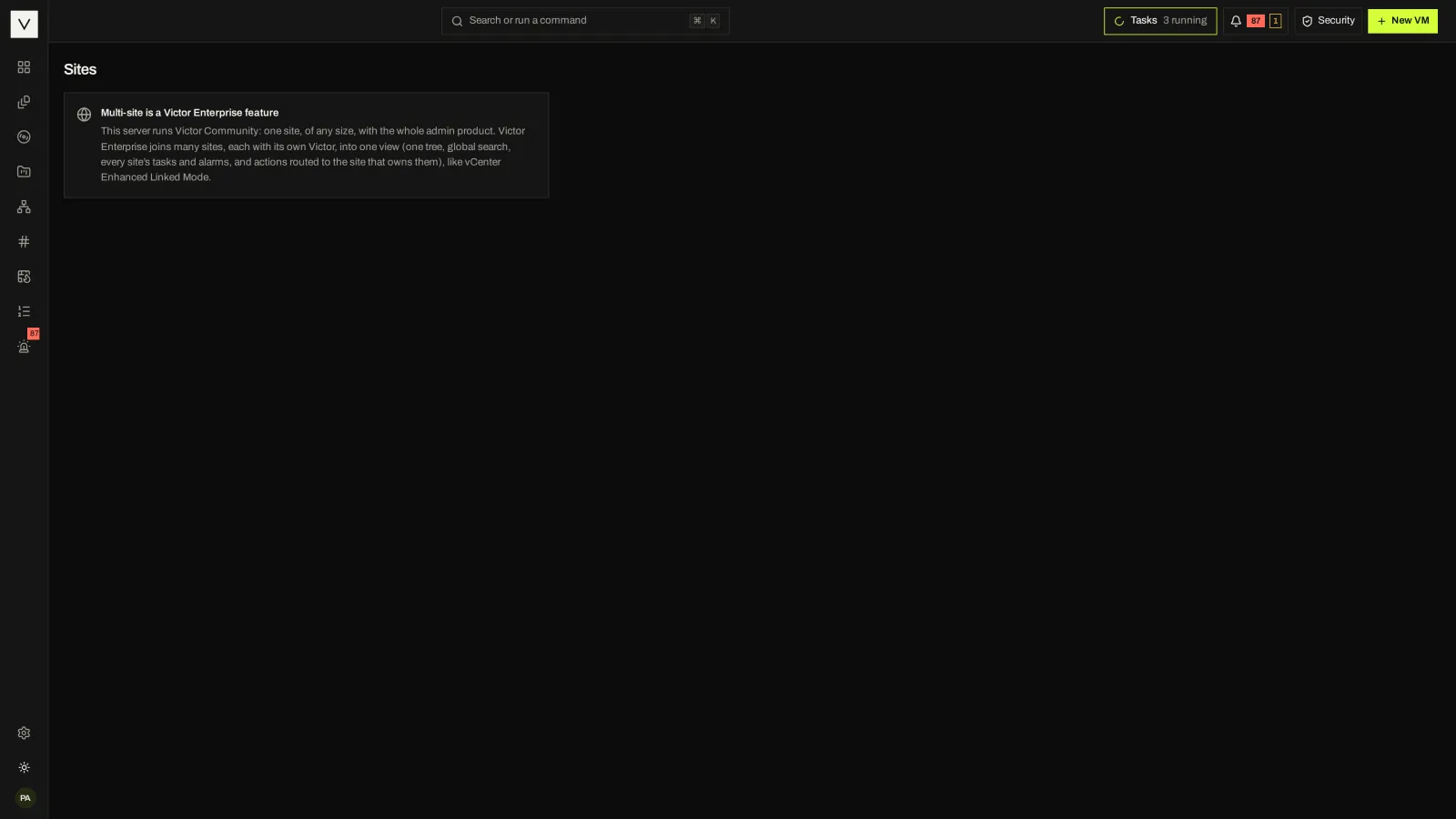
REGULATED SITES
A consent notice before sign-in and a classification banner at the top and bottom of every page are standard settings. So a site can show the USG notice. The Enterprise DoD preset applies DoD account policy in one step and turns off guest operations and the MCP endpoint.
Public sector and air gapADD SELF-SERVICE
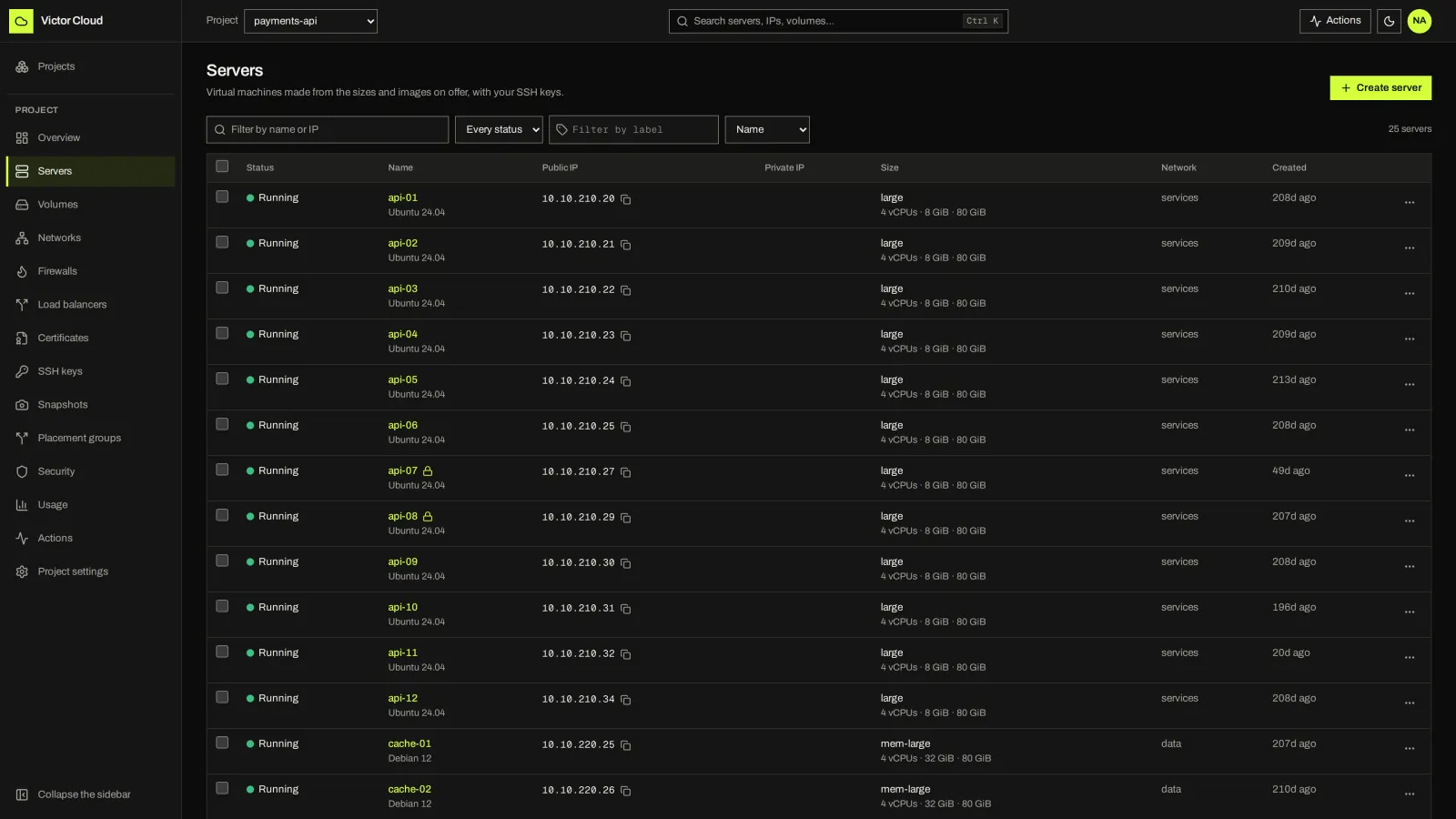
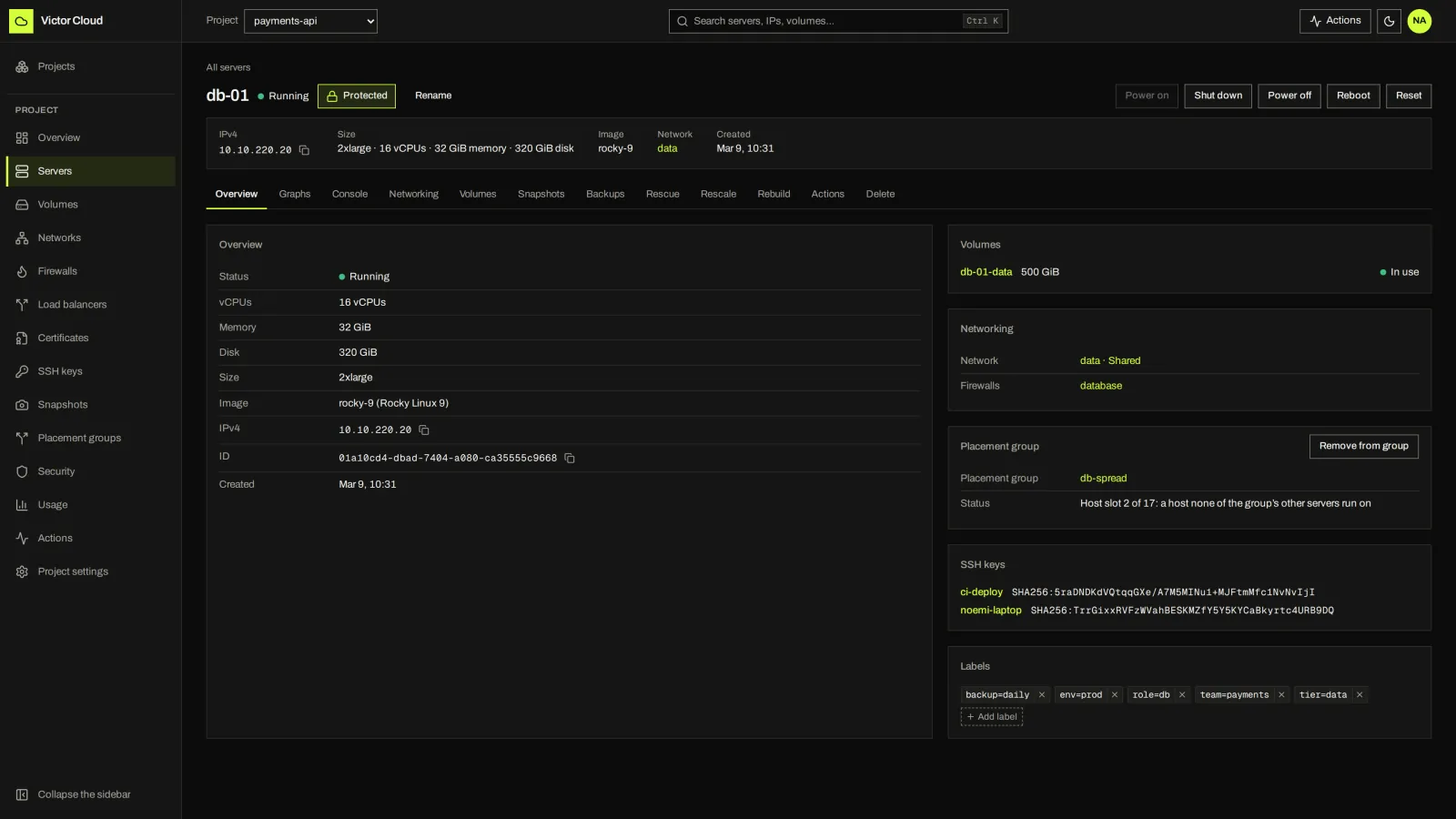
Victor manages your virtualization infrastructure. Add Victor Cloud to let teams provision servers, volumes, networks, firewalls and load balancers within the capacity and offerings your administrators publish.
Tour Victor Cloud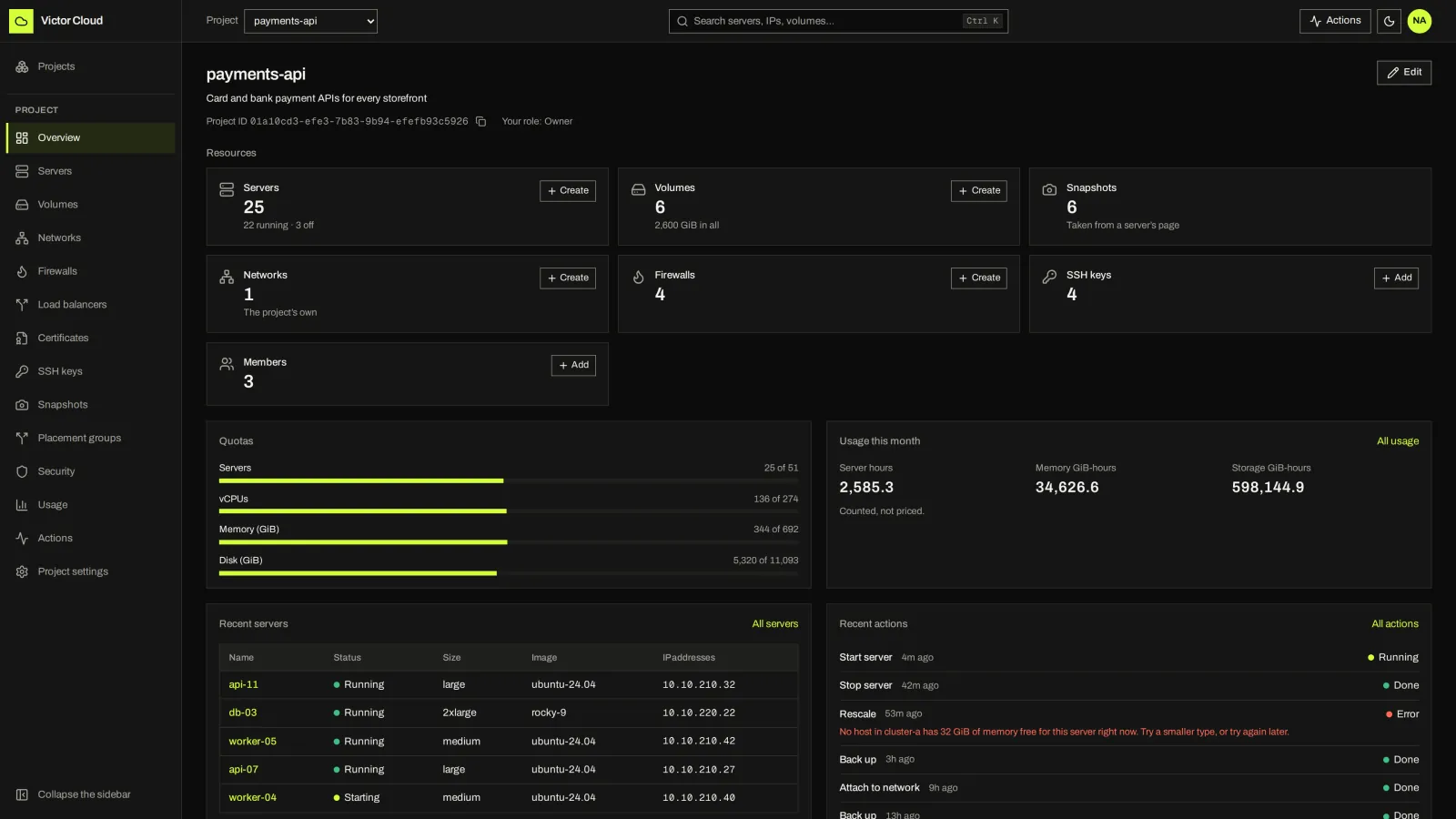
NEXT STEP
A guided demo walks the same screens with your estate, edition needs and constraints in mind.